





Today we launched a public preview of Halide Mark III, the next generation of our flagship photography app. When you download today's Halide update in the App Store, you'll find a new "③" button to switch to Mark III.
Mark III is still a work in progress, and we'll share more details about that at the end, but we're ready to start sharing what we've worked on for the past year through a series of app updates alongside posts like this. Today, we're diving into Looks.
In the early days of digital photography, the look of a photo amounted to little more than contrast and color palette. In the era of smart phone photography, algorithms now alter lighting, local contrast and much more. Consider these four different interpretations of exact same data.

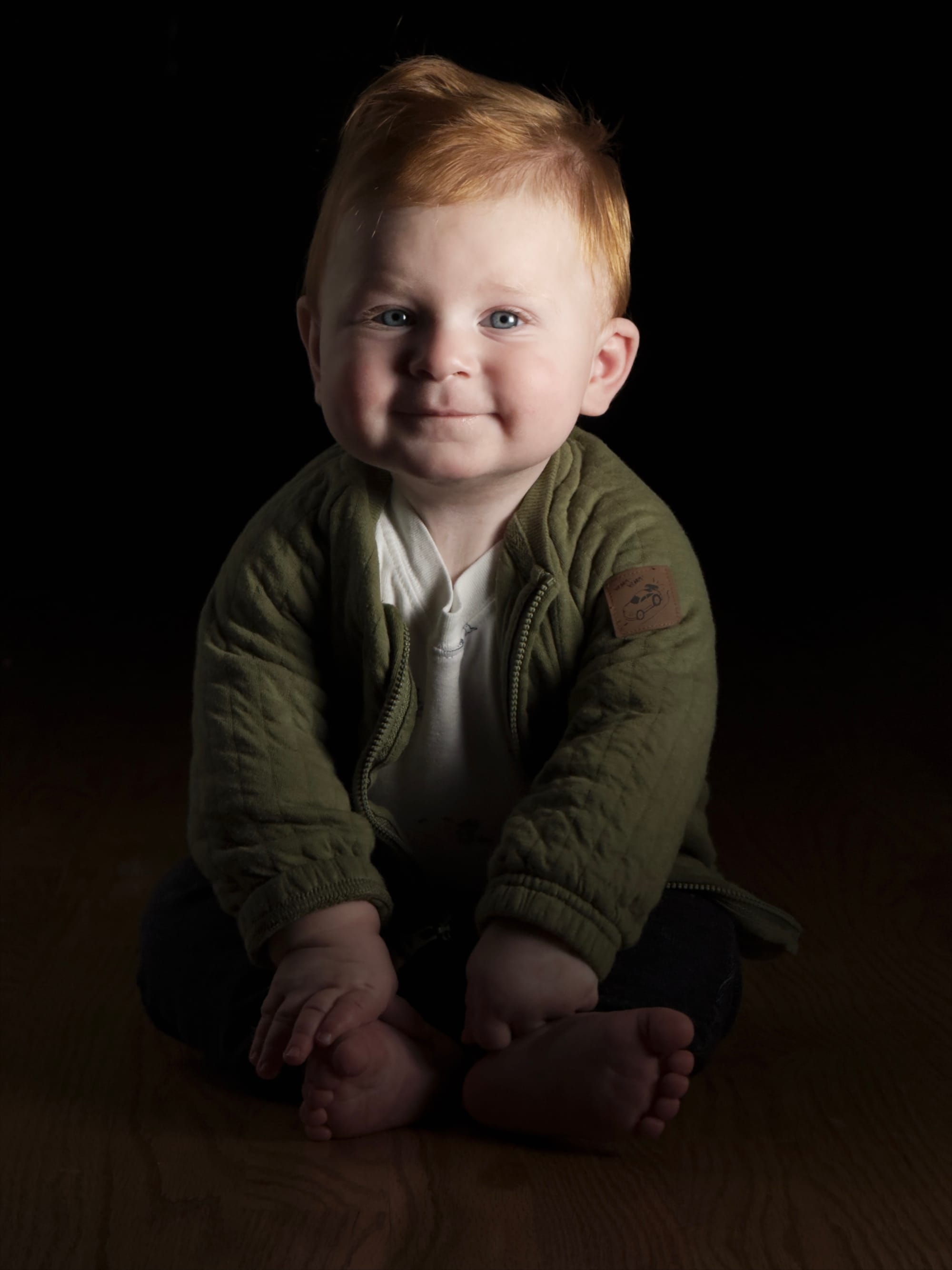
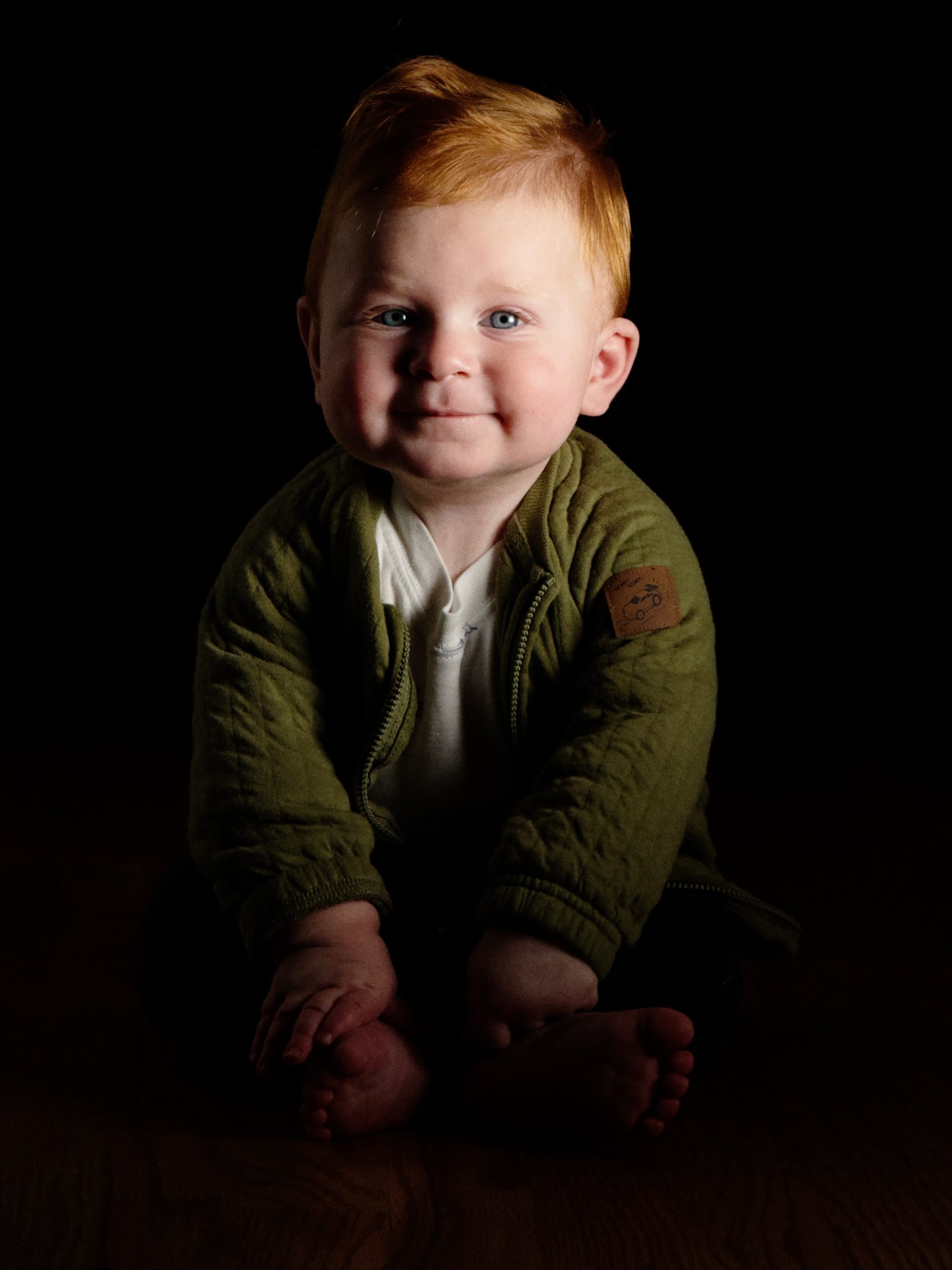
The first example is from the default the iPhone camera, which chose to "nope" most shadows
We don't point this to denigrate the first-party camera, which serves a billion people. It does this through simplicity. You tap a button, you capture a decent photo. Most people, most of the time, people want to see details in shadows and highlights.
The convenience of smart cameras has the unintended consequence of making everyone's photos feel the same. It's reached a point where folks who want a unique look to their images buy old digital cameras that lack algorithms. Others download advanced apps, only to be overwhelmed by hundreds of presets that all kind of feel the same.
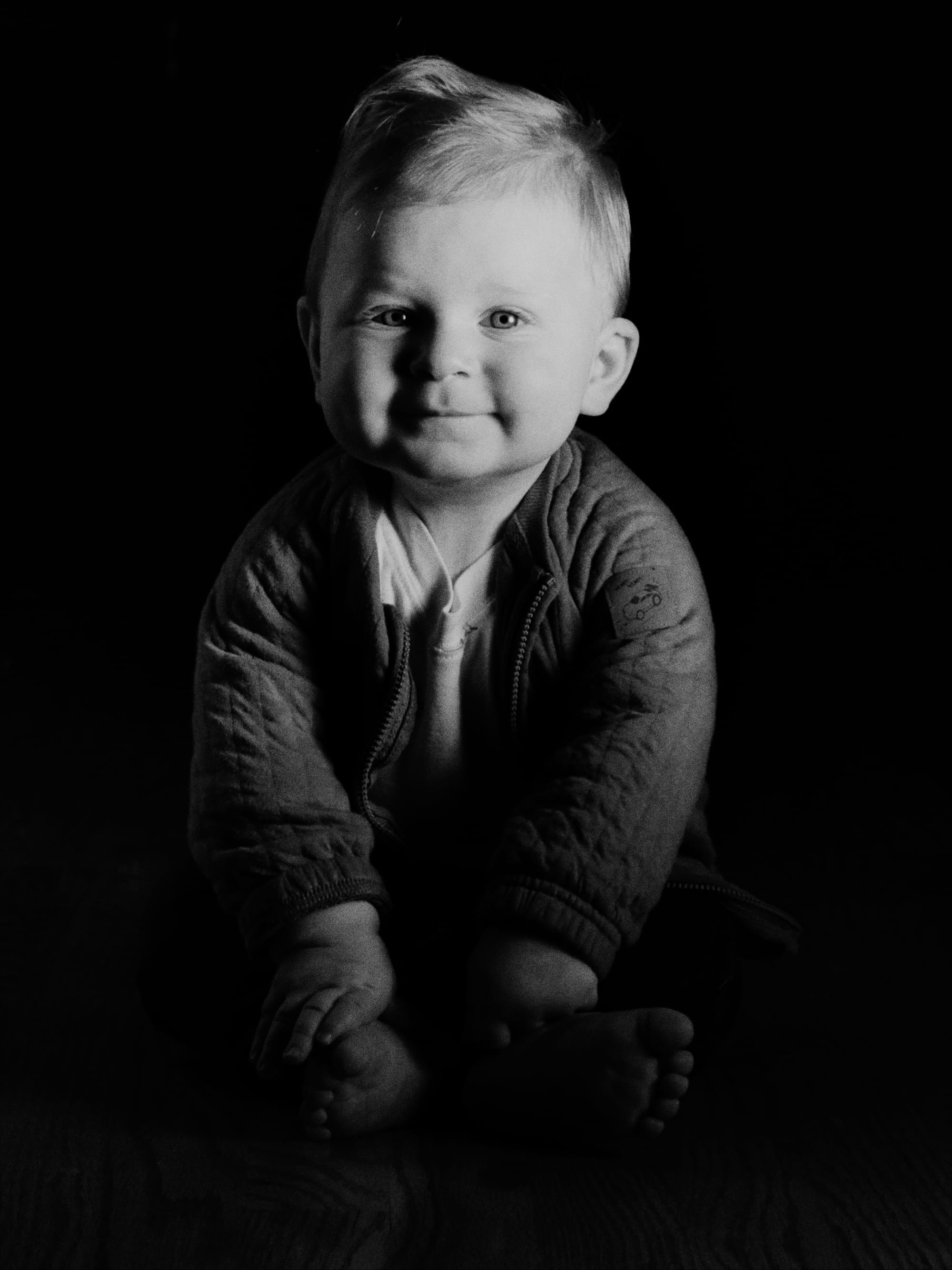
This was my life until a few years ago, when I woke up one morning and found myself bored with digital photography. That's an awful place to be after a decade building camera apps. So I did what every millennial does in a midlife crisis and took a deep dive into analog photography.
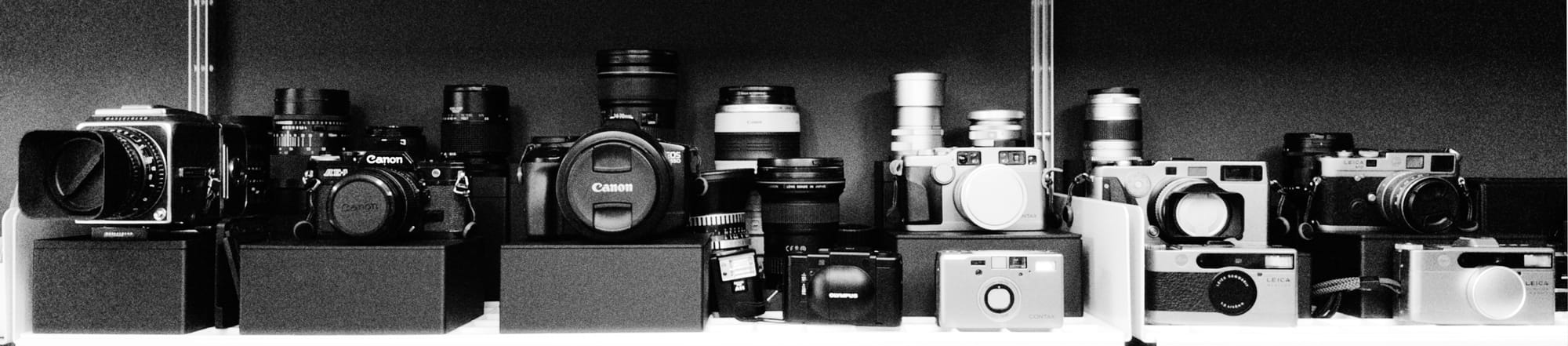
It starts innocent enough. You buy a Canon AE-1 off the internet, remove the dead fly from inside the lens, and shoot your first roll. Next thing you know, there's a camera collection.
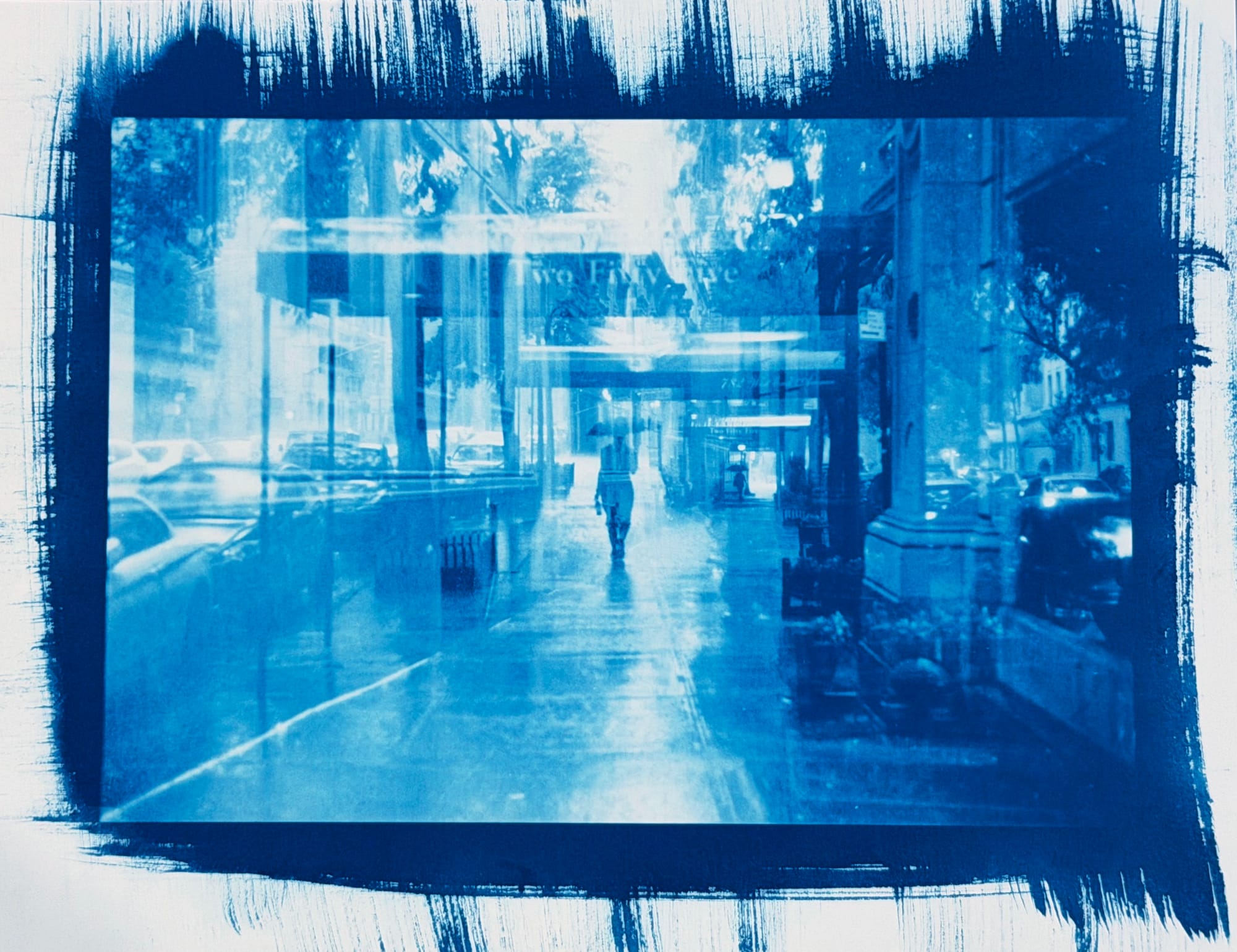
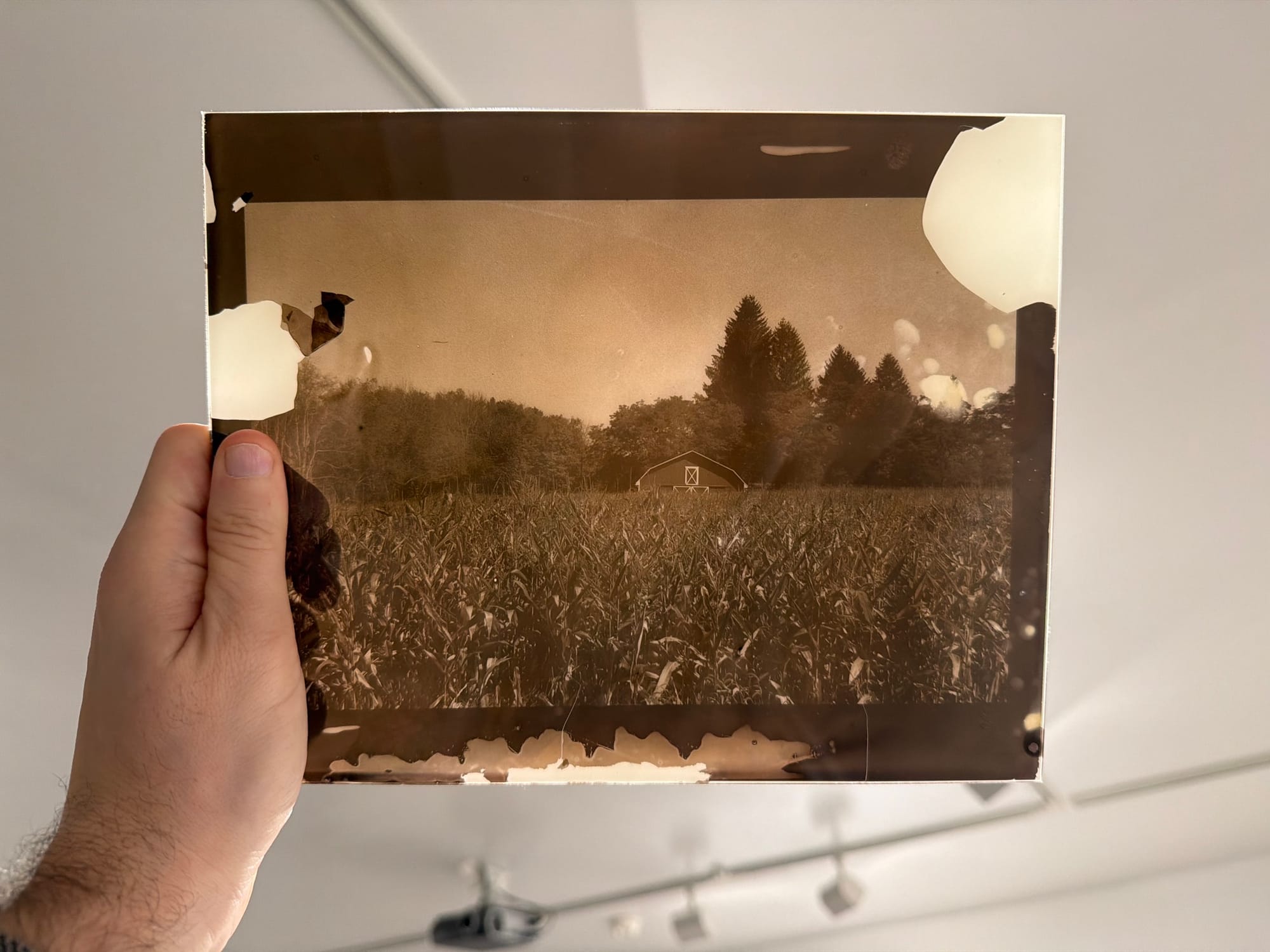
You learn to develop film at home. Then you dig into alternative processes like cyanotype, colloidal chloride, and platinum palladium.
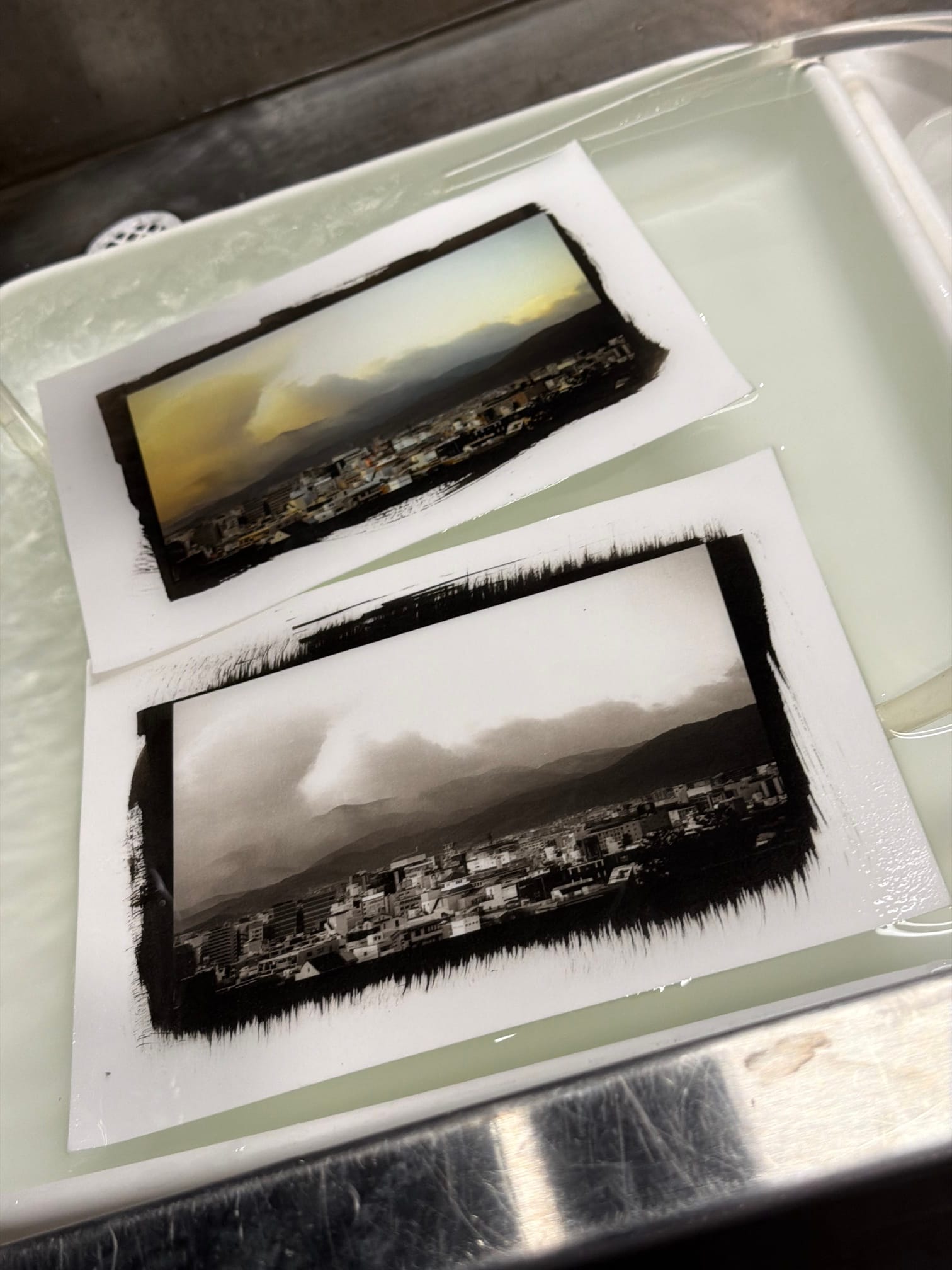
This path ends in Hillsborough, New Jersey, buying a discontinued lab scanner, yellowed from age, trying to explain to the seller what you do for a living.
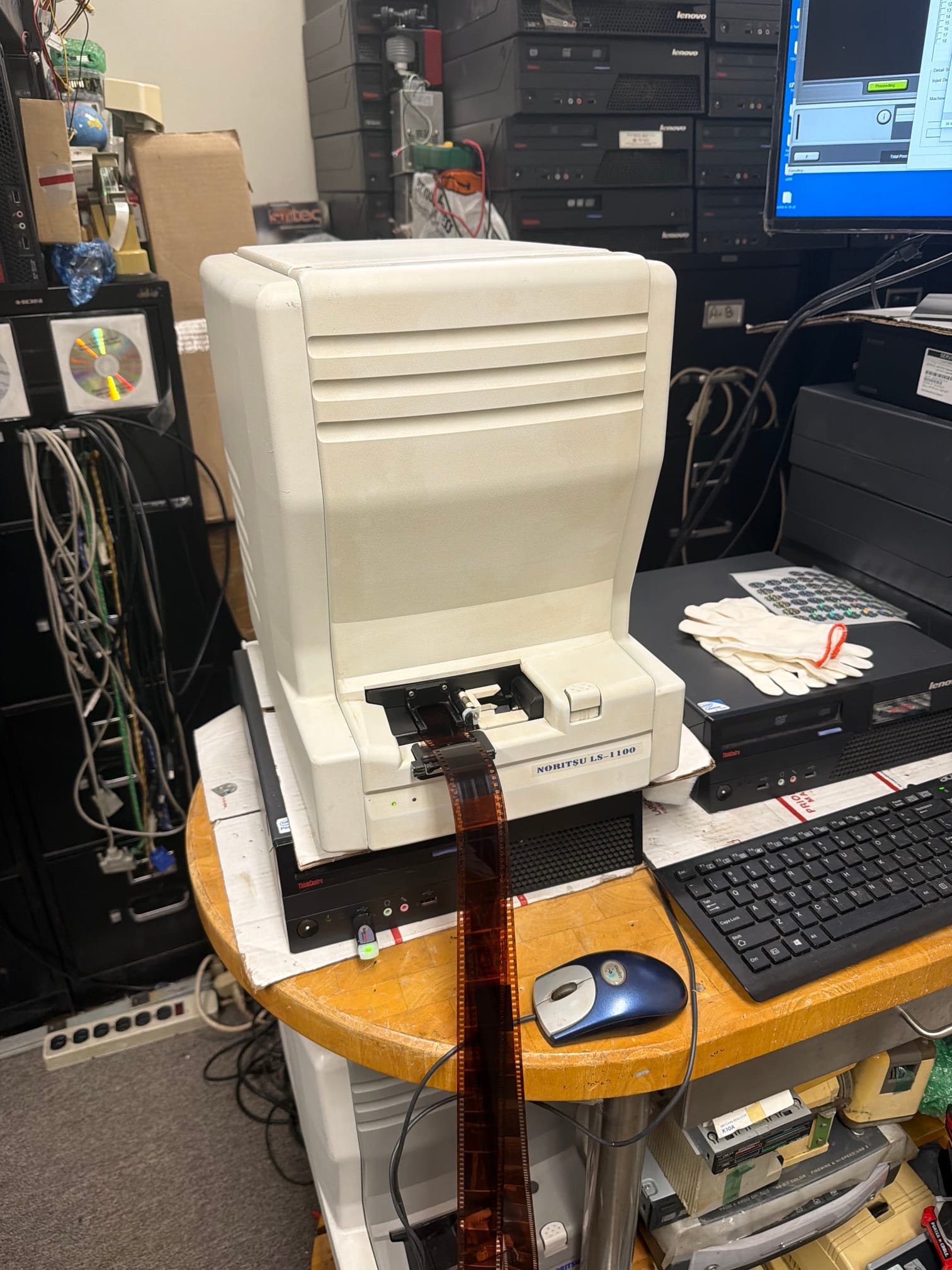
Wait, what was I talking about? Oh, digital photography.
I grew up during the transition from film to digital, so I assumed that convenience and flexibility made digital inherently better. Revisiting film decades later, I appreciate the constraint. An "out of the box" look frees me from worrying about histograms and bit-depths. I found joy popping a roll of film in a camera and just shooting. Some of my favorite results came from accidents.
If there is a single goal of Halide Mark III, it's to marry the simplicity, joy and beauty of analog photography with the power and convenience of digital.
It starts with embracing a film stock metaphor, but it's about much more than film emulation. We're calling them "Looks."
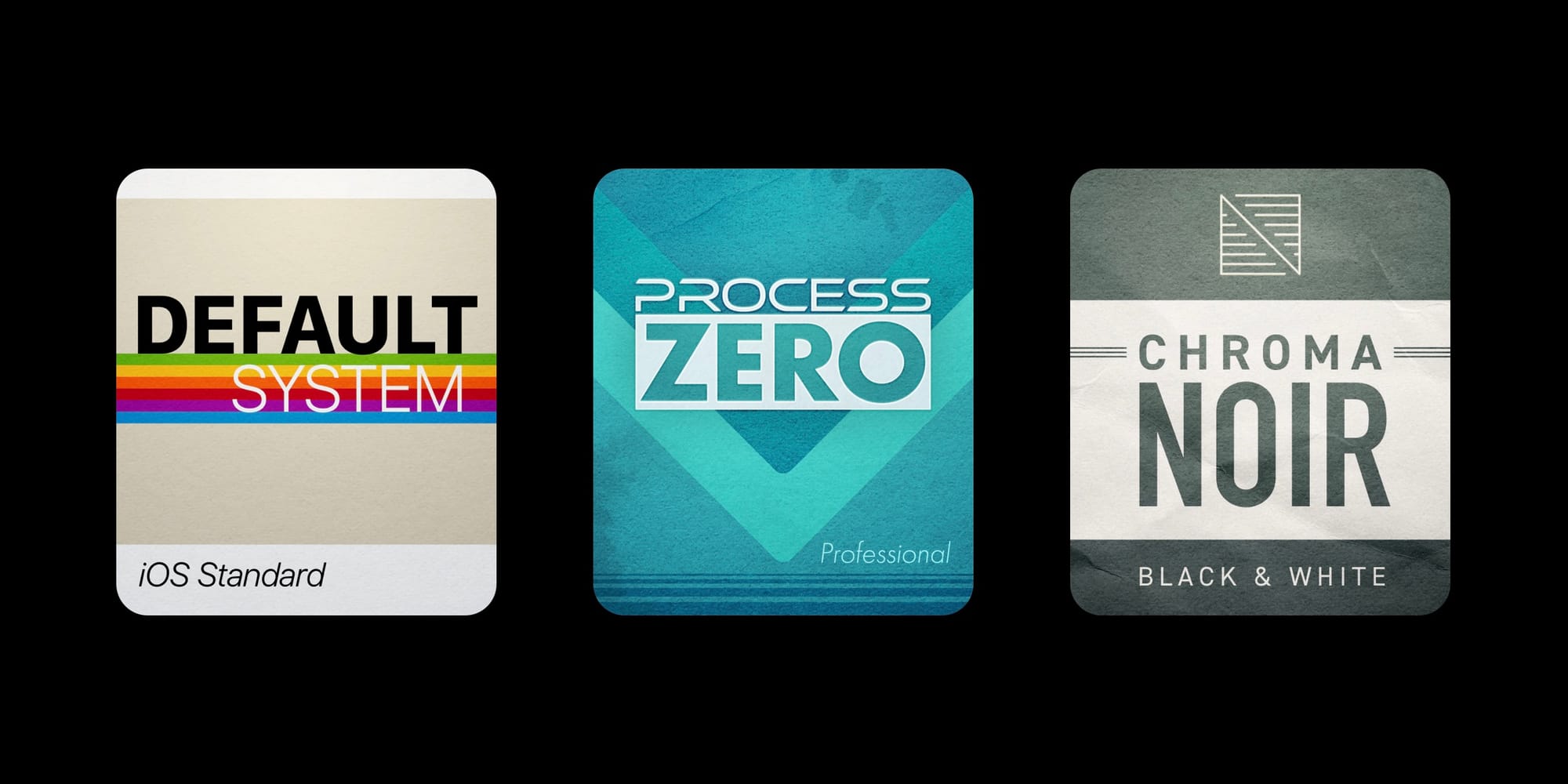
Typical photo-preset apps simply swap a photo's color palette. Halide's Looks are capable of much more, virtue of being part of the camera itself. When you select a look, it changes the way the camera captures a photo and interprets the results. For the best results, you should pick the final look at the time of capture.
But if you aren't ready to decide, shoot with RAW and you can try different looks in the Image Lab.
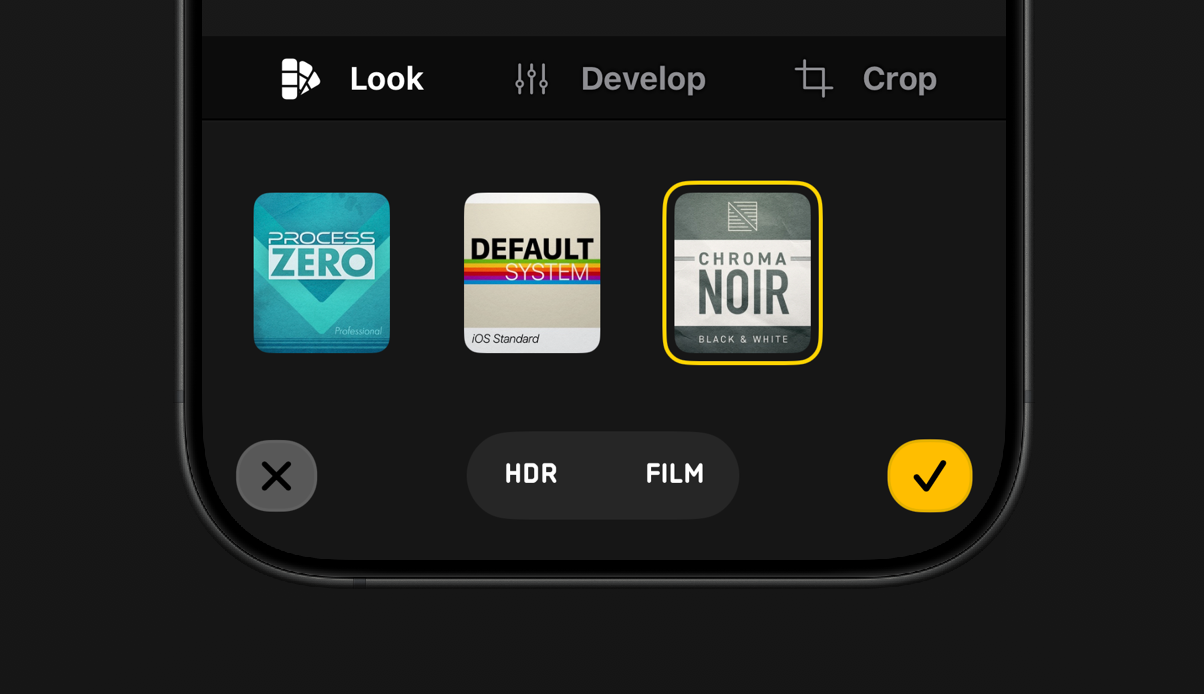
The Default look matches the iPhone's built-in camera app, algorithms and all. This is great if you want convenience with a little extra control, such as manual focus.
Our next look is Process Zero II, the second generation of our acclaimed look we launched it a year and a half ago. The Process Zero disables all computational photography at the time of capture, for photos with stronger contrast, subtler details and an overall more natural feeling.
Left: Default Camera. Right: Process Zero.

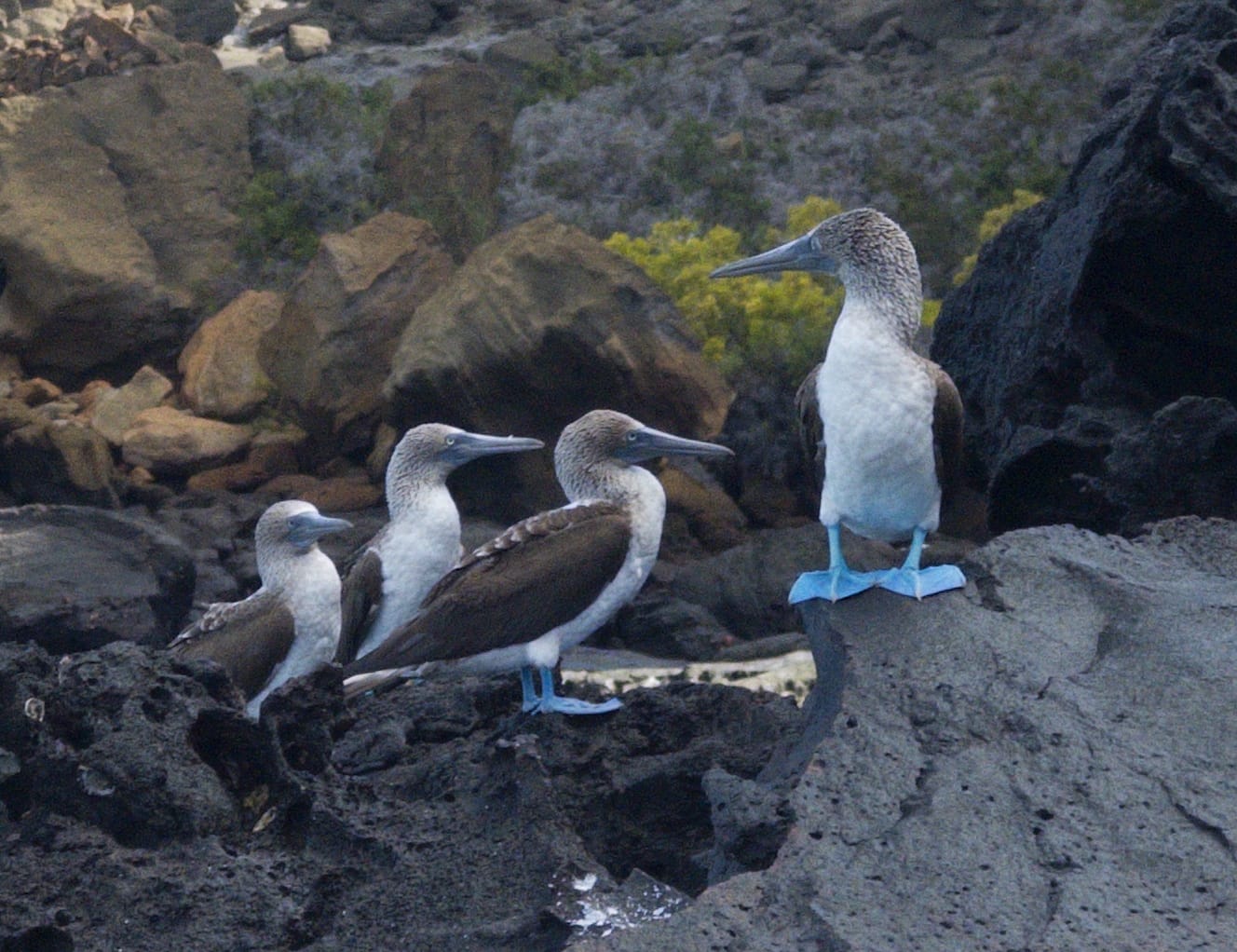
Left: Default Camera. Right: Process Zero.
We added a "II" to Process Zero because it's receiving a few big upgrades, starting with High Dynamic Range Photography. For the full details on the power of (tasteful) HDR, can check out a lengthy deep-dive we shared last year. In short, HDR is perfect for dramatic, high-contrast scenes, such as sunsets.
HDR also leaves more room in the highlights for vibrant colors.

The same photo in HDR
At the same time, we recognize that the use of HDR is a creative choice, no different than your choice to shoot in color rather than black and white. Many scenes look better in SDR, such as this foggy, low-contrast morning in Osaka.
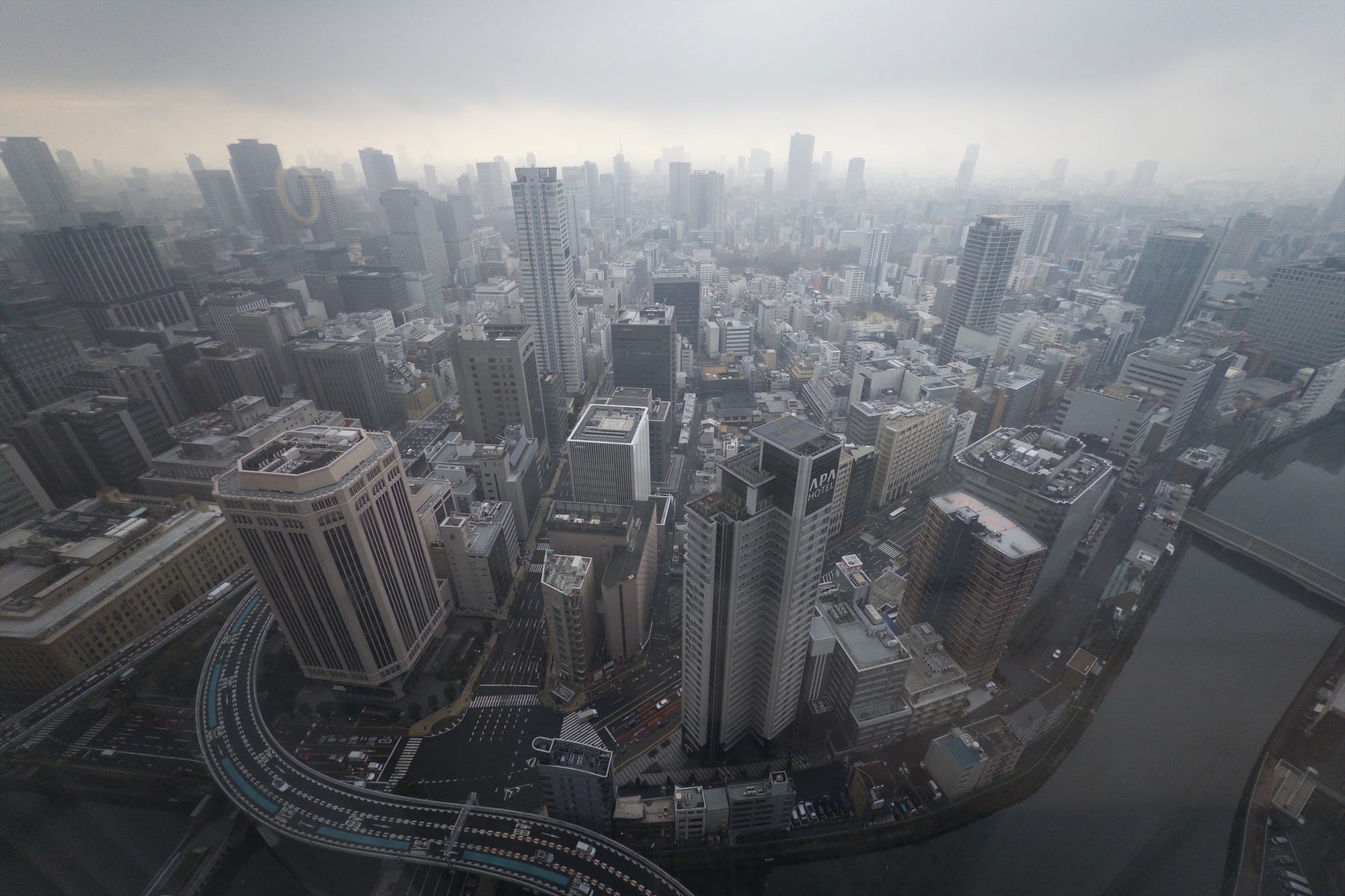
If you can't design whether or not HDR is right for your shot, you can just shoot with RAW enabled and play with both version in Halide's Image Lab. If you ultimately decide HDR isn't your thing, you can turn it off by default in settings.
Process Zero Meets ProRAW
Every iPhone shipped since 2015 has supported RAW photo capture, but RAWs came with a serious drawback: they often look bad before editing. Out of the box, parts of your photo appeared under or over exposed.
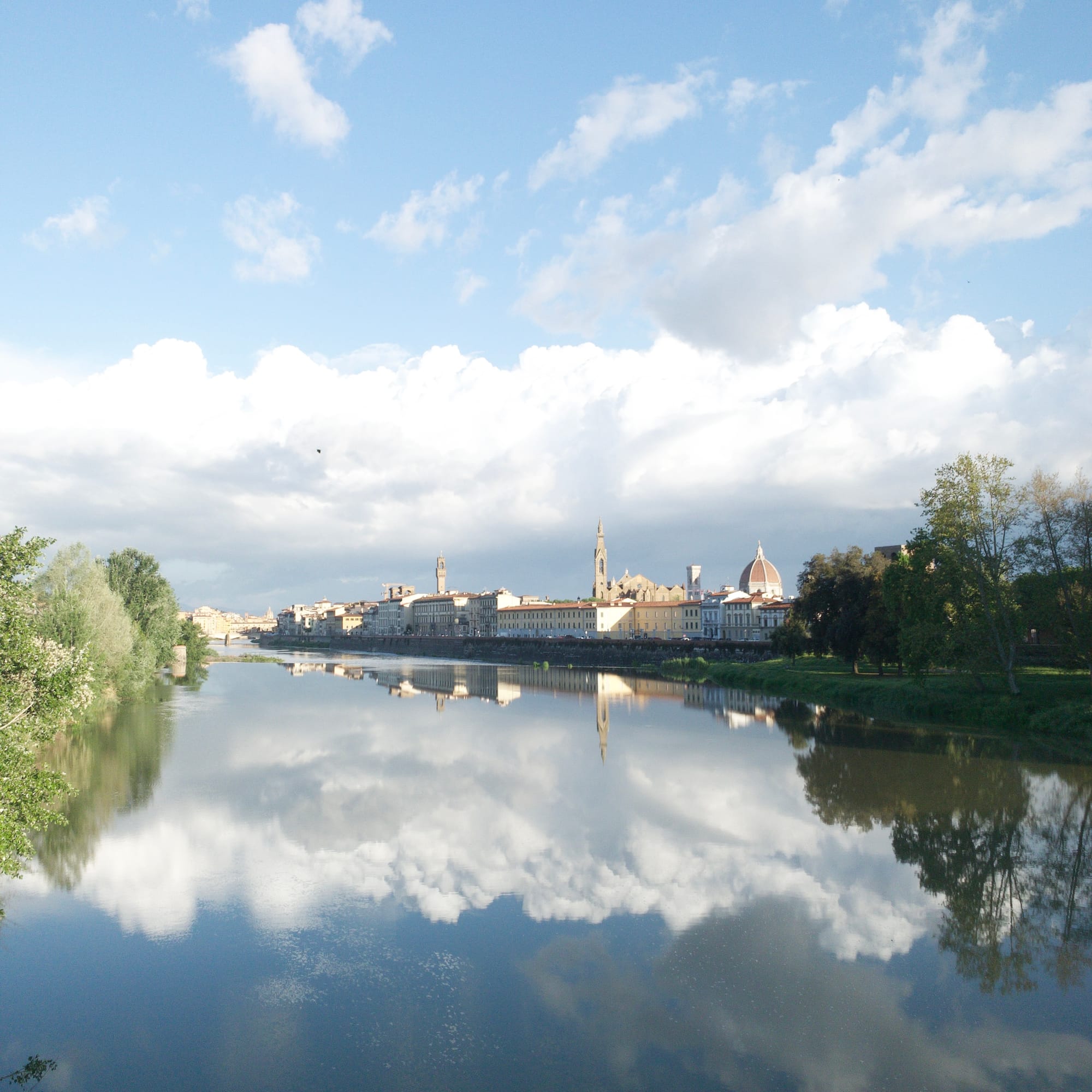
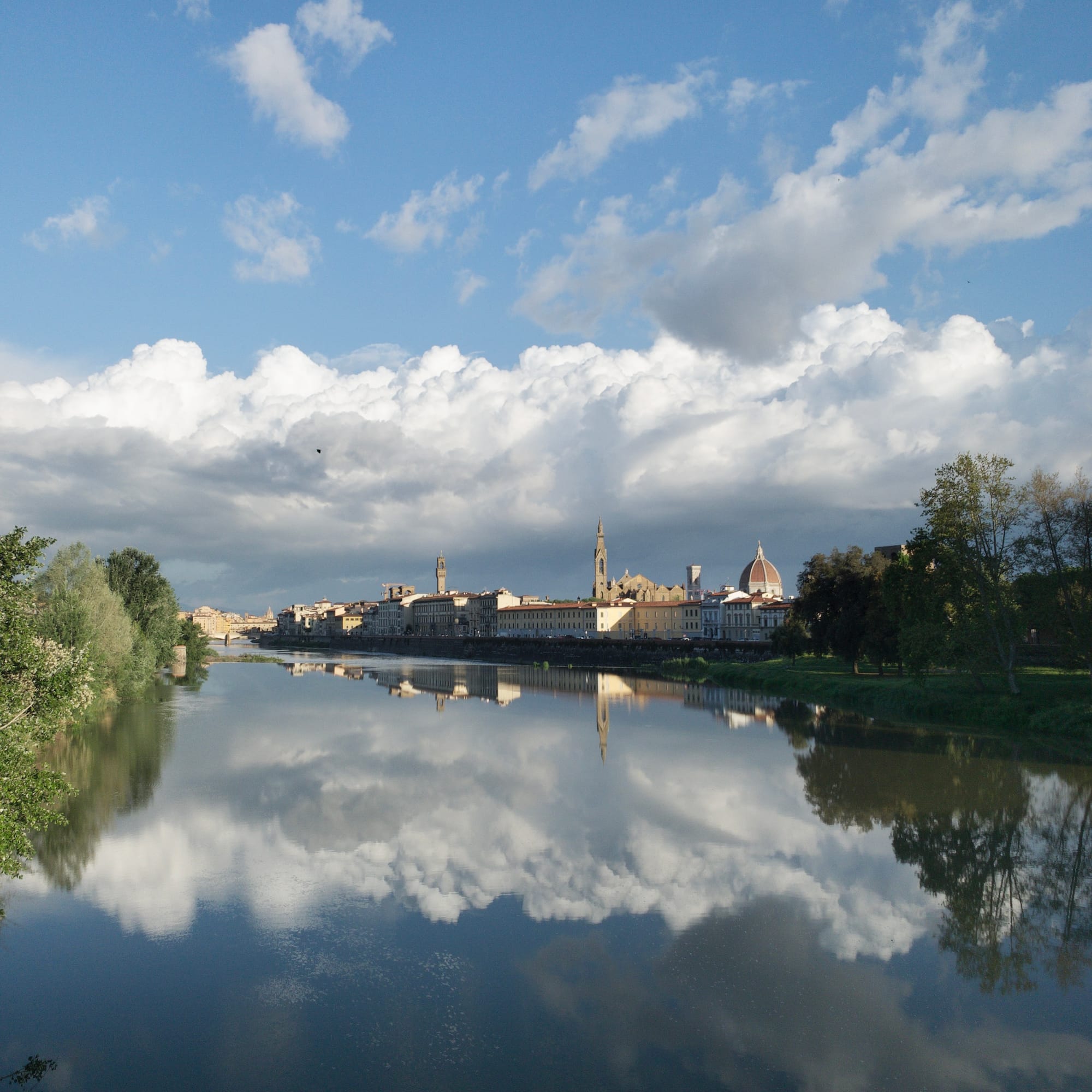
A typical classic-RAW before and after a few adjustments.
In 2020, Apple launched their own variant of RAW called ProRAW. It combined the flexibility of editing in RAW with power of Apple's computational photography. Unlike classic RAWs of yesteryear, ProRAW gives you Apple's default appearance without touching an editor.
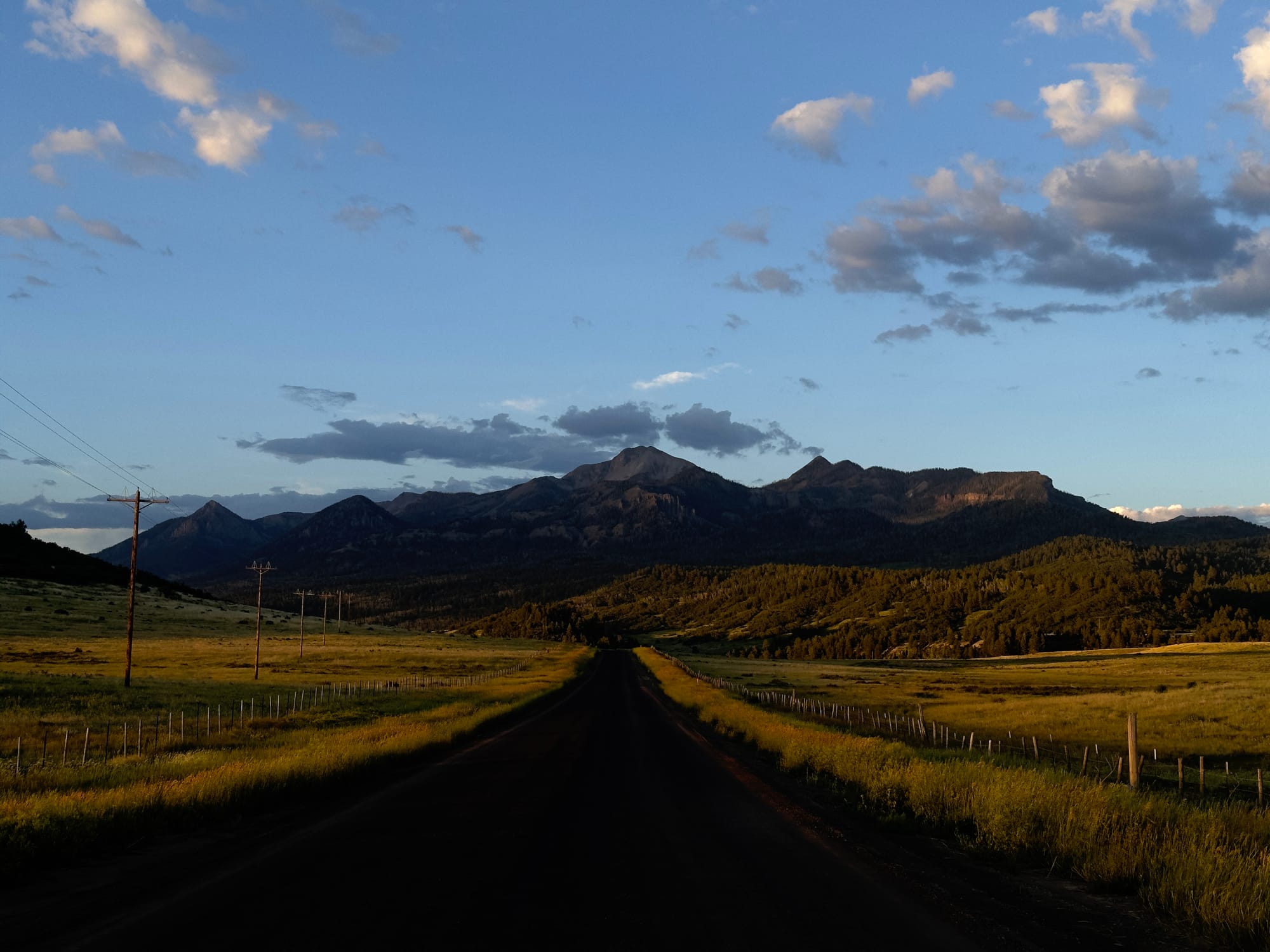

ProRAW with its automatic adjustments off and on.
But sometimes you might disagree with Apple's algorithms. Consider this vivid sunset; the details in the clouds are lost with the default iPhone look, while the Process Zero look preserves them.
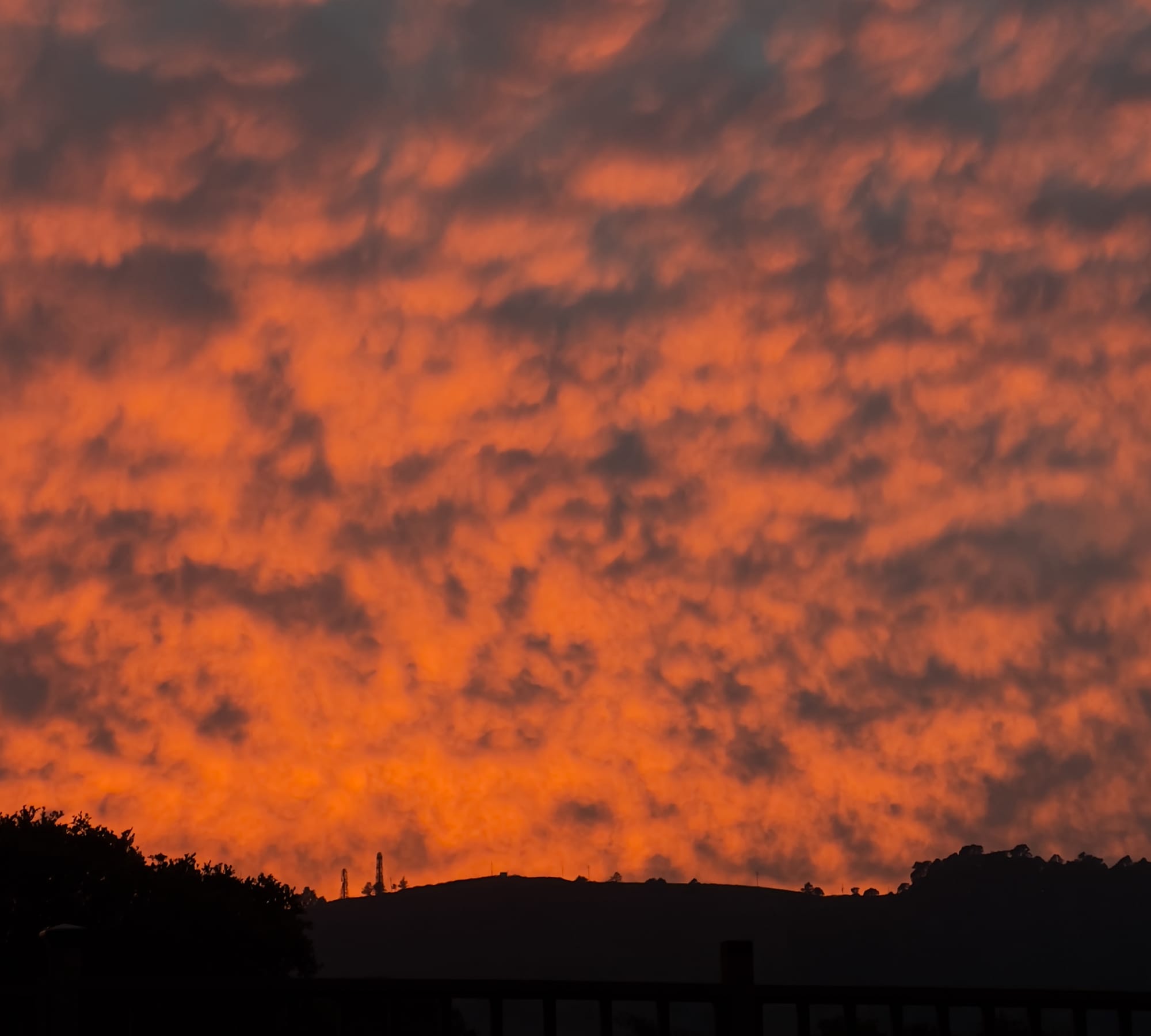
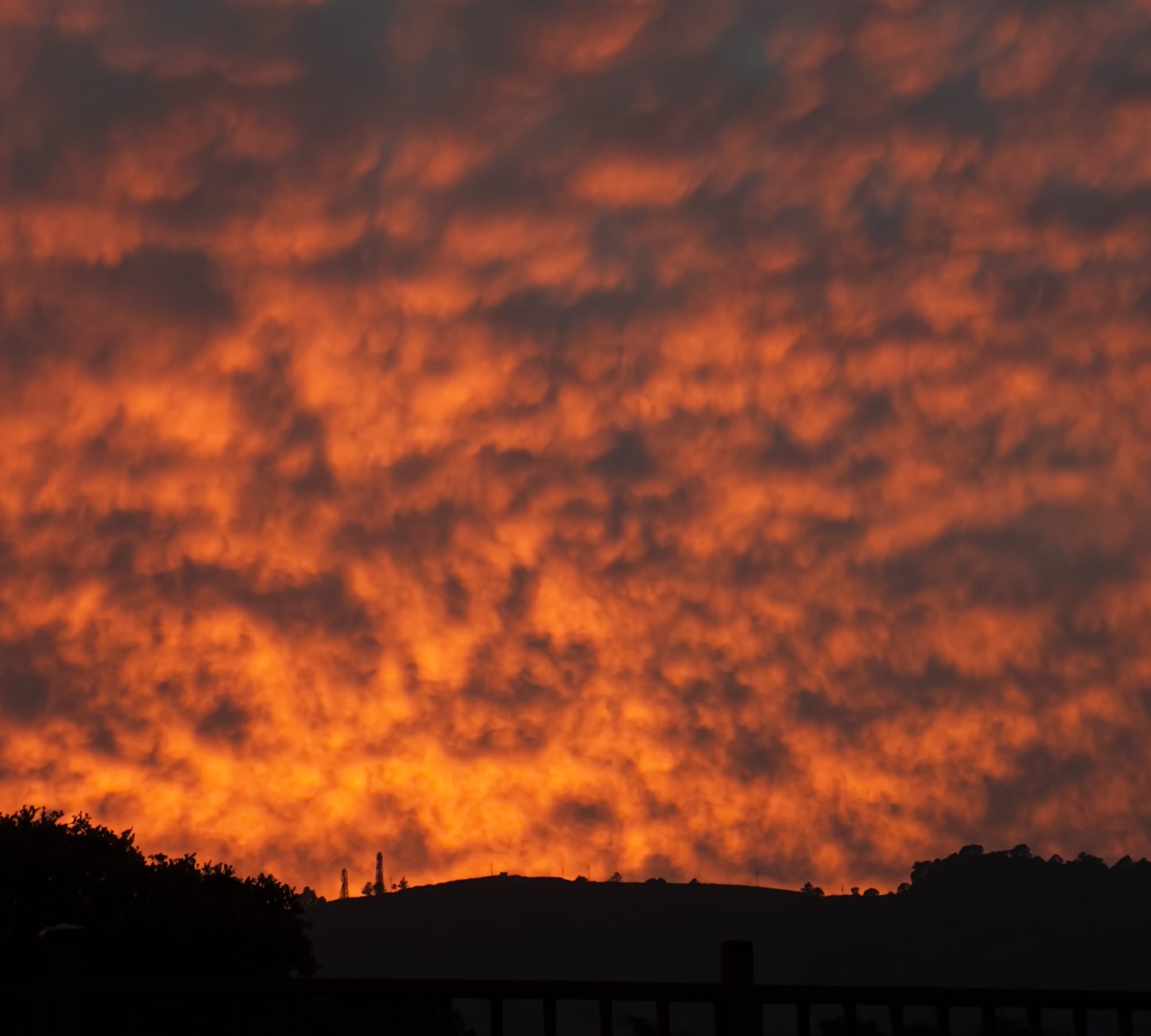
Left: Sunset shot with ProRAW with default SDR Rendering. Right: the same ProRAW with Halide's alternate processing.
In the past, you had to decide between the flexibility of Apple ProRAW or the natural look of Process Zero. Not anymore. With Halide Mark III, you can quickly experiment with ProRAW and Process Zero looks, after the fact.
Not only does this give you flexibility, you can even apply Process Zero to modes only available in Apple's camera app, such as Night Mode.


The same ProRAW. Apple vs Process Zero.
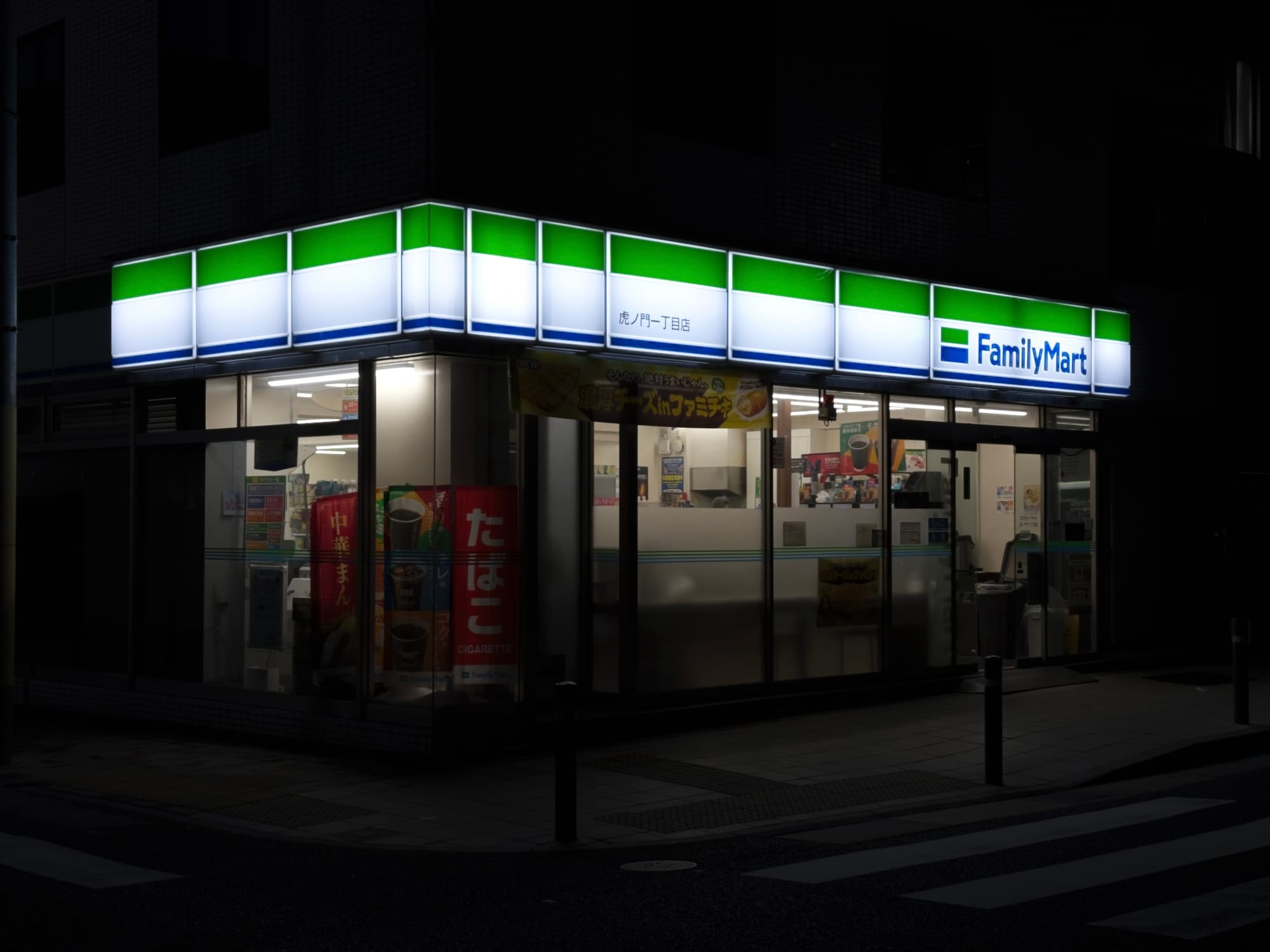
But turning off algorithms comes with a tradeoff: you've turned off algorithms! Sometimes you want more details in shadows or highlights. Consider that example above. Sure, we could fiddle with the exposure slider to bring down the brightness of the Family Mart sign, but reducing overall brightness hides details in the rest of the scene.
This is not a new problem. Analog photographers solved this by "dodging and burning" their prints in the darkroom.
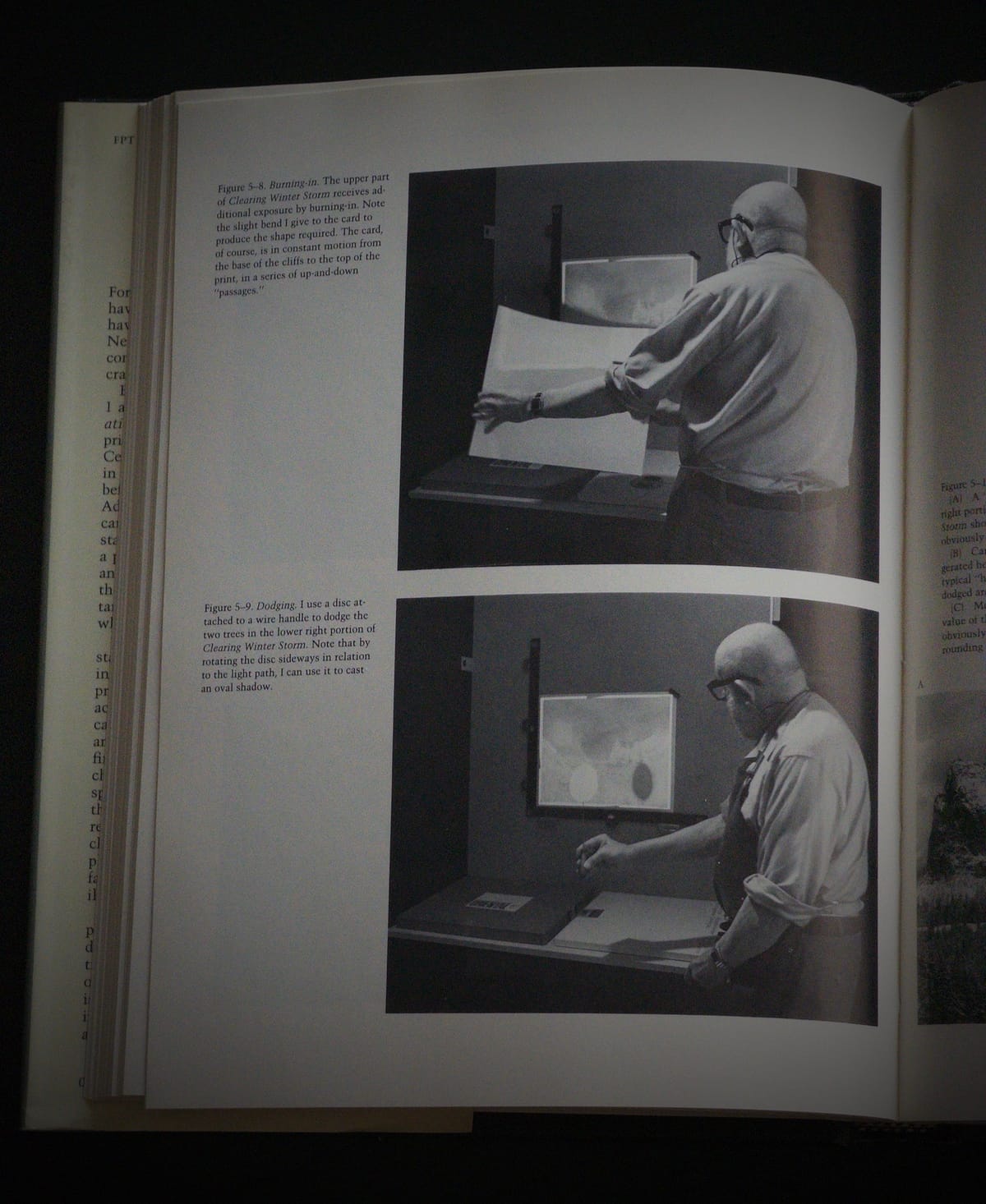
With Mark III, we're including a single Tone Fusion slider. It brings back details in highlights and shadows, in a style inspired by dodging-and-burning film.


Left: The original Process Zero photo. Right: The same photo after a gentle tone edit
Unlike Apple's algorithms, tone fusion is off by the default. We recommend applying a light touch, but even at extremes, we find the results feel more natural than letting a machine decide for you.


Left: the Apple camera version. Right: an extreme tone-edit in Halide.
We're proud to tell you that Tone Fusion does not use any AI. It uses pre-AI techniques to recover values already present in your image.
The Halide Film Engine
A conventional color grade just shifts colors around. Film operates in a much more complicated way, with chemical and optical characteristics that affect fine details. After studying these qualities over the last few years, and we're excited to launch our third Look, a medium-contrast black and white film we call Chroma Noir.
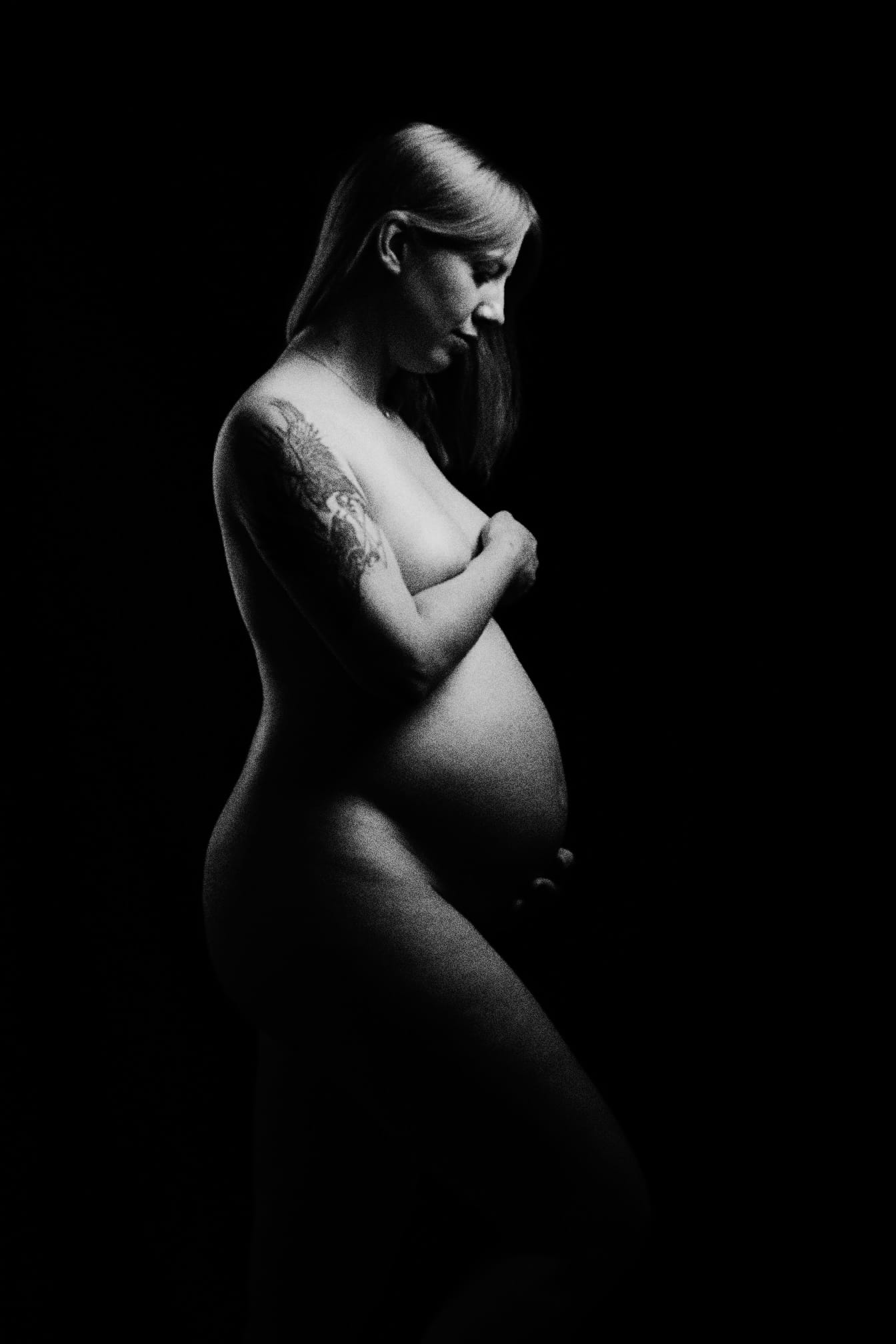
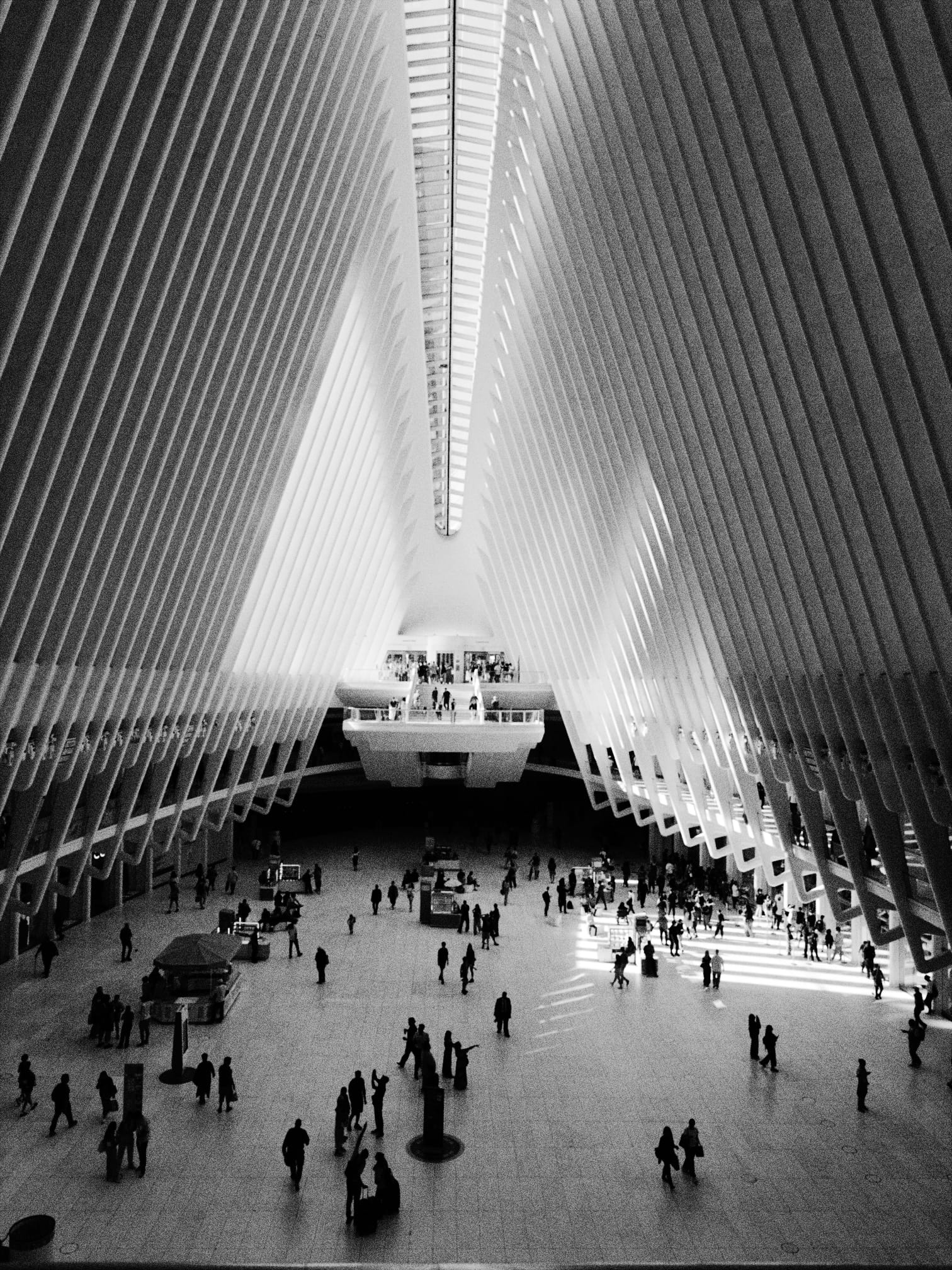
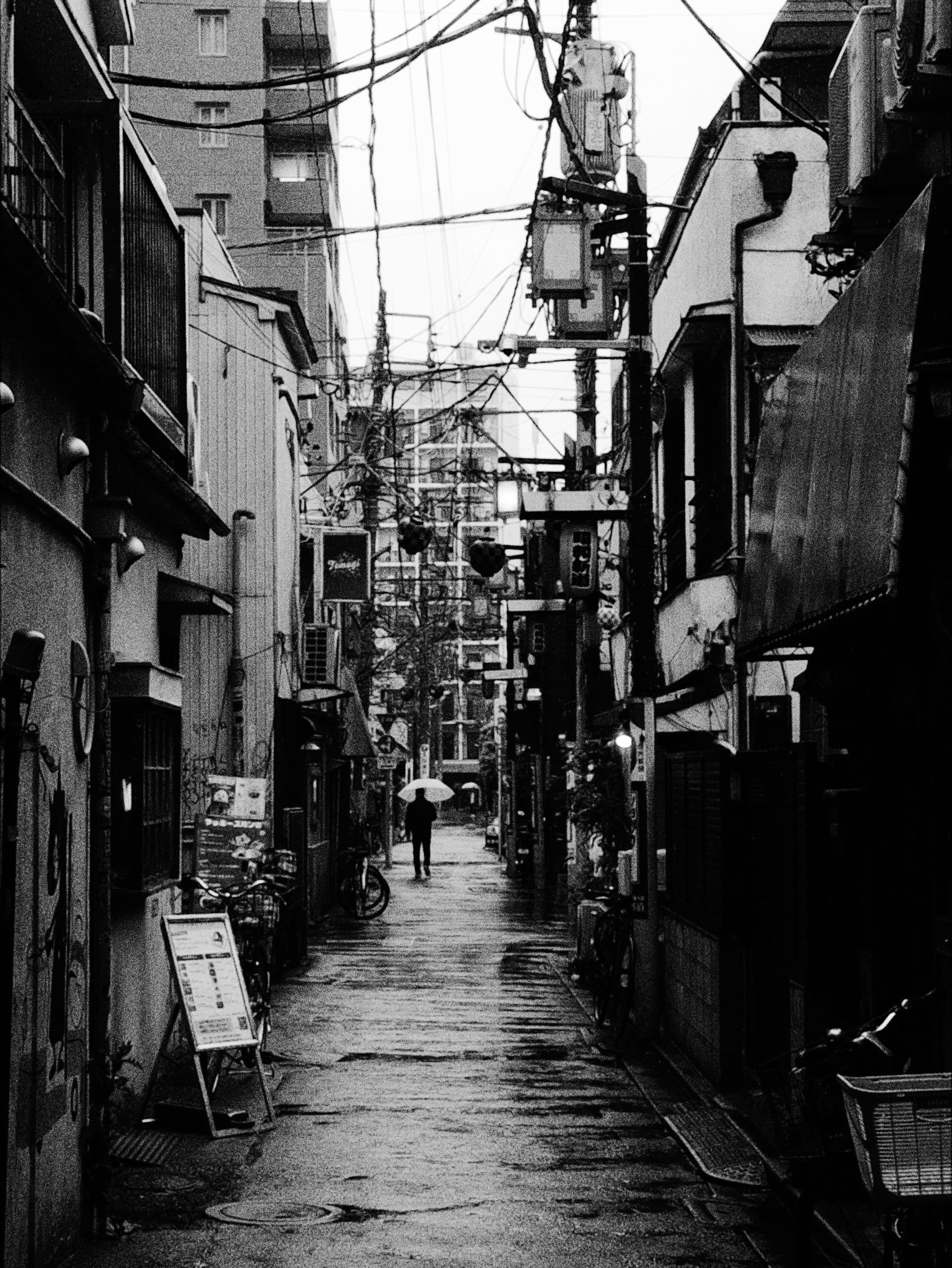
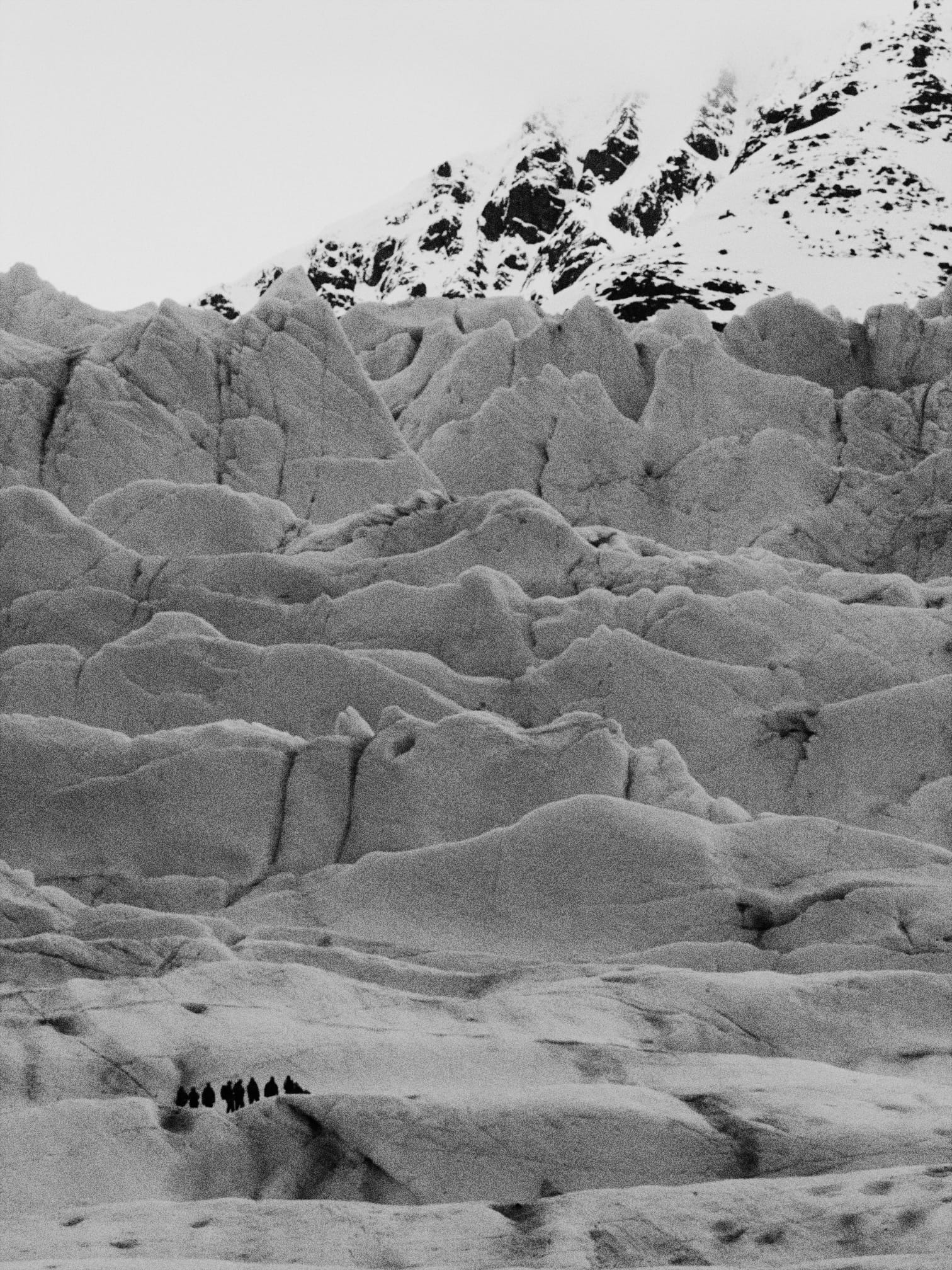
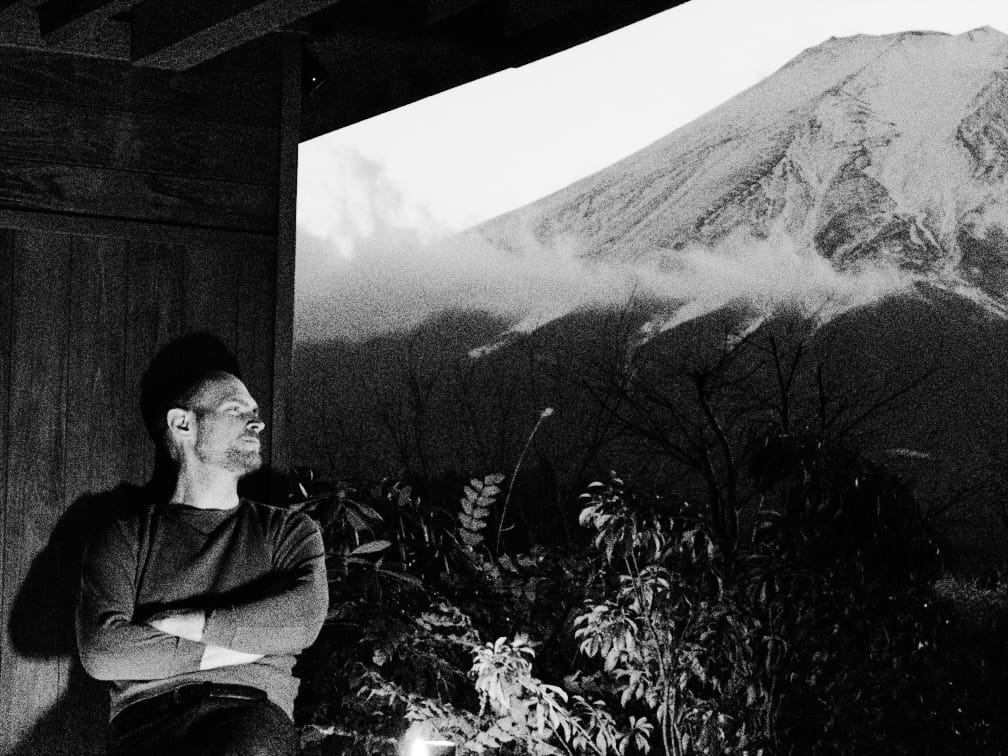
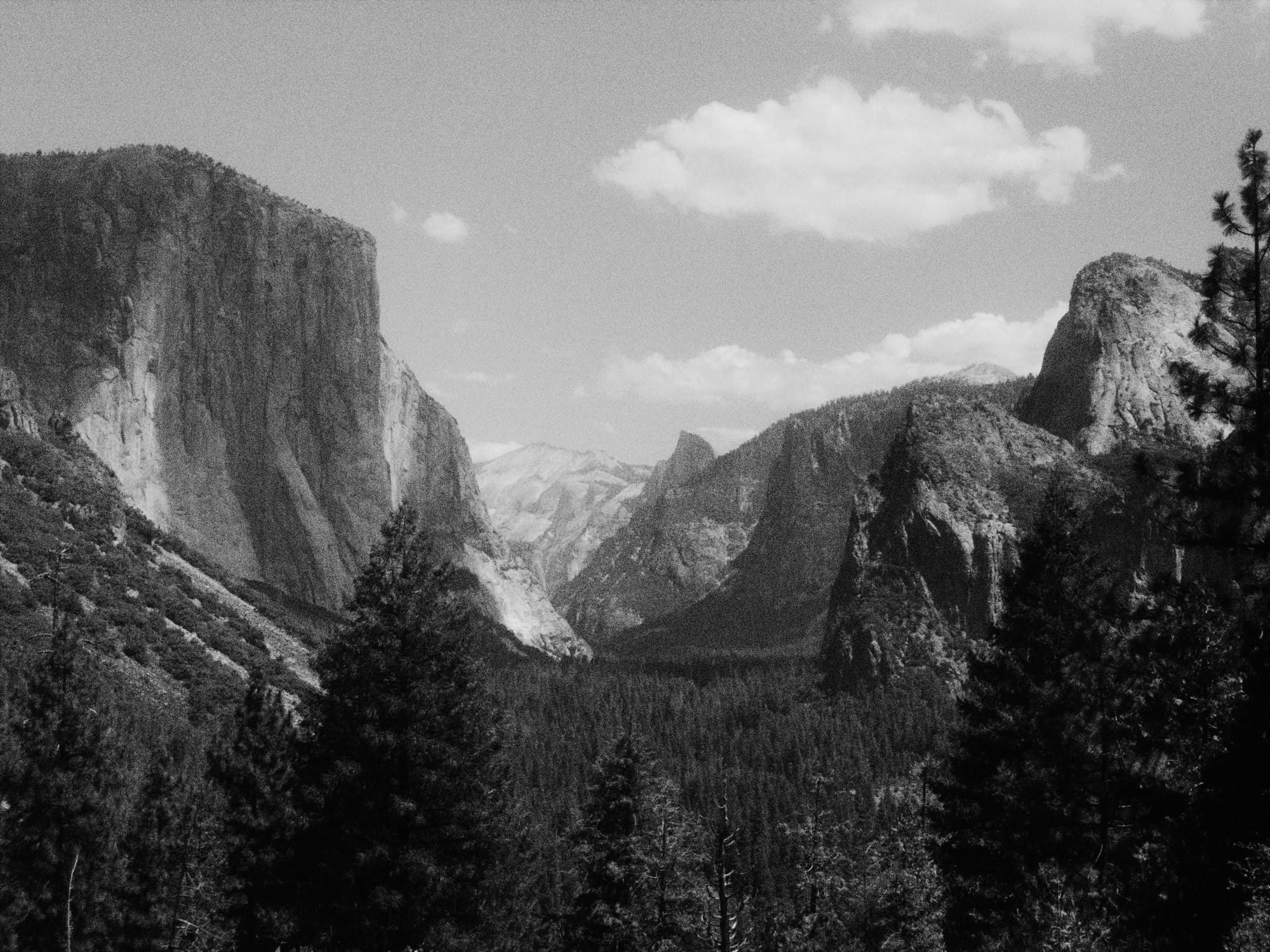
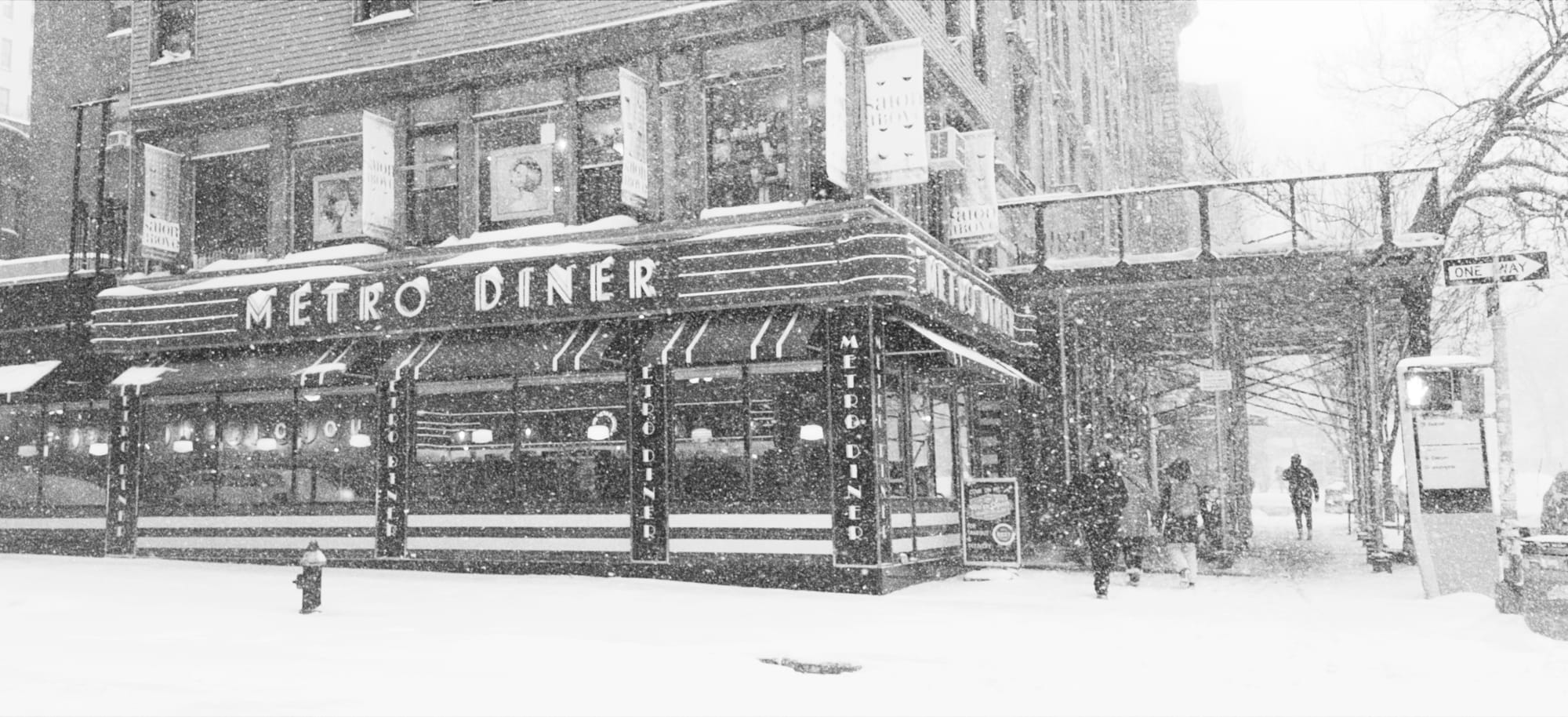

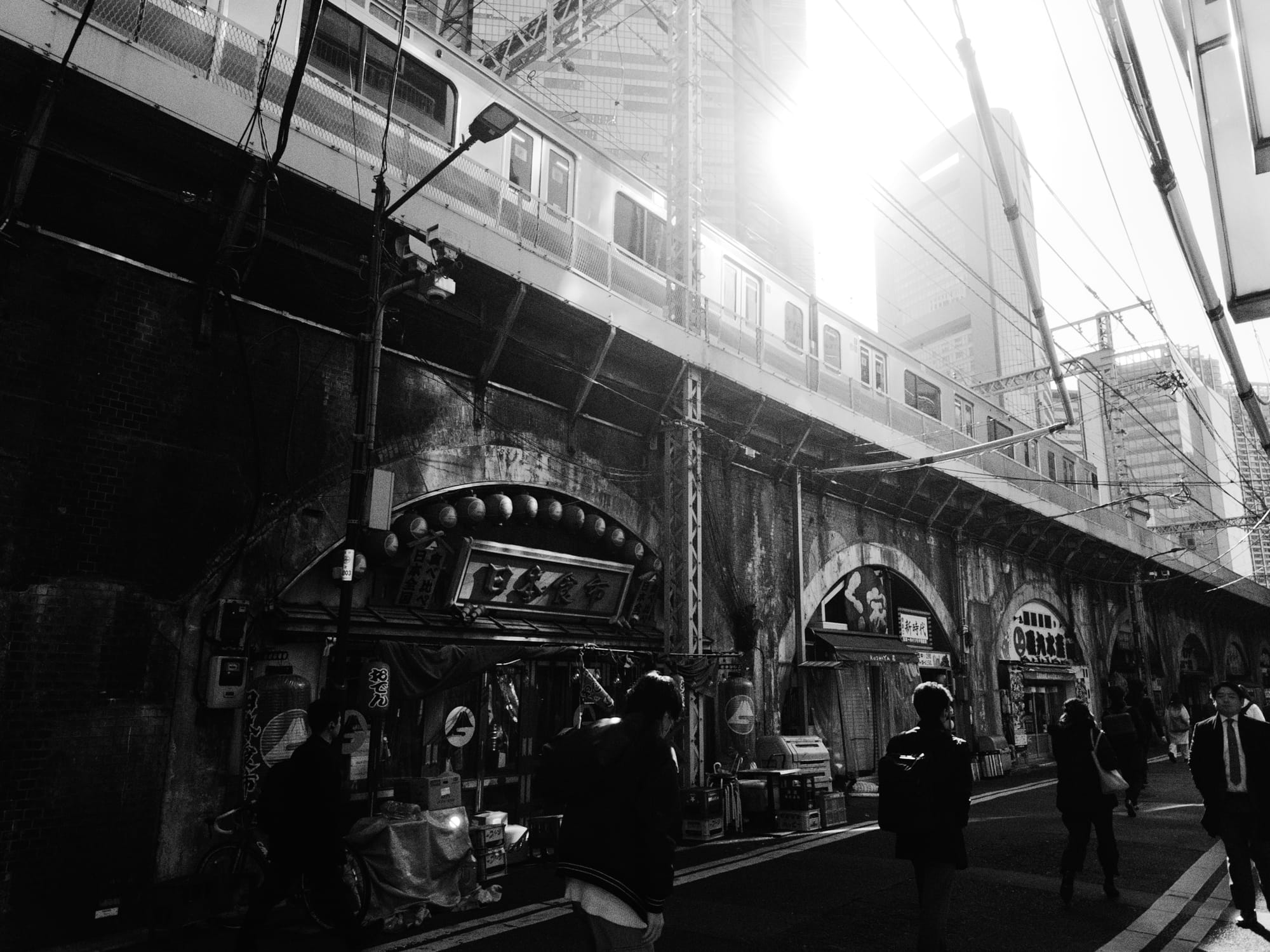
Several characteristics give film its look, but let's focus on just one today, halation.

When a very bright light source hits a film camera, the light bounce off the back of the camera, scatters, and pass through the film a second time.
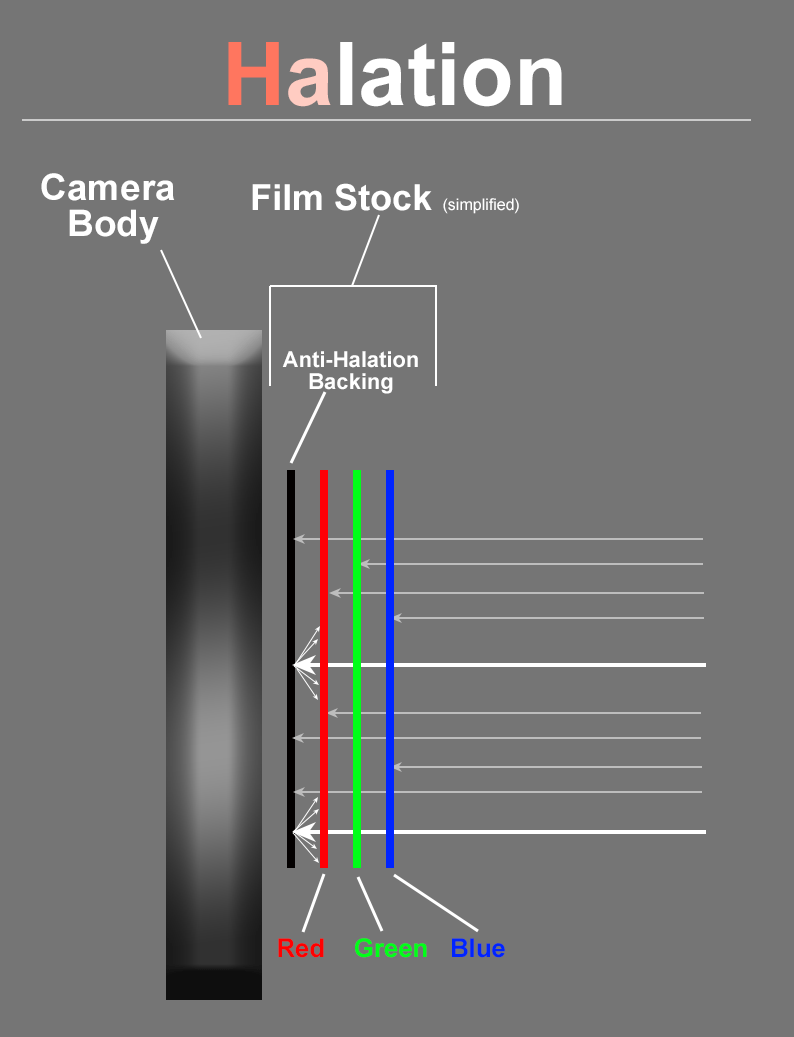
Since color film has the red-emulsion in back, this creates a reddish halo.

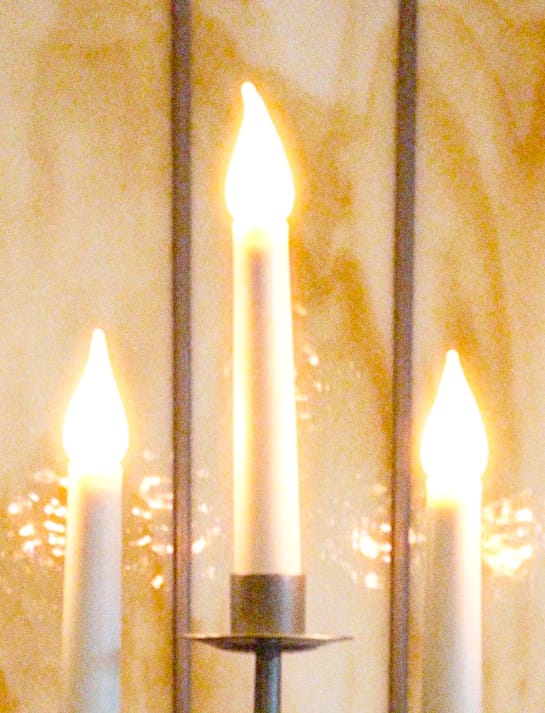
Before and After Halation
In black and white, halation feels magical.
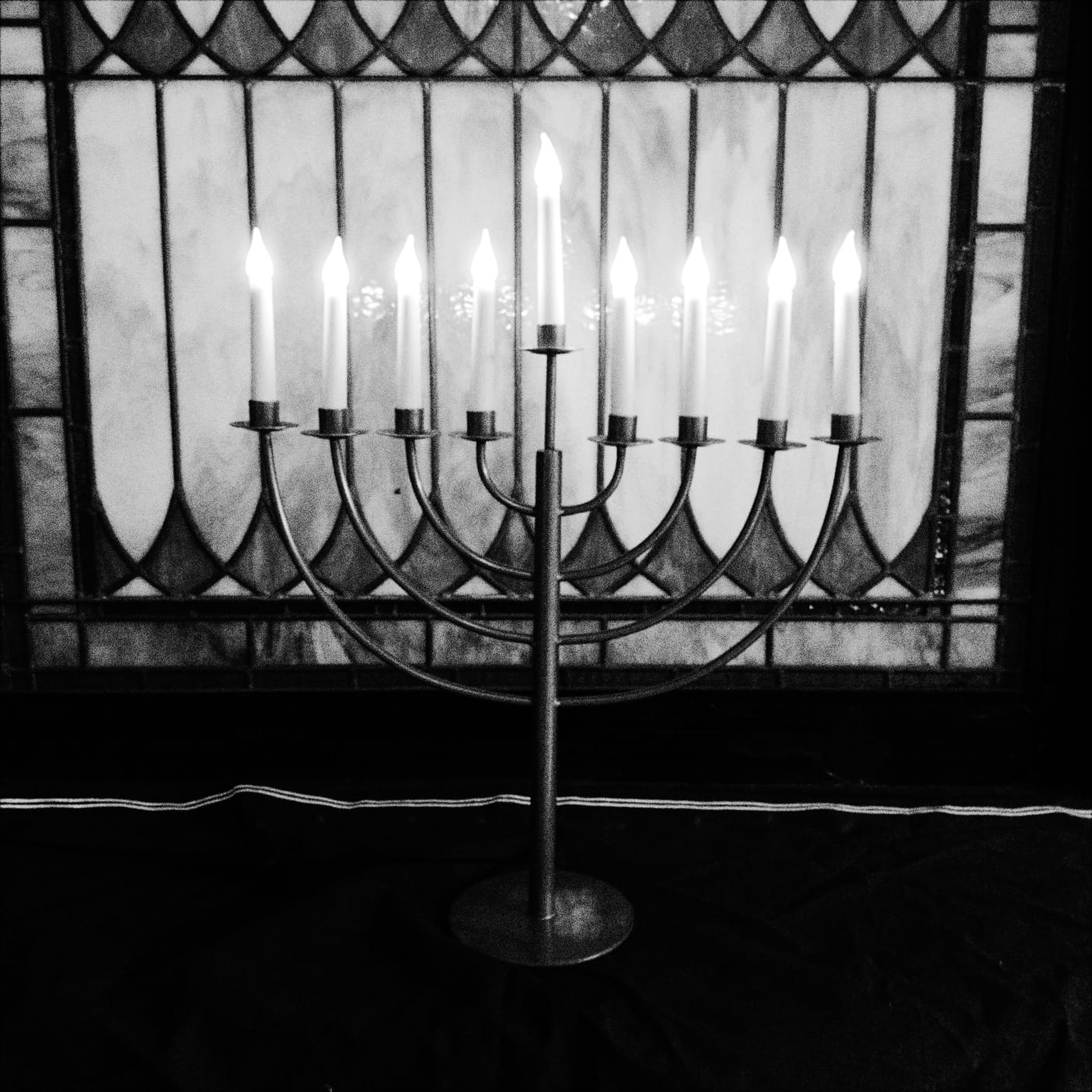
Halation serves as more than a visual gimmick. It communicates to your mind that you're looking at a very bright light source rather than, say, a pure-white piece of paper. Like most film characteristics, it's subtle but goes a long way.
To do halation right, we use real-world light values. This was only possible by building our imaging engine from the ground up with physical accuracy in-mind. And this is just one ingredient of Halide's new look system.
Film Meets HDR
We think Halide does something truly unique in the realm of film simulations: support for HDR. It may seem out of place, since HDR is a new display technology and analog film well over a hundred years old, but film itself is a high-dynamic range medium. You just never knew this because film was always limited to low dynamic range mediums, like print.
Film and HDR Are Optional
If you aren't interested in the aesthetics of film, but you love the black and white look, you can always toggle it off in our Image Lab. Even without film simulation, our beta testers love our black and white treatment.
What's a Preview?
As we said at the top, today is a preview of Mark III. We hope to launch the final version by summer, but we've reached point where many testers find themselves using the unfinished version more than Halide Mark II. So if our new image engine excites you and you're comfortable living on the edge, you can opt-in to try Mark III by tapping this button in Mark II.
That said, it does have bugs, and the new design is a work in progress— which is why we aren't ready to talk about it today. There are many features we haven't gotten around to porting over from the old version. Yes, there will be custom white balance, focus peaking, and more. We're kicking off this preview to gather your feedback (and crash reports) while there's still time to steer the ship. If you'd to contribute, please join our Discord.
Today's Mark III preview is available to everyone who bought a one-time-purchase for Halide Mark II, along with all Halide subscribers. Likewise, the final version of Mark III will be a free upgrade to all Mark II buyers and subscribers.
What's Next?
We built Chroma Noir to prove out our new imaging engine. (Also, we love black and white photography.) With our new engine in place, now the fun begins. We have a number of exciting looks planned for the final version of Halide Mark III, which you'll be able to try in the coming months.
At the same time, we believe in quality over quantity. Sure, we could bundle hundreds of presets that all feel kind of the same. I bet we'd make good money selling them to you piecemeal. We'd prefer to bundle a handful of perfect looks, each solving a specific problem. There's a reason we're working with The Iconfactory to give each look their own identity.
Chroma Noir taught us that this work requires significant time, effort, and artistry. Based on the time it took to develop Chroma Noir, the remaining looks could take years. So we came to the obvious conclusion that we need to partner with an expert.
We're excited to announce that Halide’s full set of looks will be developed by an amazing colorist, image scientist, and educator with professional experience in film and television: Cullen Kelly. Cullen is an honorary member of the American Society of Cinematographers, and his work spans from Academy Award nominated films to high-profile projects for Netflix, HBO, and Apple. He also produces an invaluable YouTube channel that dives deep into the art and science of color grading. We couldn't be more excited to work together.
It's taken a year to get to this point, with many long hours, high-highs and low-low. We thank you for your support throughout this journey, and can't wait to show you more of what we've been working on, in the coming months.
— Ben, Doug, and Katie Rose