




Six weeks ago we launched Halide Mark III, and it couldn't have gone any better. In the past, many people treated Halide as a power-tool, something you'd pull out in difficult situations where the iPhone first-party camera couldn't get the job done. In the last six weeks, tons of customers have reached out to tell us that Halide is now their default, everyday camera.
We're excited to keep the momentum going with this batch of new features and improvements, and another launch coming this Friday.
New Framing Tools
Inside the Photo Lab, we've enhanced the "Frame" tab. You can now rotate and flip your photo, which is invaluable when you've accidentally captured it in the wrong orientation.
We've also added perspective correction, a long-standing photography tool. It's a dial, so you have total control, and it doesn't use any AI. It's similar to classic keystone correction, which photographers traditionally performed with view cameras or tilt-shift lenses.
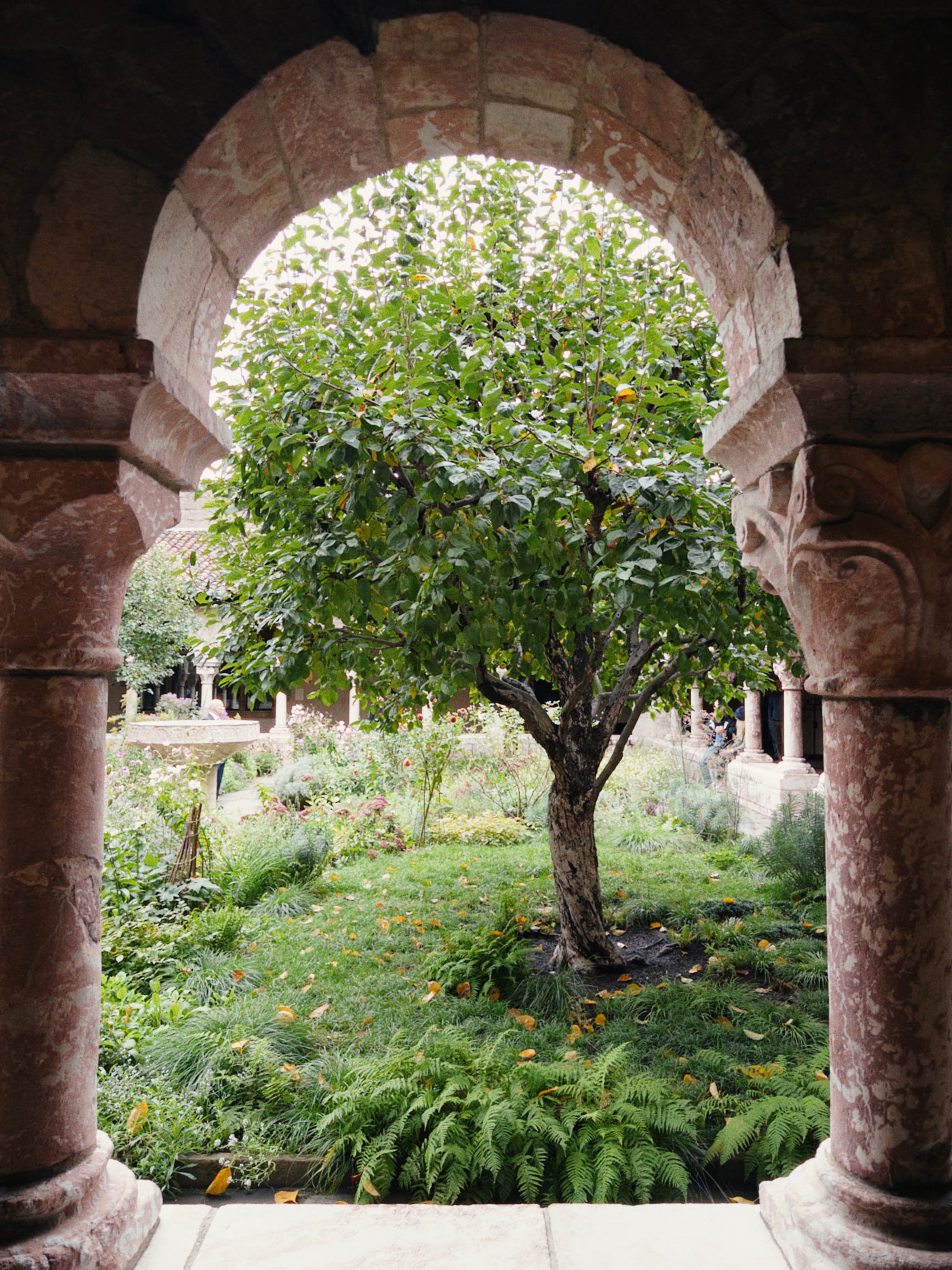
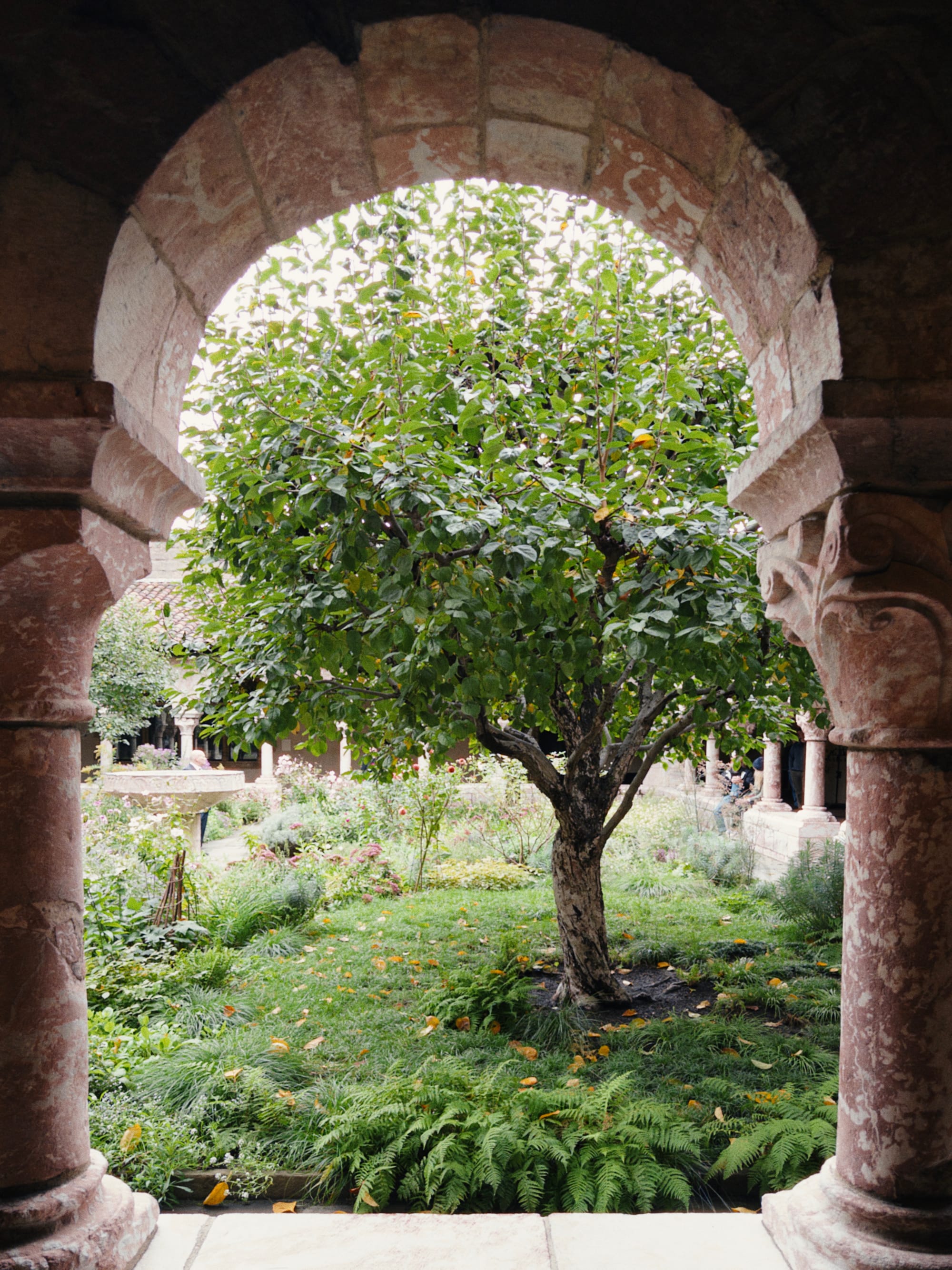
Before and after perspective correction. Notice the pillars are a bit more vertical.
While we always recommend you apply these effects with a light touch, sometimes you can push corrections pretty far while retaining a realistic photo.
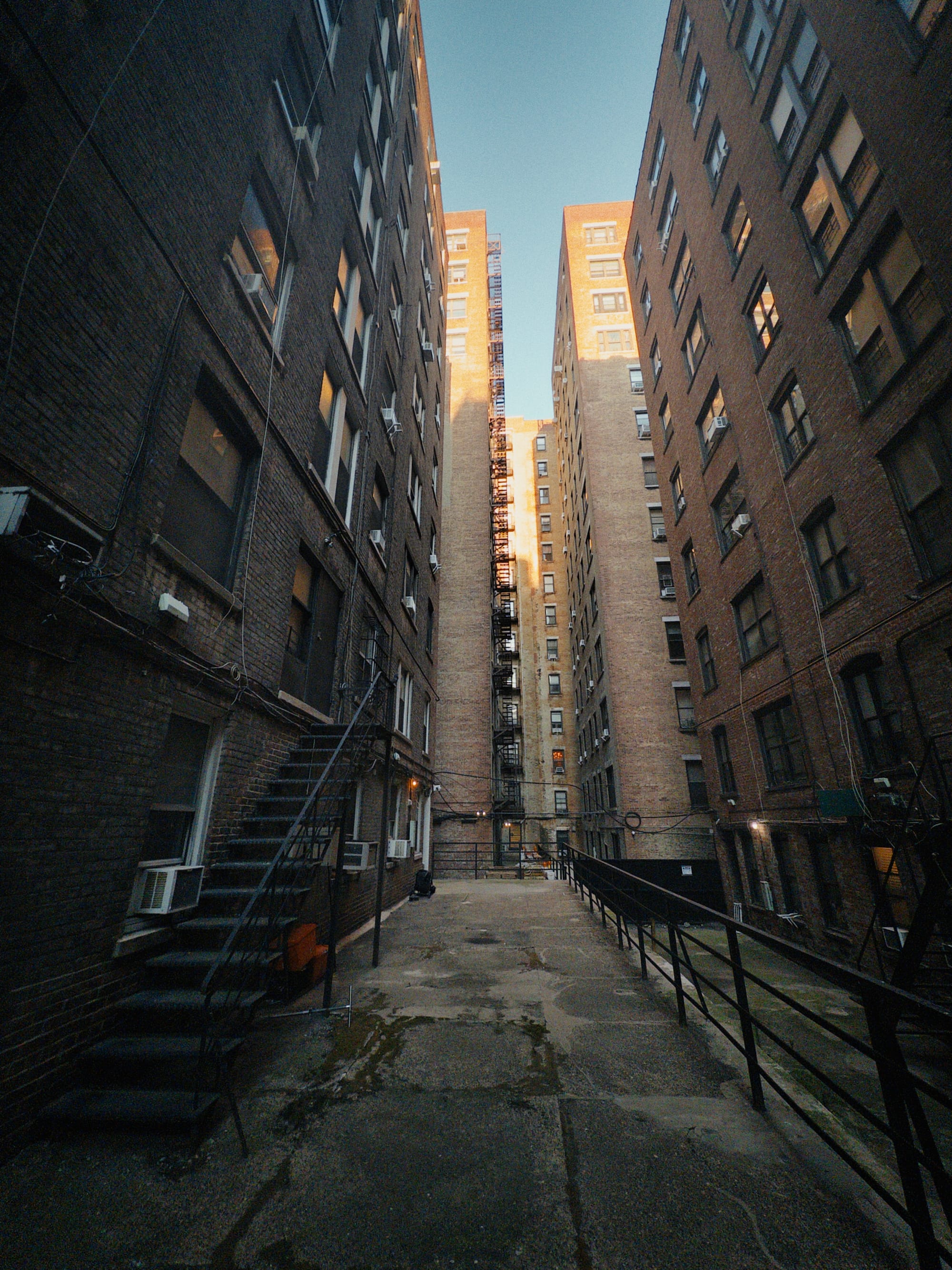
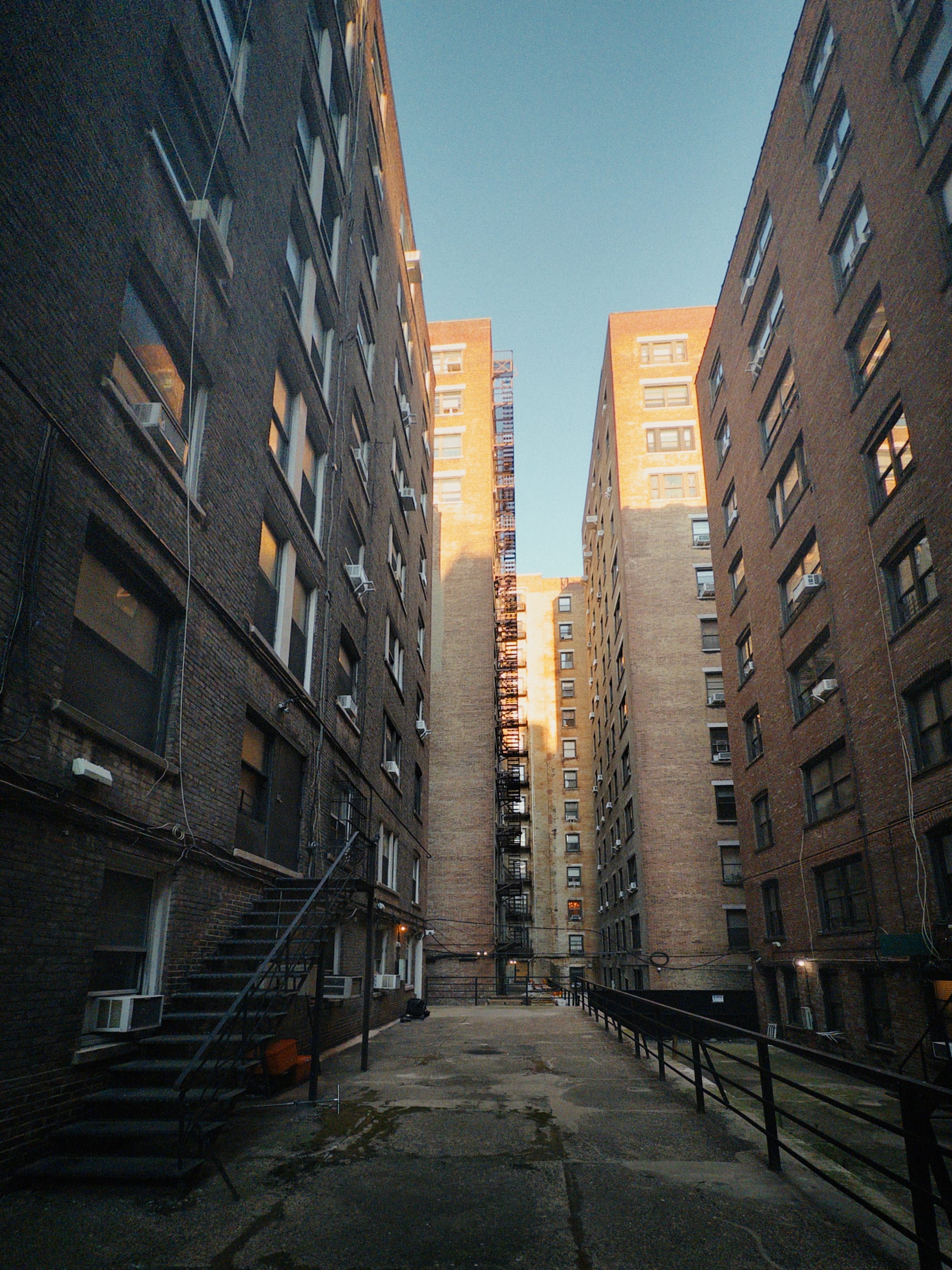

Scarlet
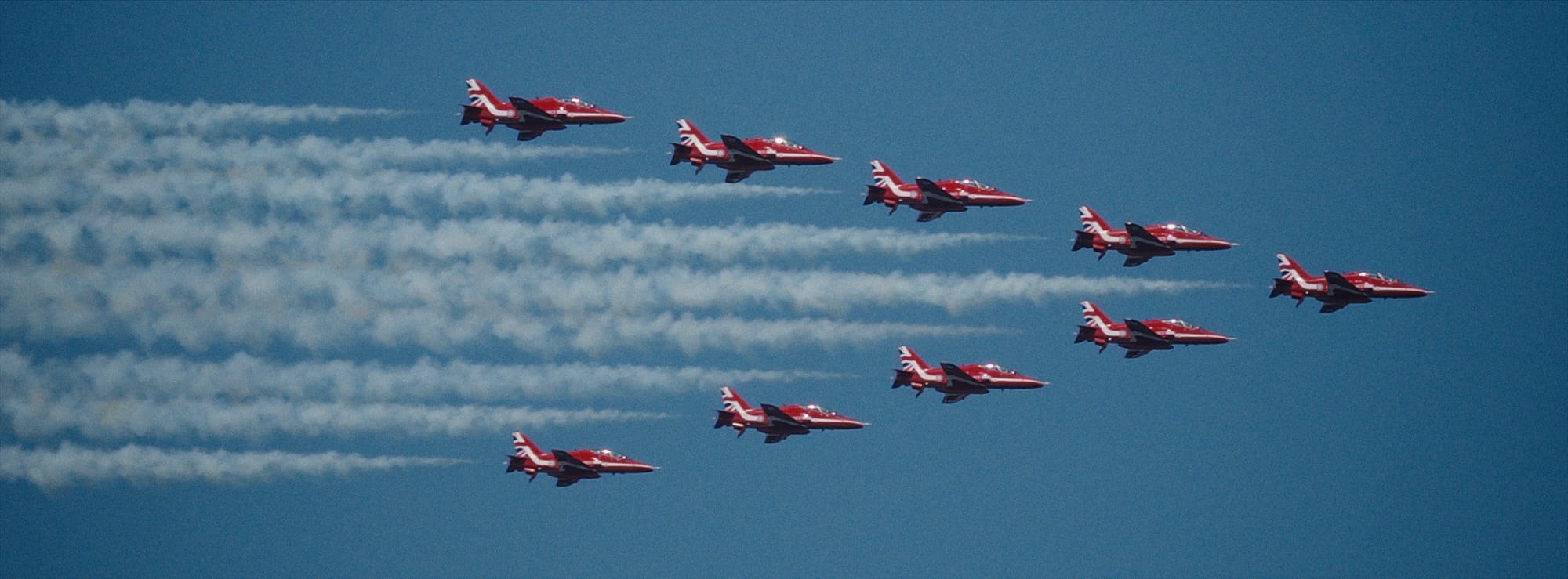
With Halide 3.1, we're also debuting a new look that's all about warmth, richness, and features medium-high contrast. You'll notice high saturation, particularly among reds. That's why we call it Scarlet. We think you'll love it with sunsets.
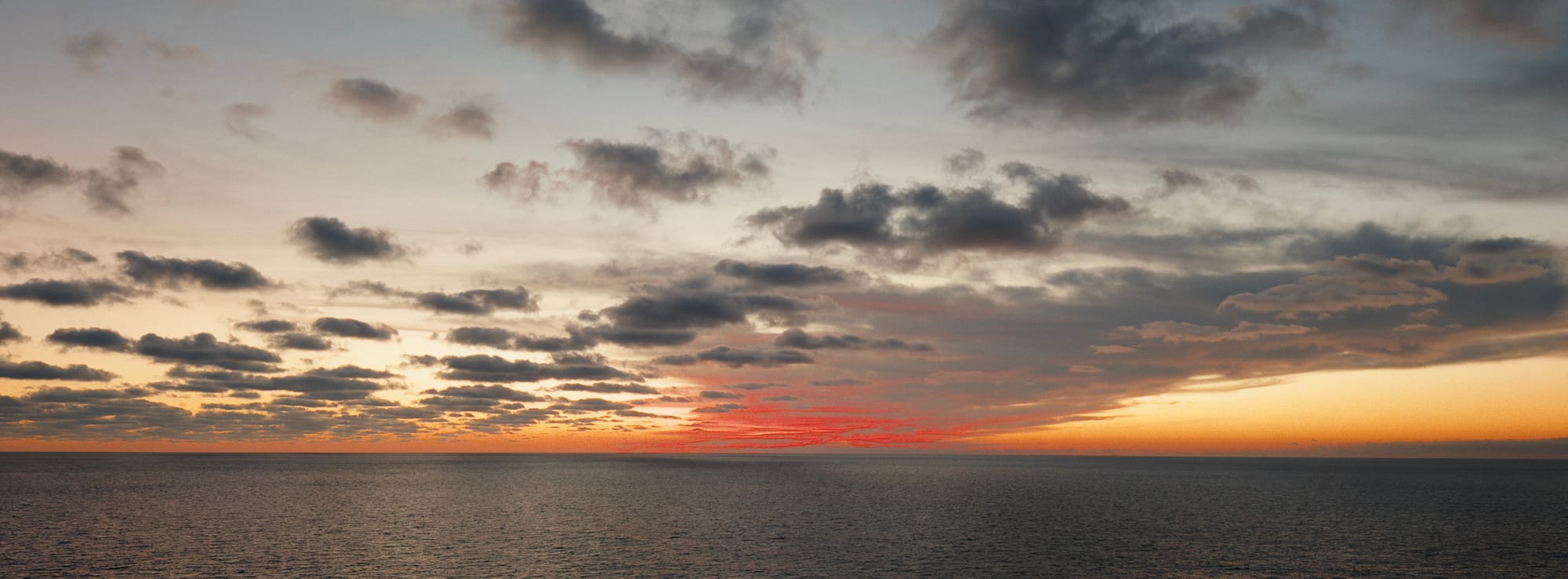
We recommend Scarlet for any photo where you want your reds to really pop, like the jets from this last 4th of July.
A Long List of Fit And Finish
With 3.1, we continue to listen to how our customers are using the app and updating the design to make things even better. For example, we've put UI themes and icon selection into our "Customization" panel in settings.
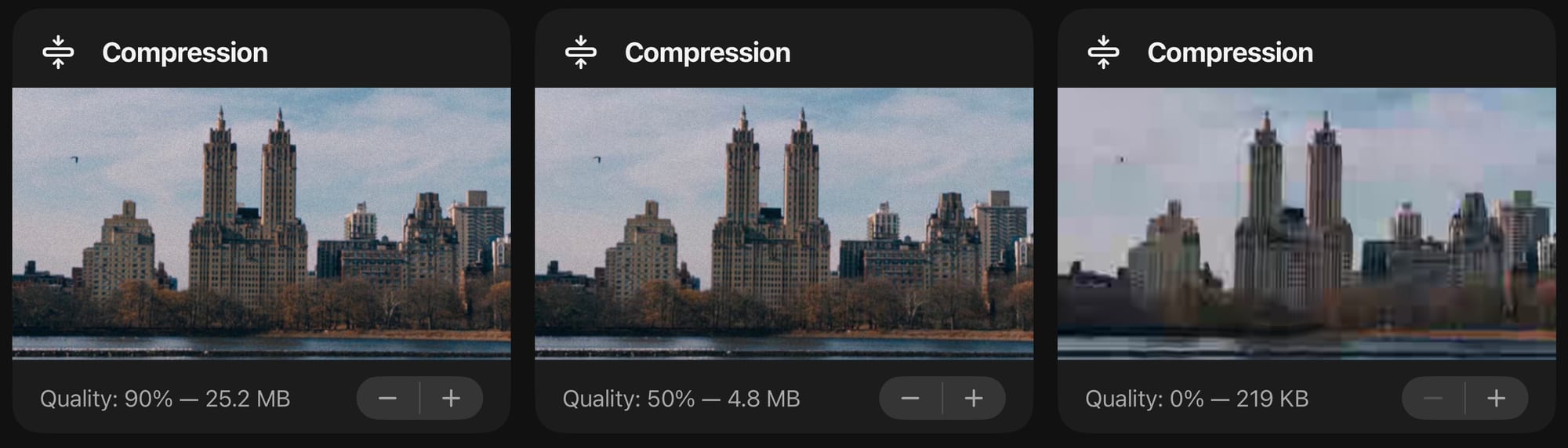
Also within settings, we've added the ability to tweak compression, with an example. This is great for finding the right balance between texture and file size.
Some users have asked for the ability to capture RAWs without a companion JPEG or HEIC. We didn't allow this by default, because most third-party applications have no idea how to render RAWs. We end up with lots of support emails that start with, "Why does my RAW look great Halide but hot trash in this other app?"
With this update, advanced users can now opt-in to a new "RAW-only" look within settings. It includes a little warning explaining the situation, and asking that you only enable that option if you really know what you're doing.
We've also made a slight change to behavior when you tap on the viewfinder to change exposure or focus. In manual focus mode, we no longer update focus, and the same goes for manual exposure mode. This change came from chatting with a number of users who didn't find the old behavior helpful.
One More Thing
This Friday we're excited to release a major update to the Halide family. It's the smallest, lightest Sandofsky ever. We call it… Isaac.
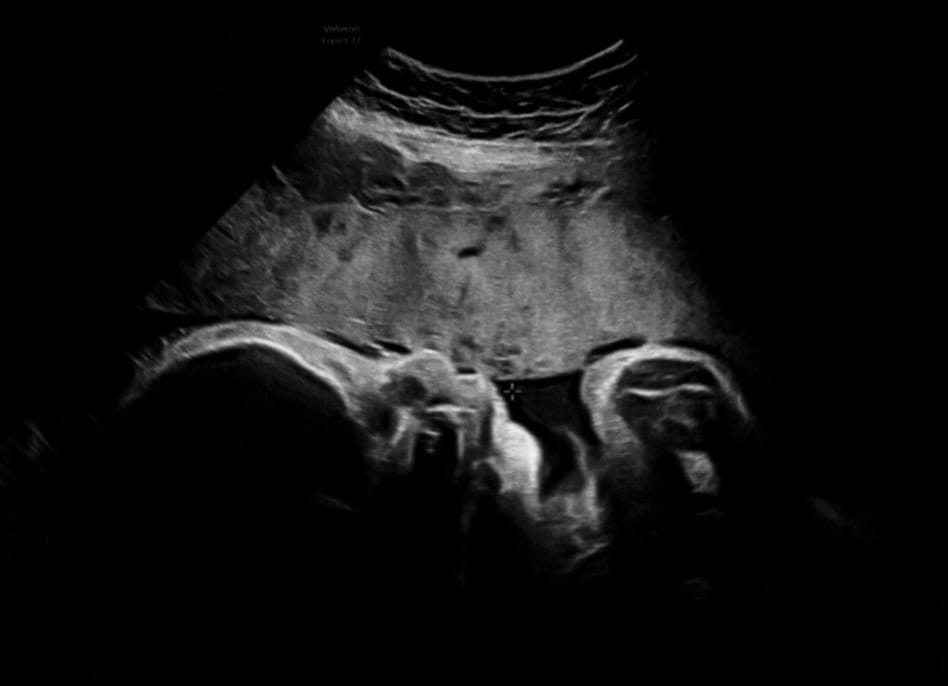
Isaac faces a few medical risks, as he has spent the entire pregnancy in a Frank breech position. Luckily, we live in the age of modern medicine, so we have a C-section scheduled for this Friday. At that point, I'll be out on paternity leave. Doug and Katie Rose will still be around to help with support and investigating bugs. I'll still check in from time to time. Just don't expect a major app update for a little bit.