




We are excited to launch Halide Mark III a massive upgrade to our groundbreaking camera app. We developed Mark III with three goals.
- The most beautiful photos that can come from an iPhone.
- "Batteries Included." You don't need to download any other app.
- A streamlined user experience that's a joy for both beginners and pro's.
Mark III is now available in the App Store. This post highlights the major new features, starting with Looks, which produce gorgeous photos straight-out-of-camera.
The Looks
After decades of shooting digital, I returned to analog photography in 2023. I thought it would be challenging, given the limited selection of film stocks, only to be surprised by how freeing it felt. It felt so much better to have a handful of amazing choices rather than photo-editor with thousands of presets. We owe that to film engineers who spent years developing versatile film stocks that work in a variety of situations.
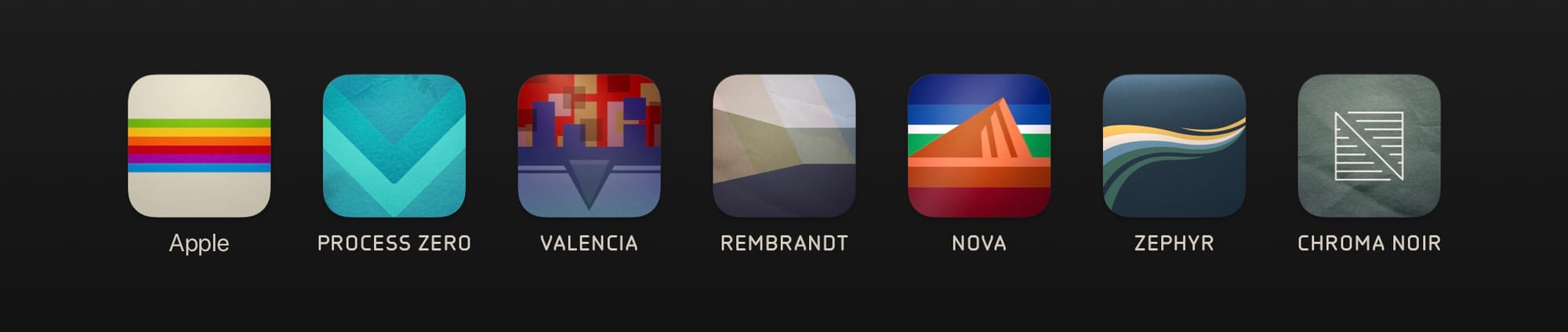
Inspired by "Less, but better," we partnered with the renowned Hollywood colorist Cullen Kelly to develop a succinct set of gorgeous, physically accurate processes exclusive to Halide. Each look was engineered with a specific intent. We verified every look thousands of times on real-world reference photos.
Put another way: every look is a banger.
Looks go hand-in-hand with Halide's new film simulation engine. Of course that's an aesthetic choice, so if you don't like specific elements of film, such as grain or halation, they can be disabled.
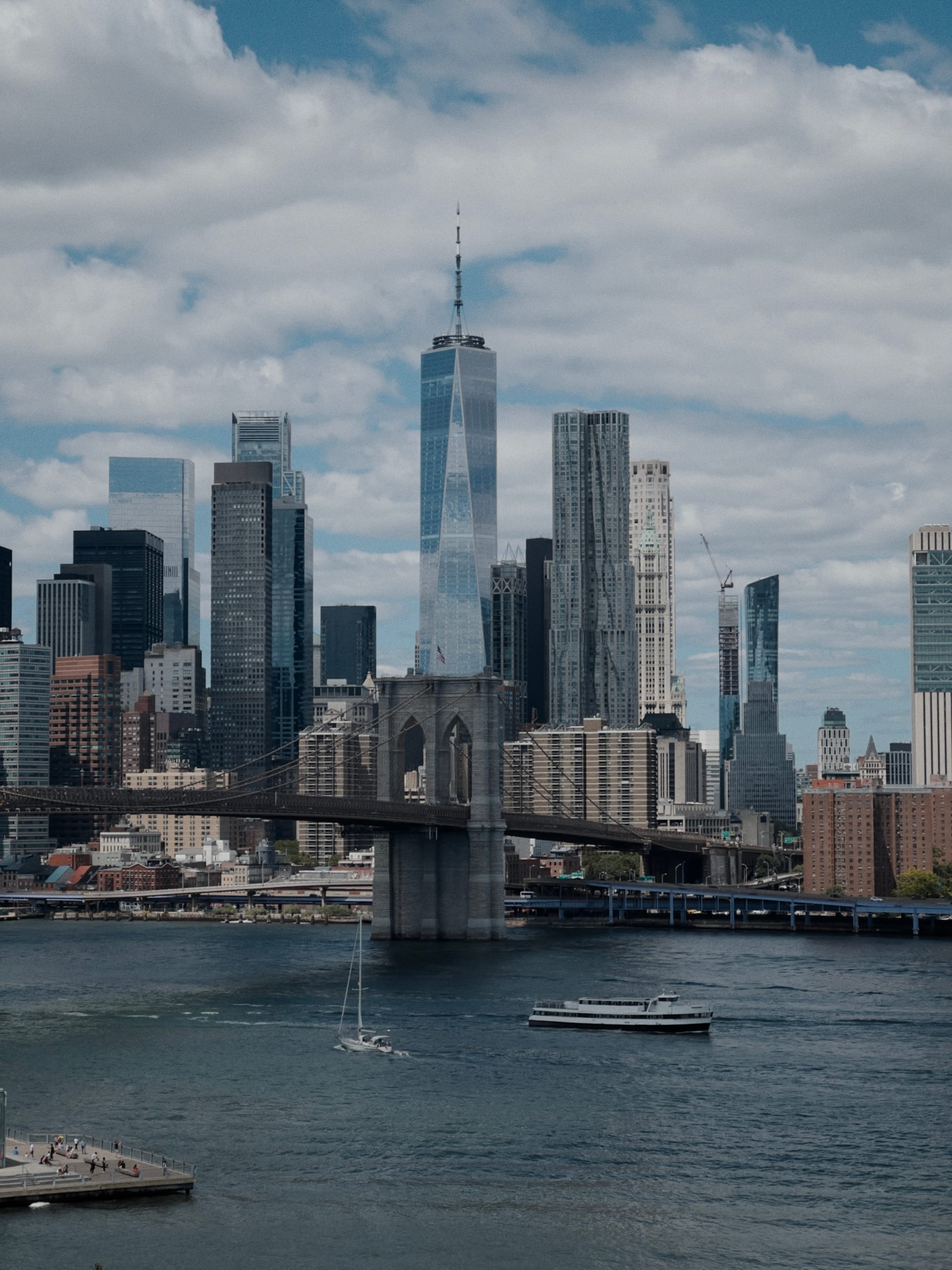
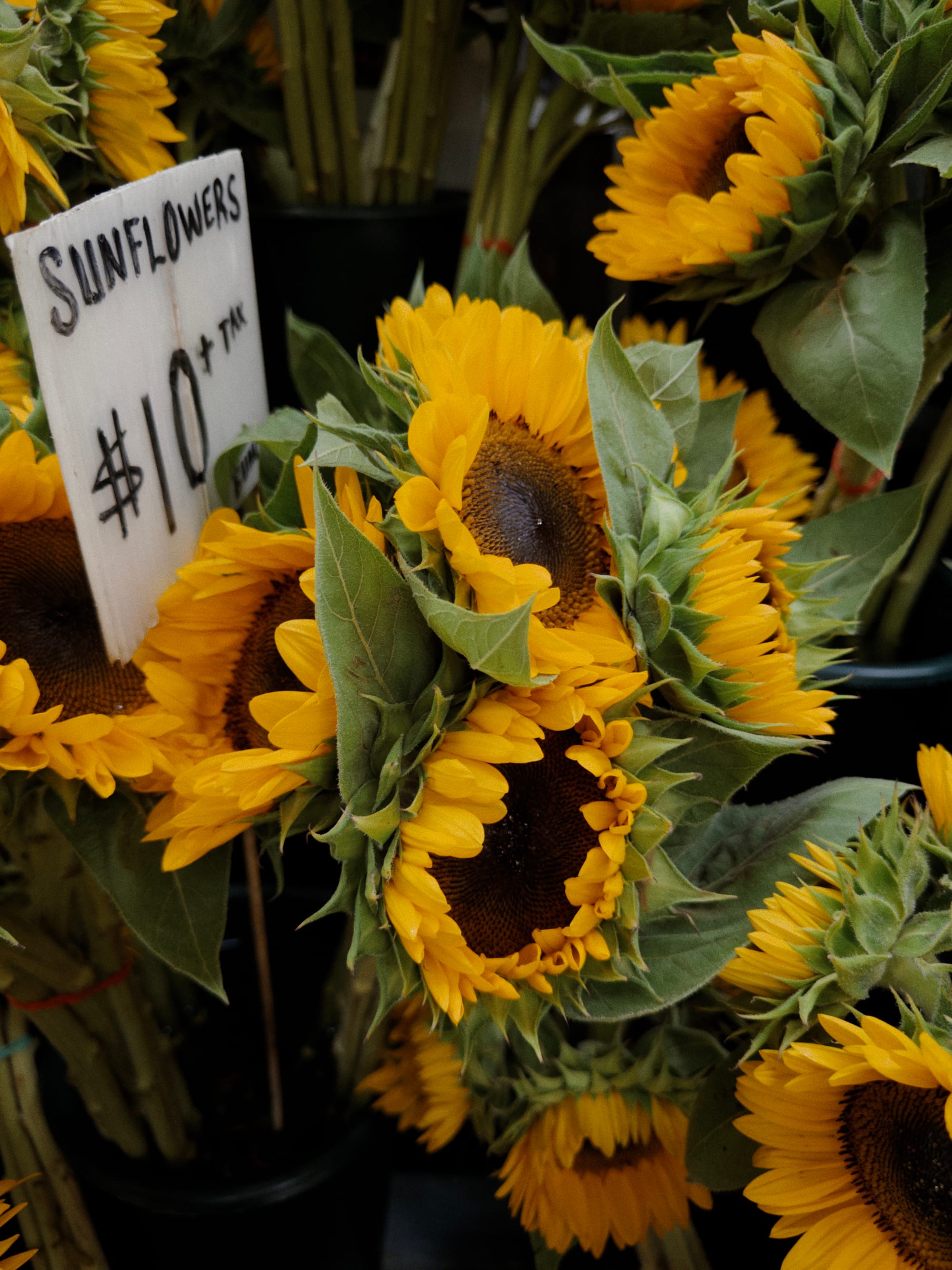
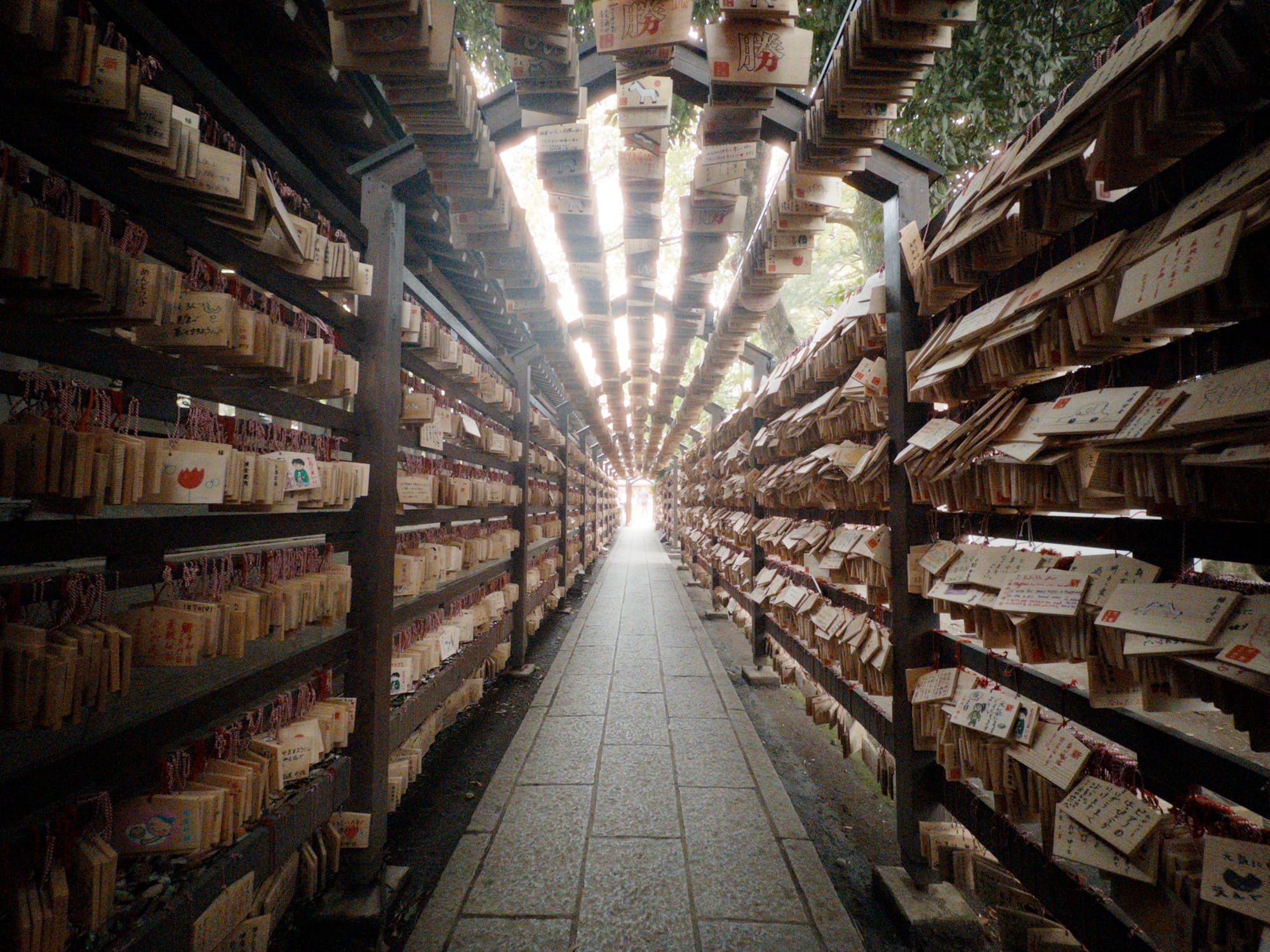
Finally, unless otherwise noted, all of these photos in this post were shot on iPhones in the real world, and processed in Halide. Now let's take a quick tour.
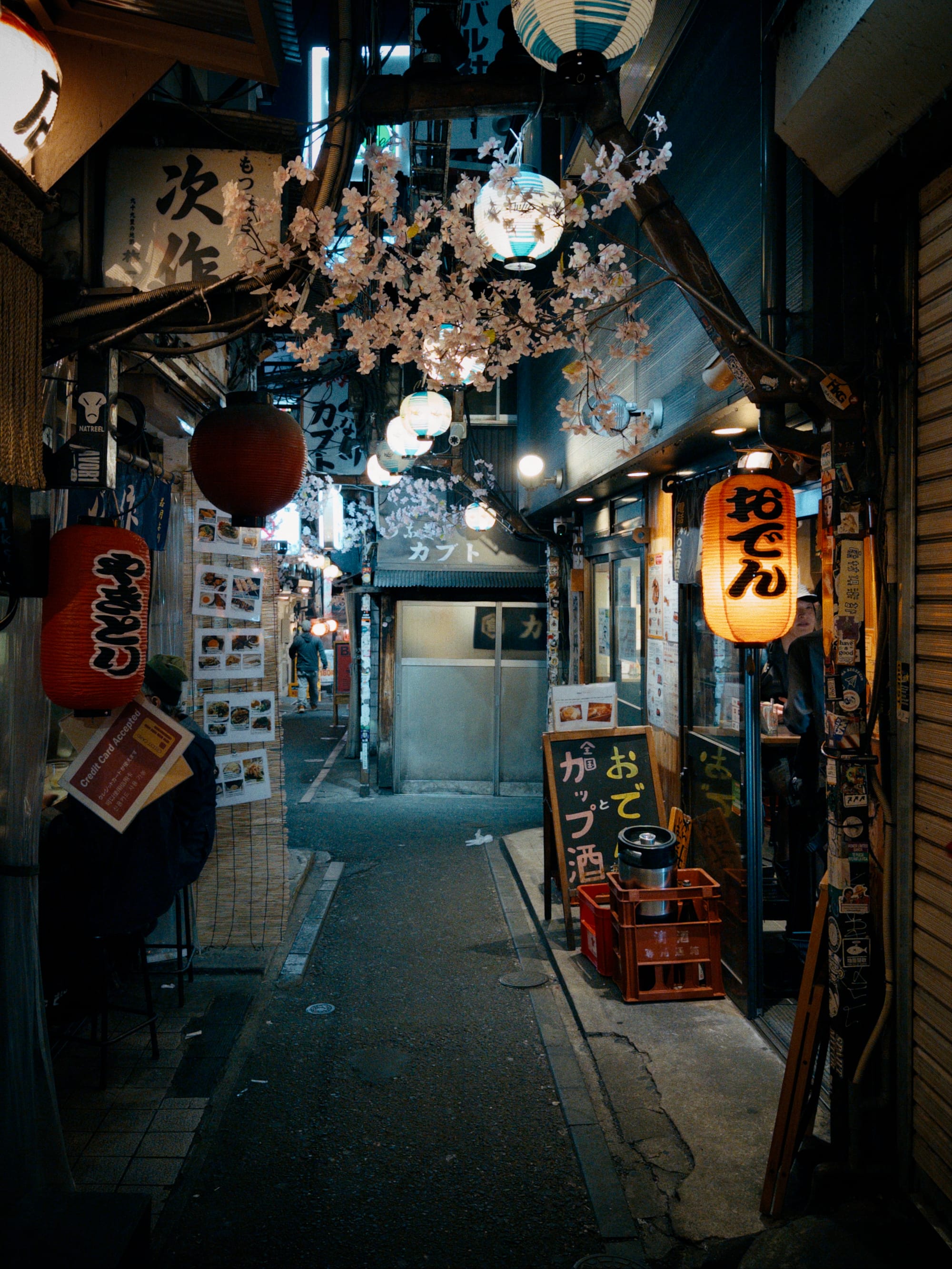
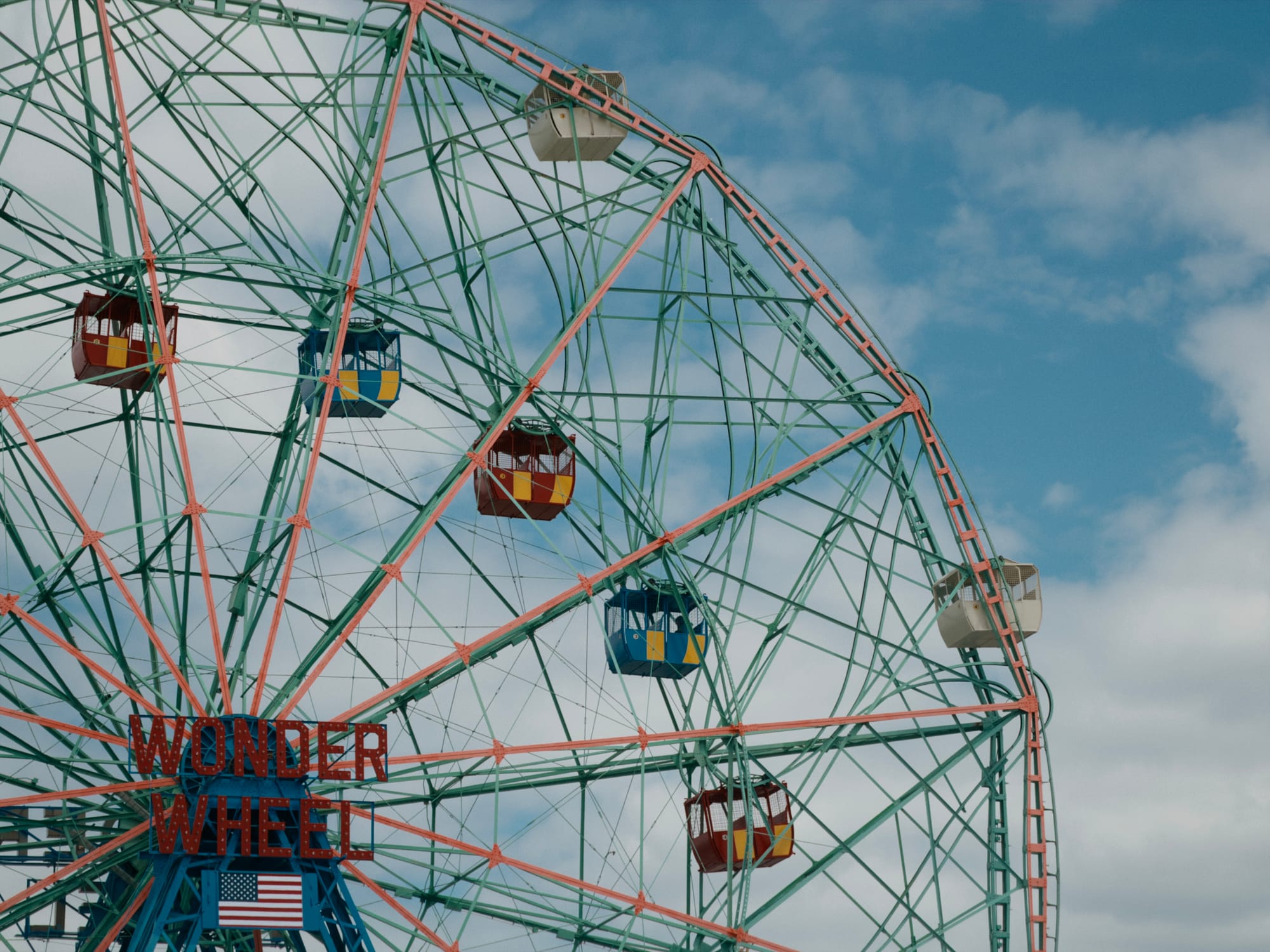
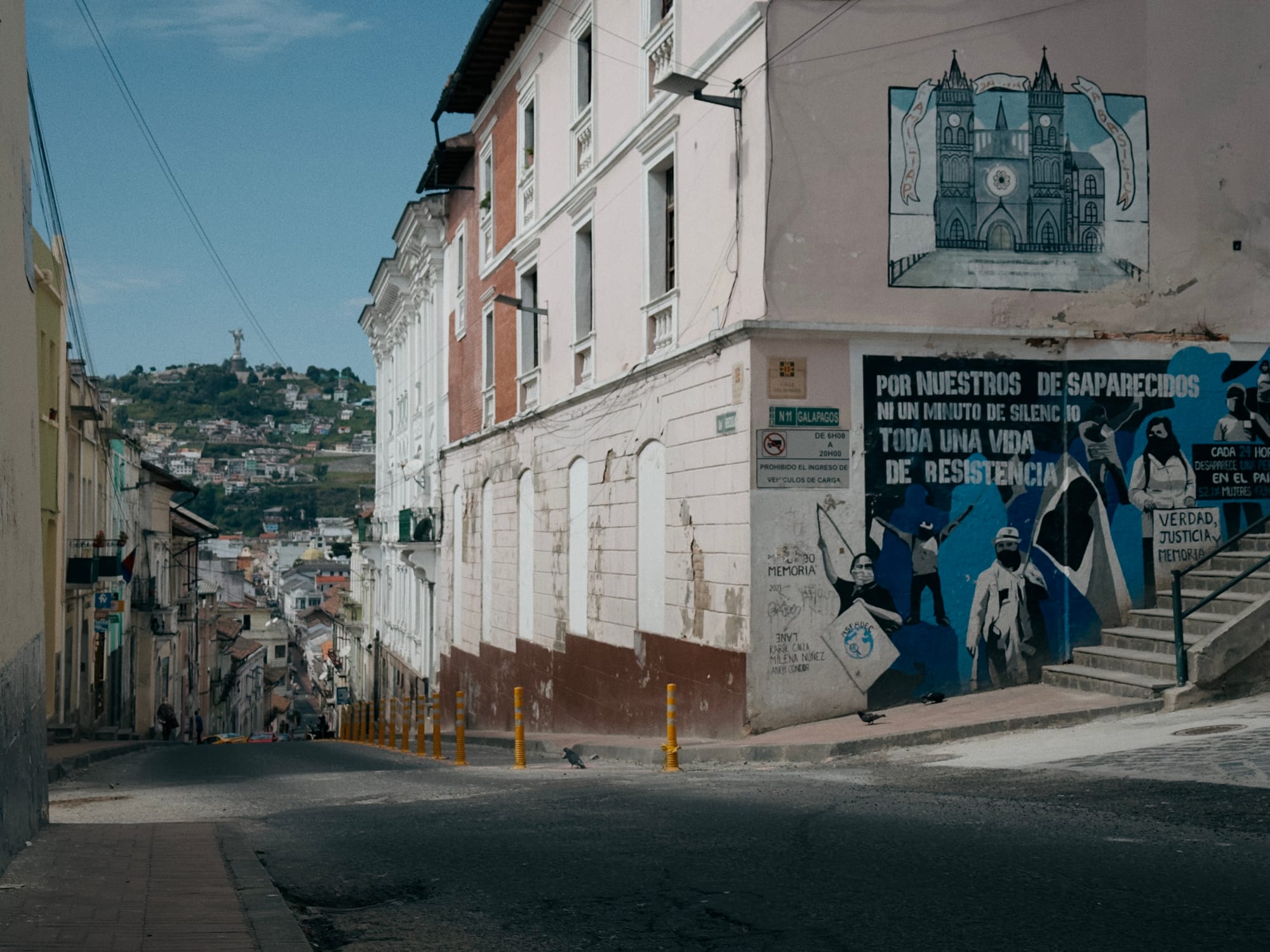
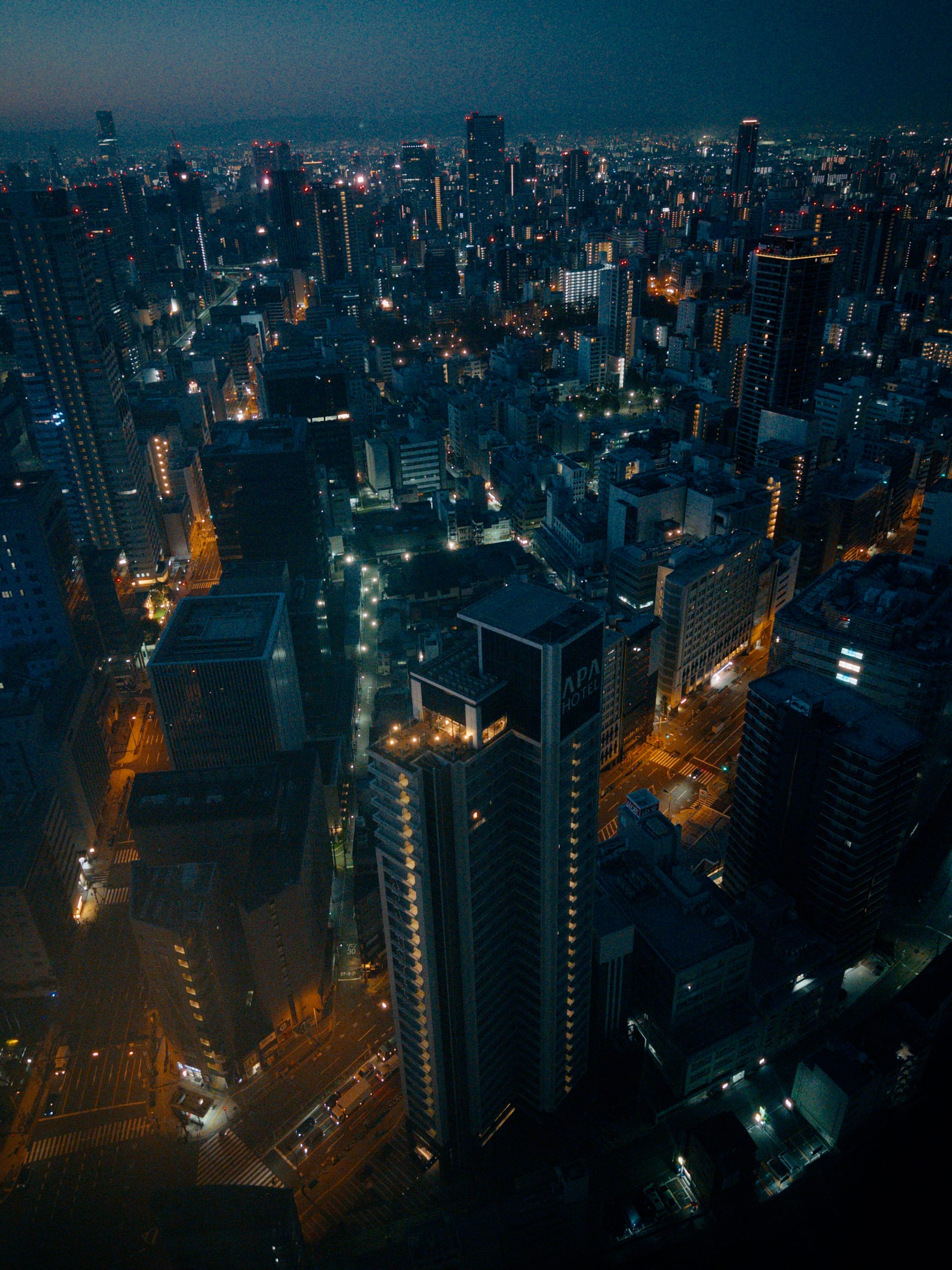
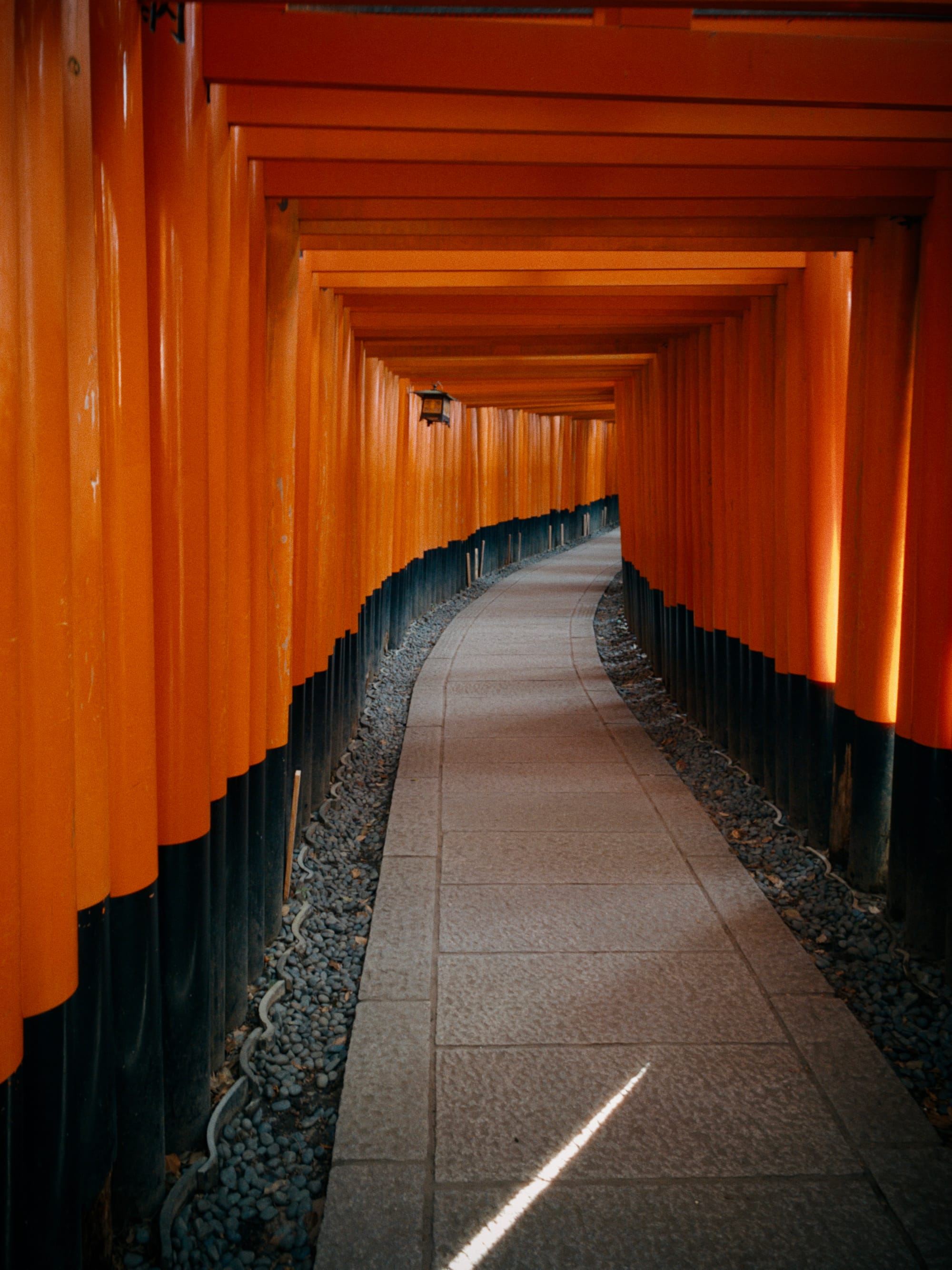
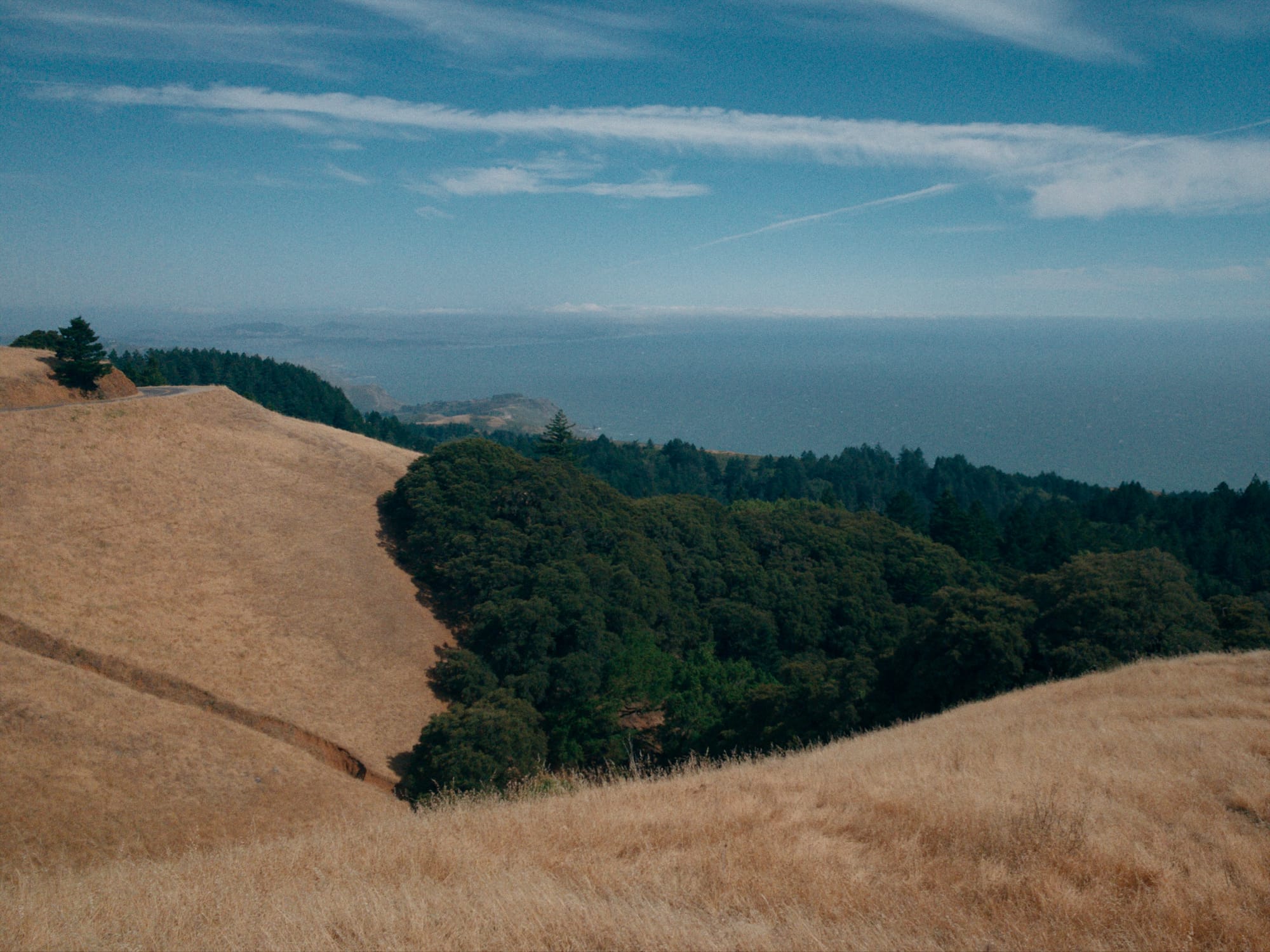
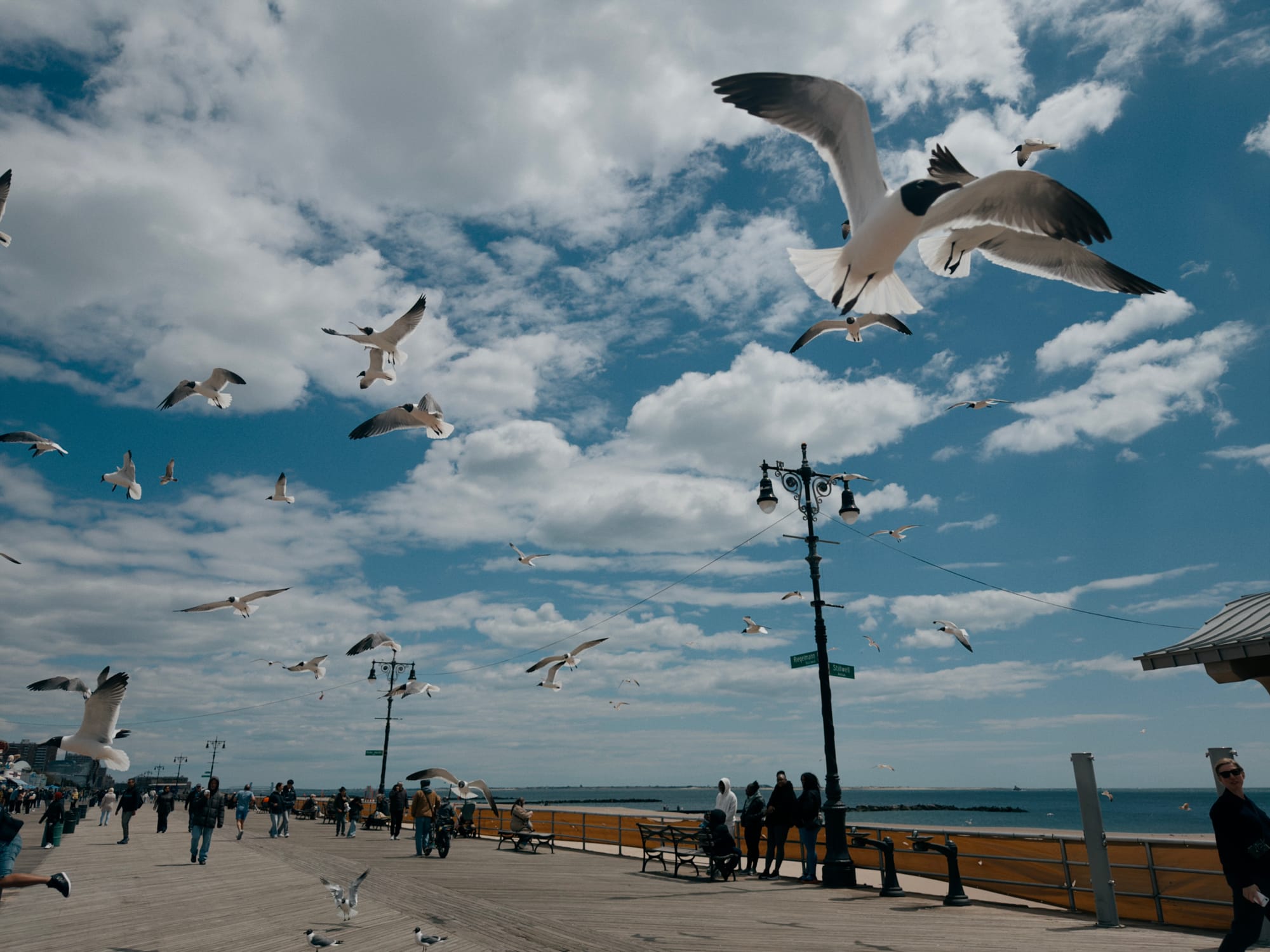
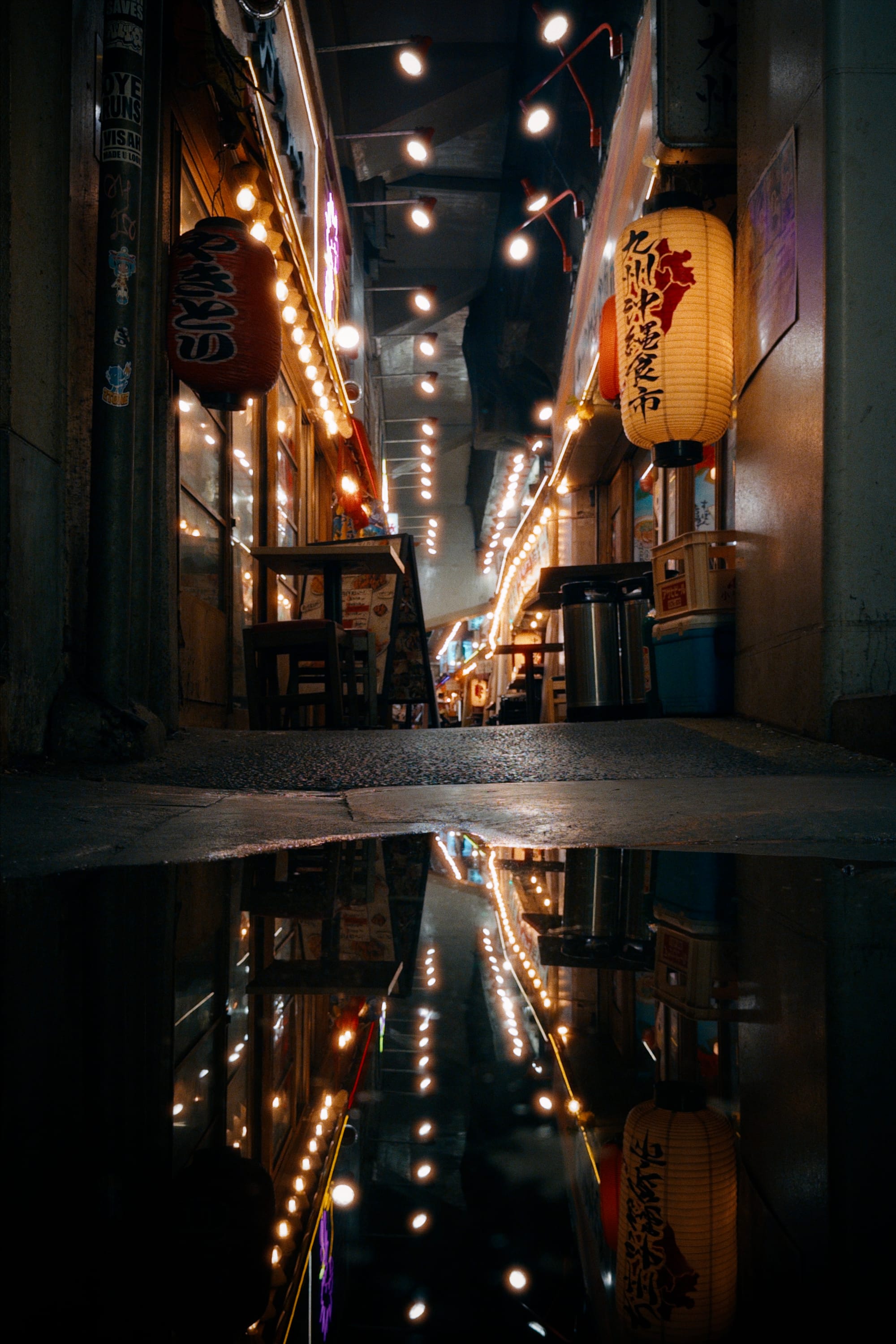
Valencia
We developed Valencia for landscapes and cityscapes, but it also has interesting effects on portraiture and skin tones. It features thick contrast, deep saturation, and solid color separation.
Rembrandt
For portraits, we have Rembrandt, where thick contrast in the mid-tones emphasizes bone structure and lighting. Abundant color in the low end converges to white as exposure increases, for perfect uniformity in skin-tones to emphasize contours of the face.
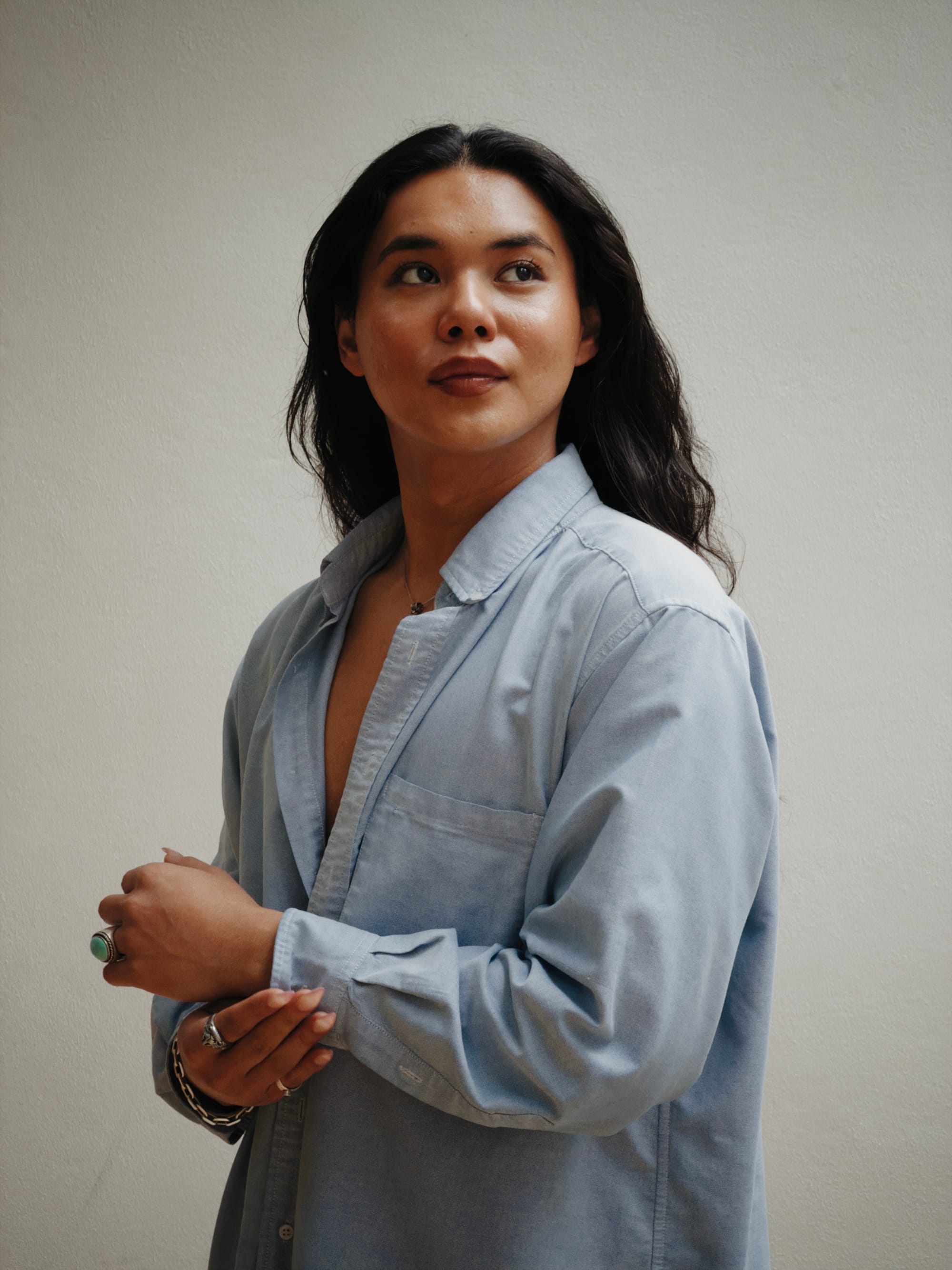
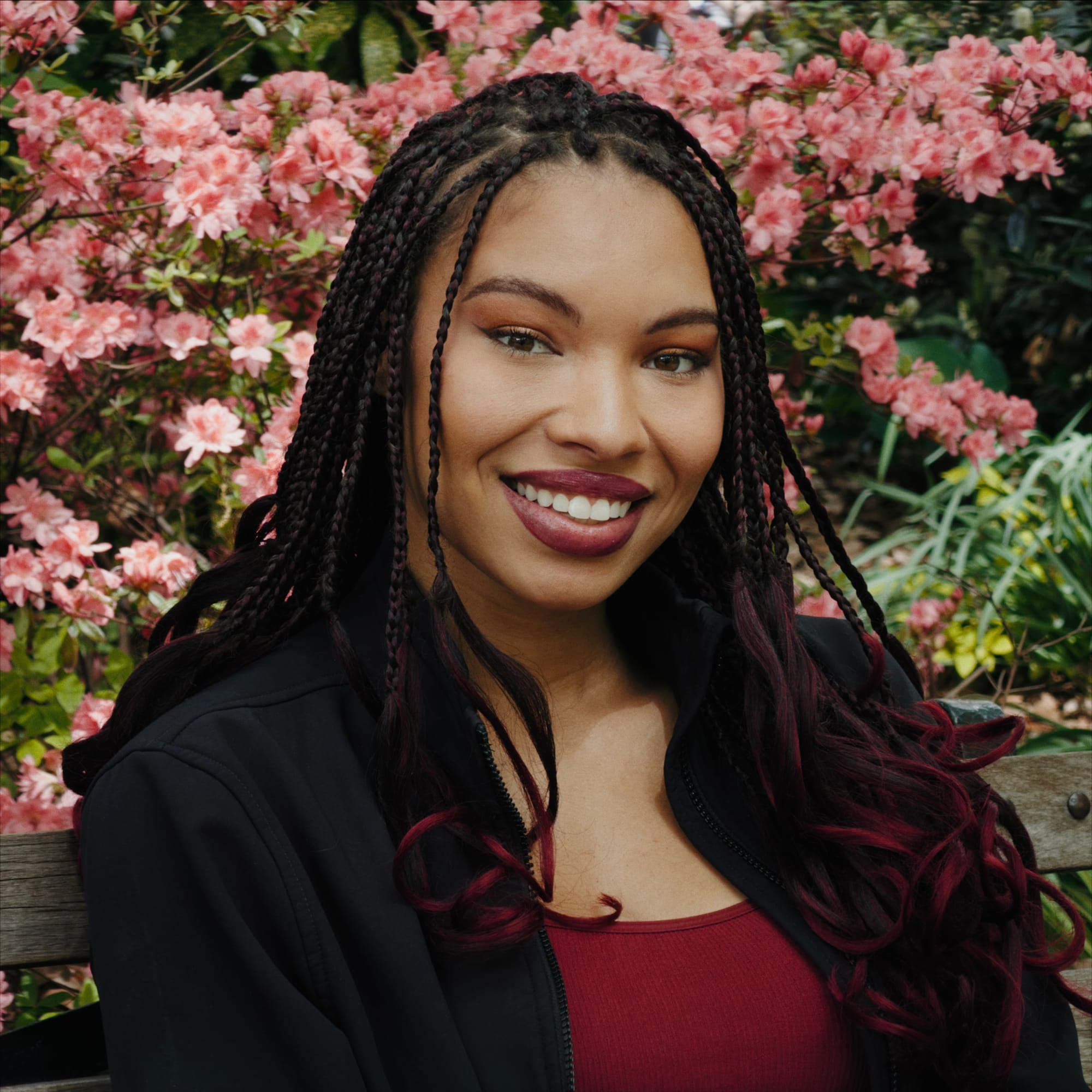
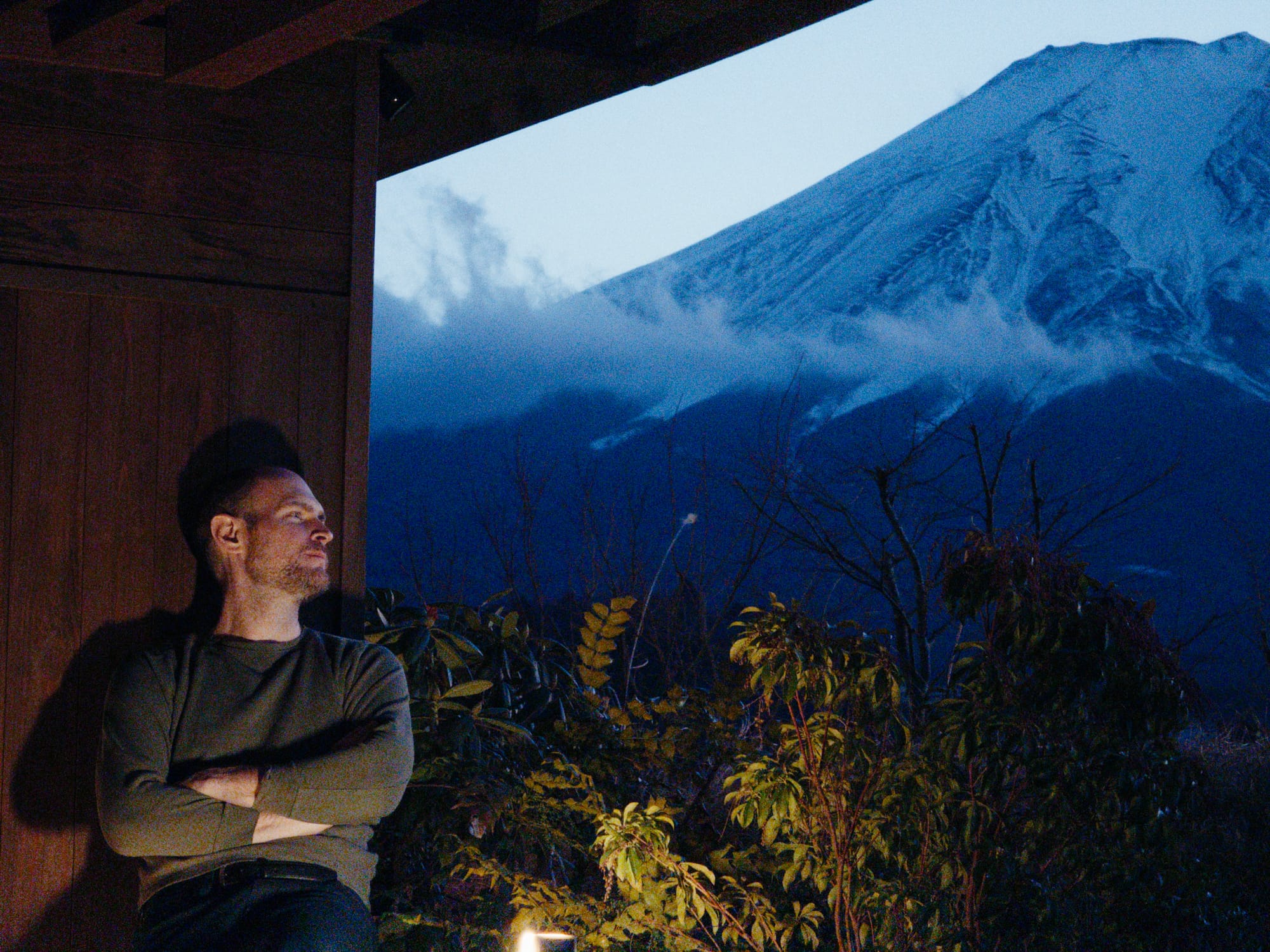
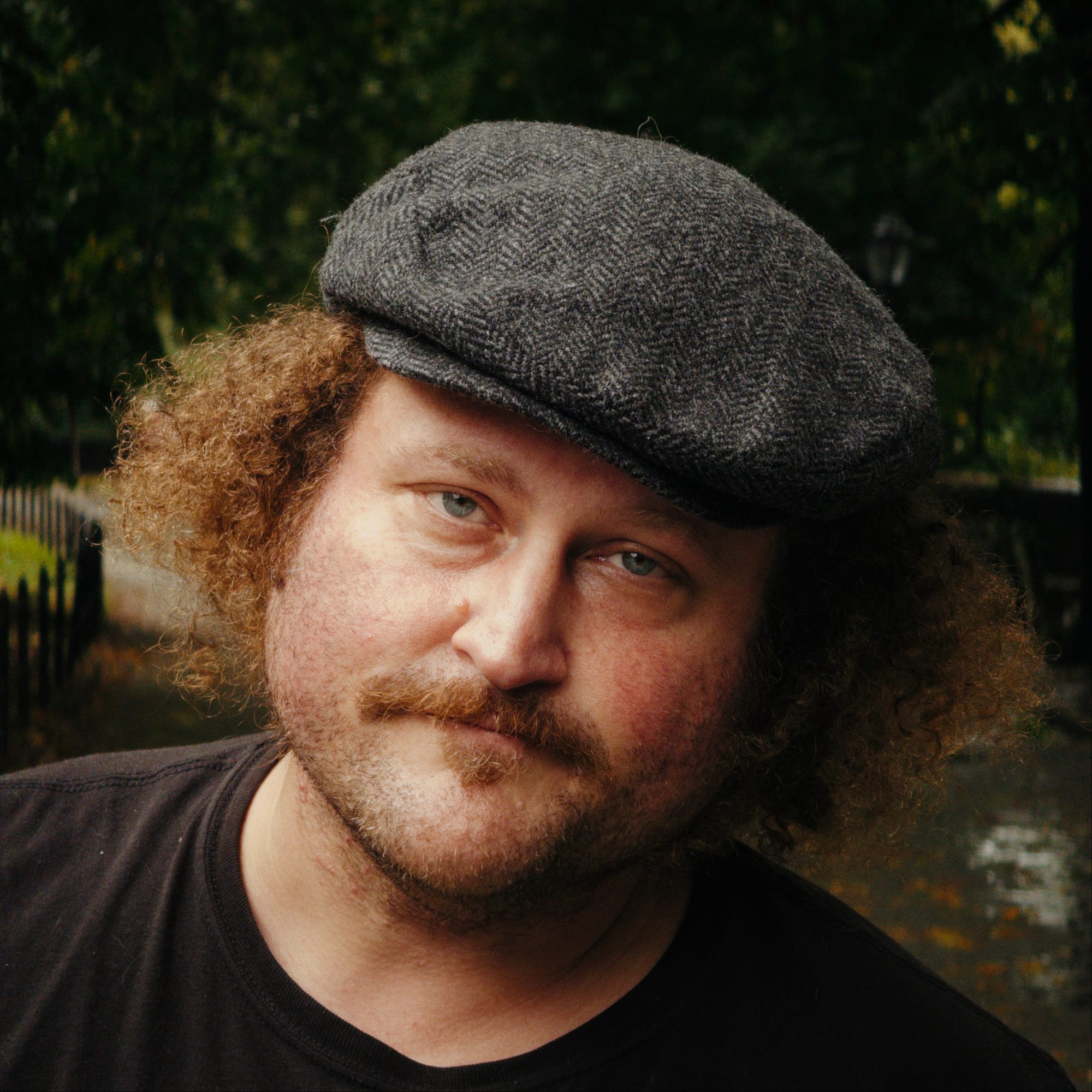
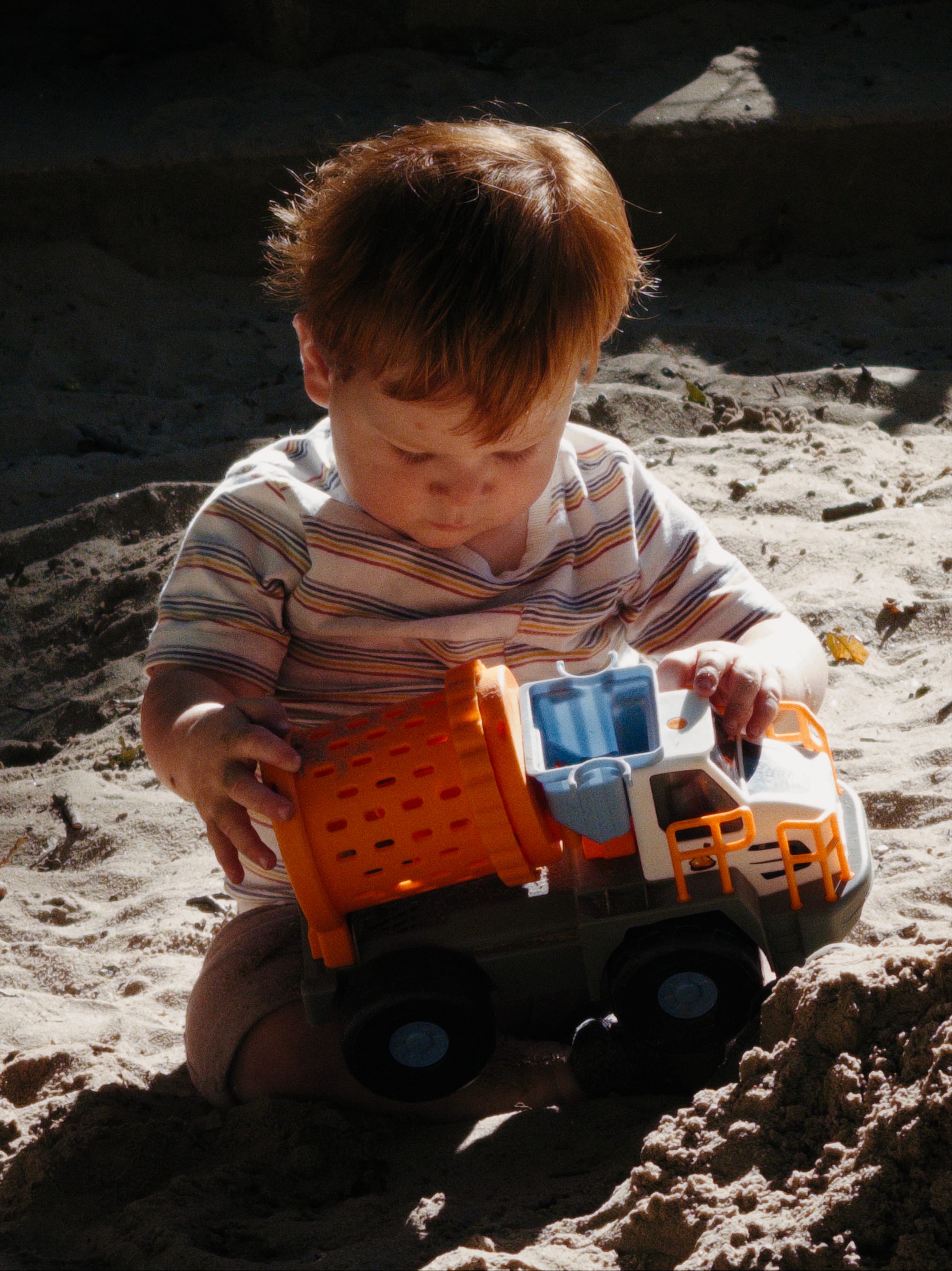
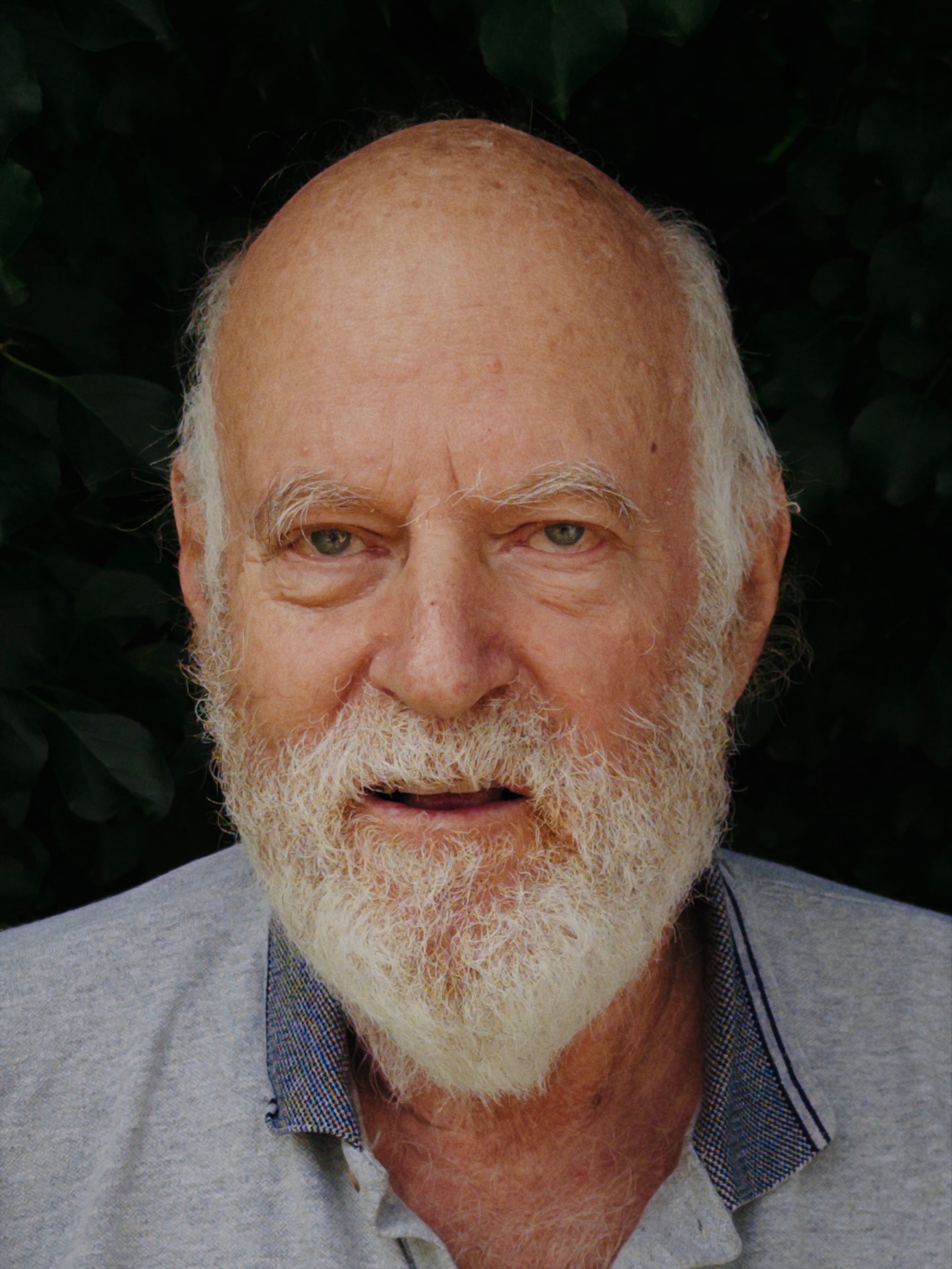
Because Rembrandt is built on top of Process Zero, it allows for the most natural lighting for portraits.
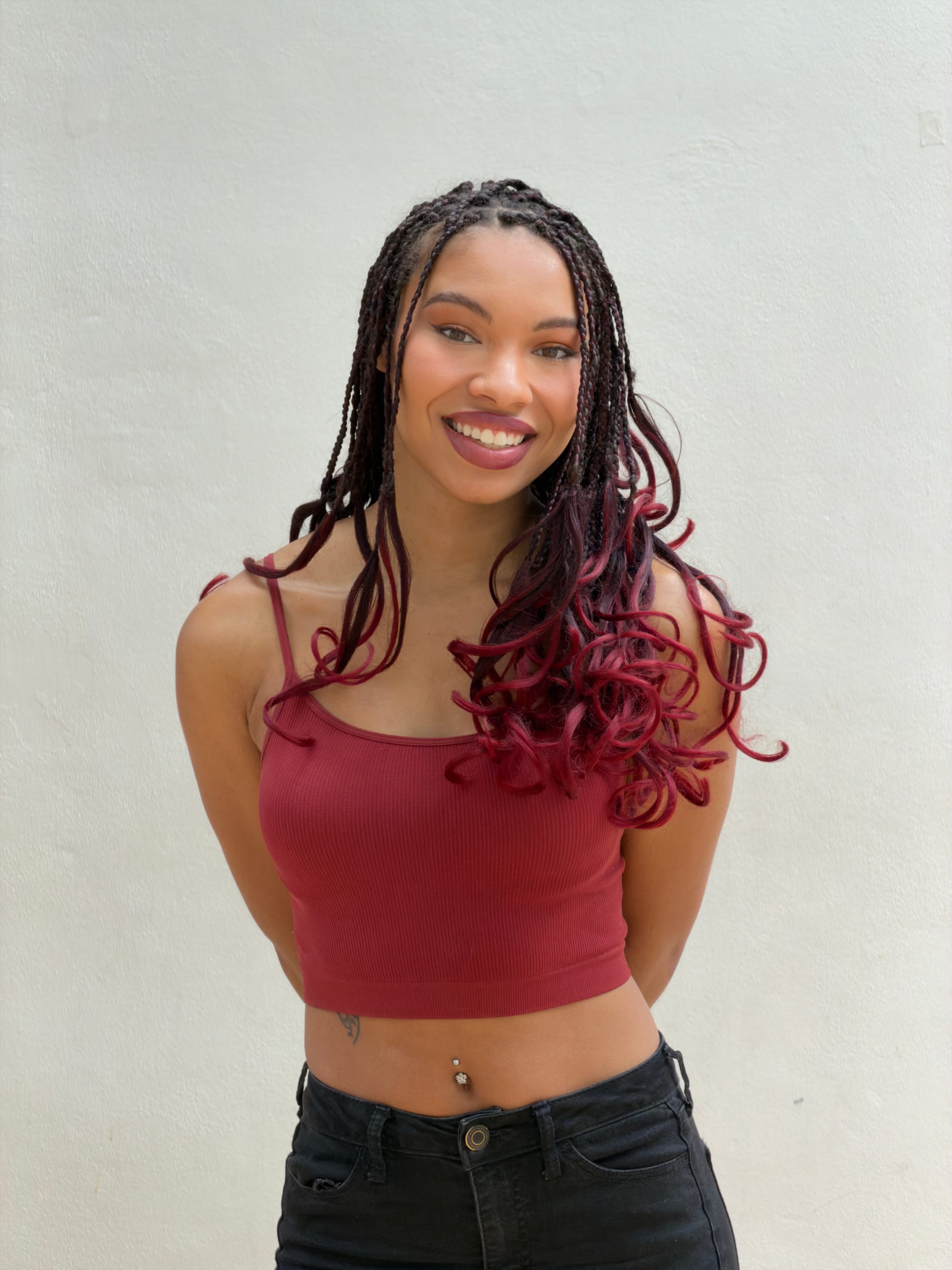
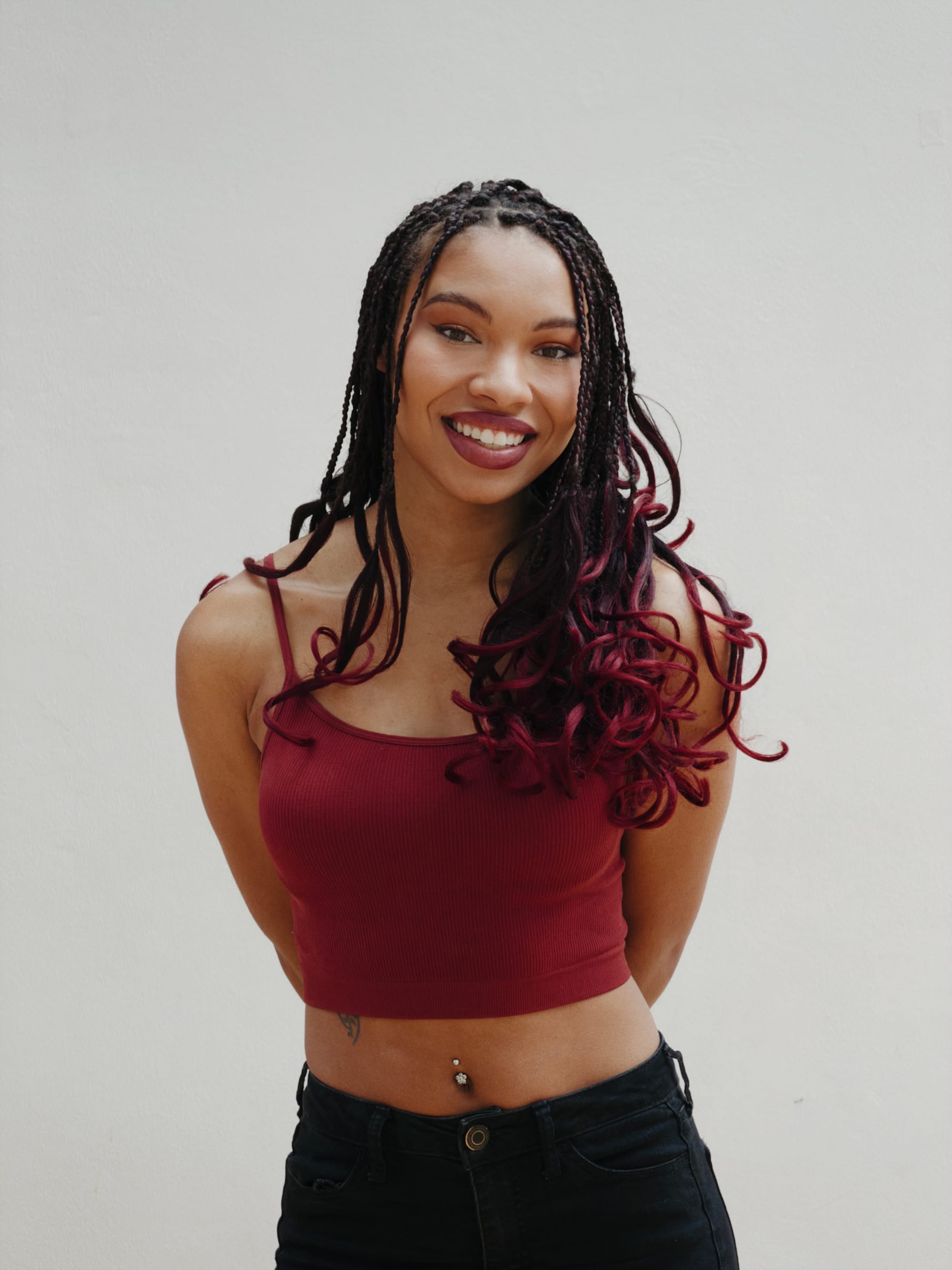
Apple Camera vs Halide with Rembrandt
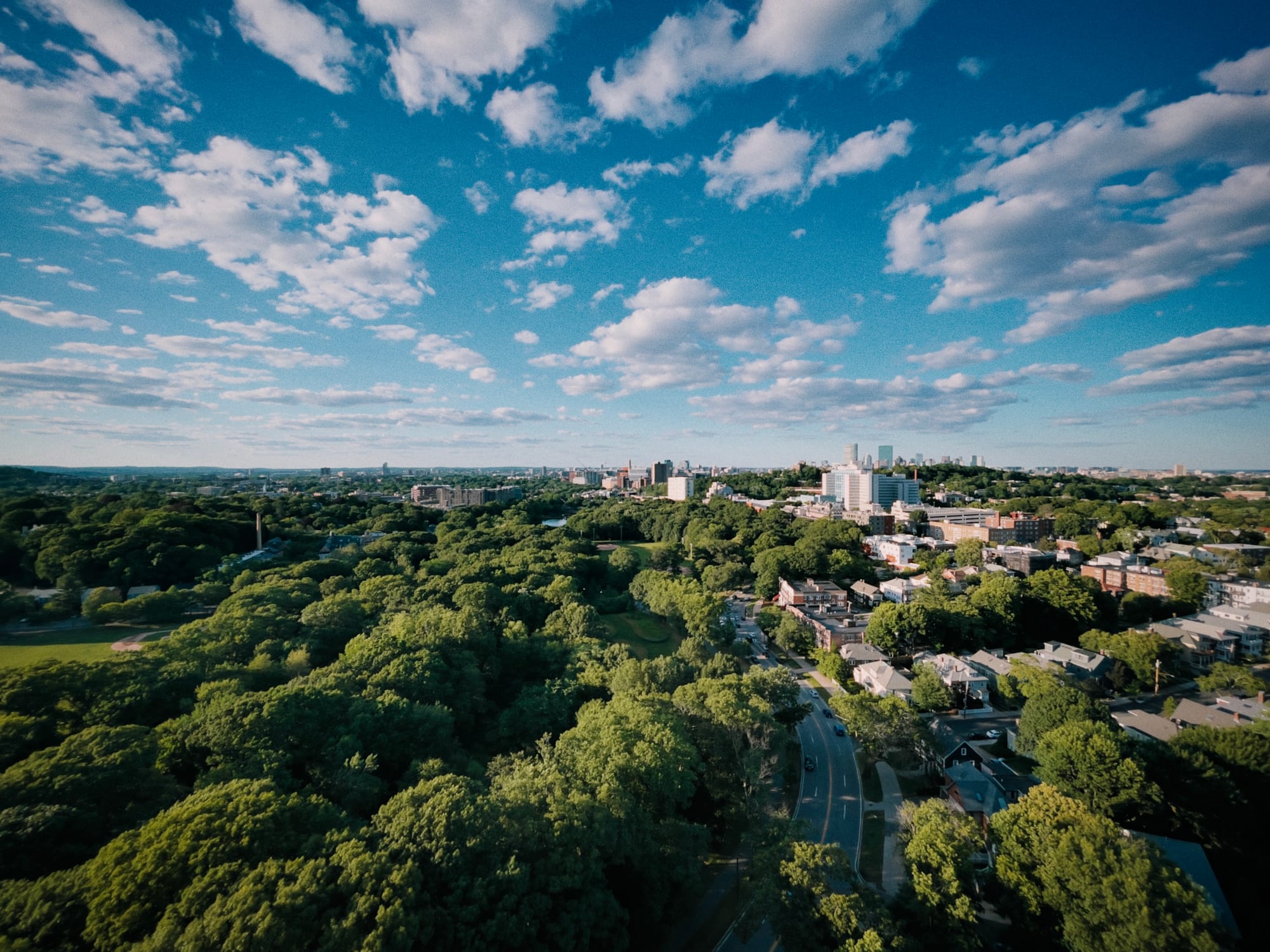
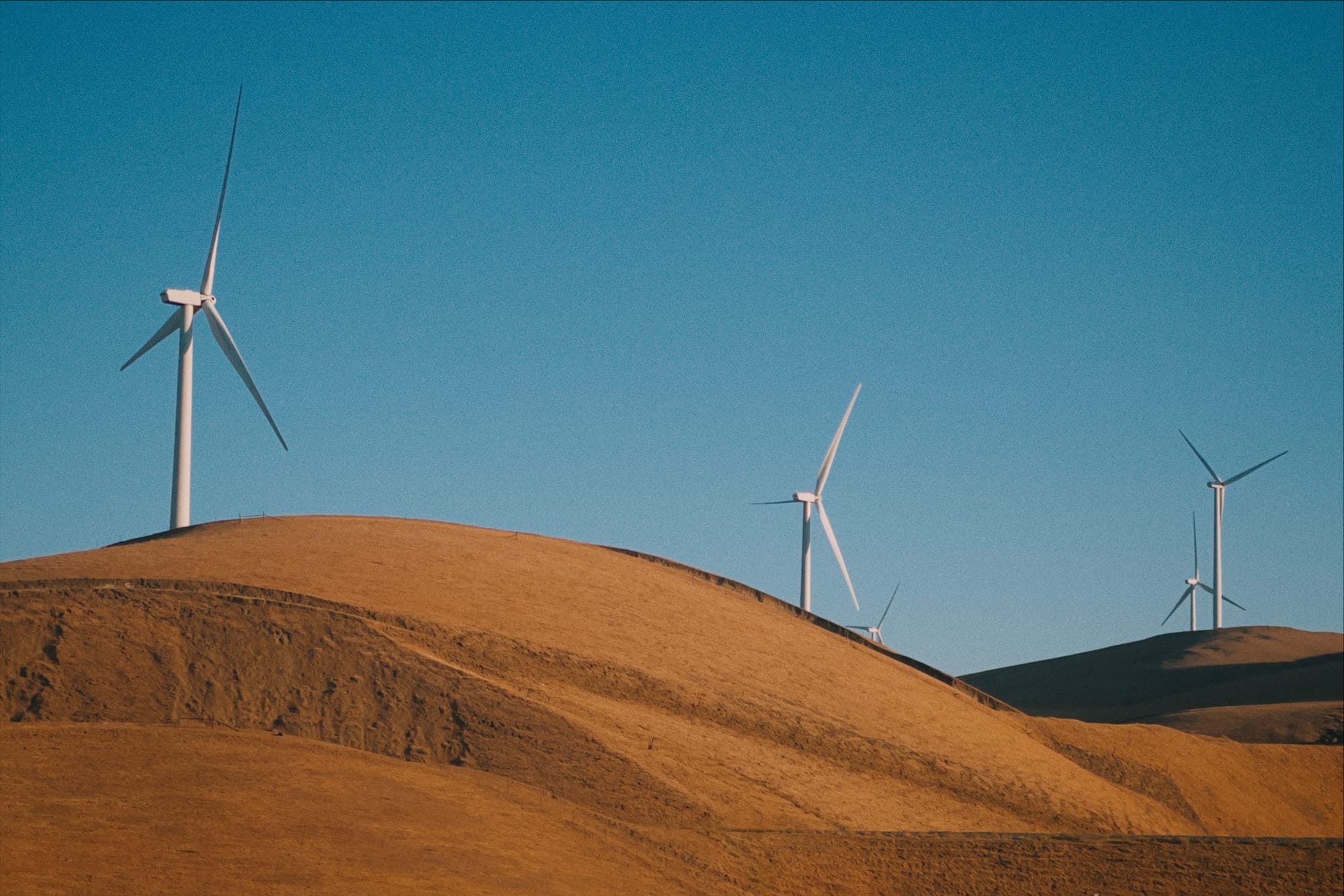
Nova
Our next look is exceptionally colorful, with tight contrast and smooth peachy highlights. Nova best suits landscapes and cityscapes rather than portraiture.
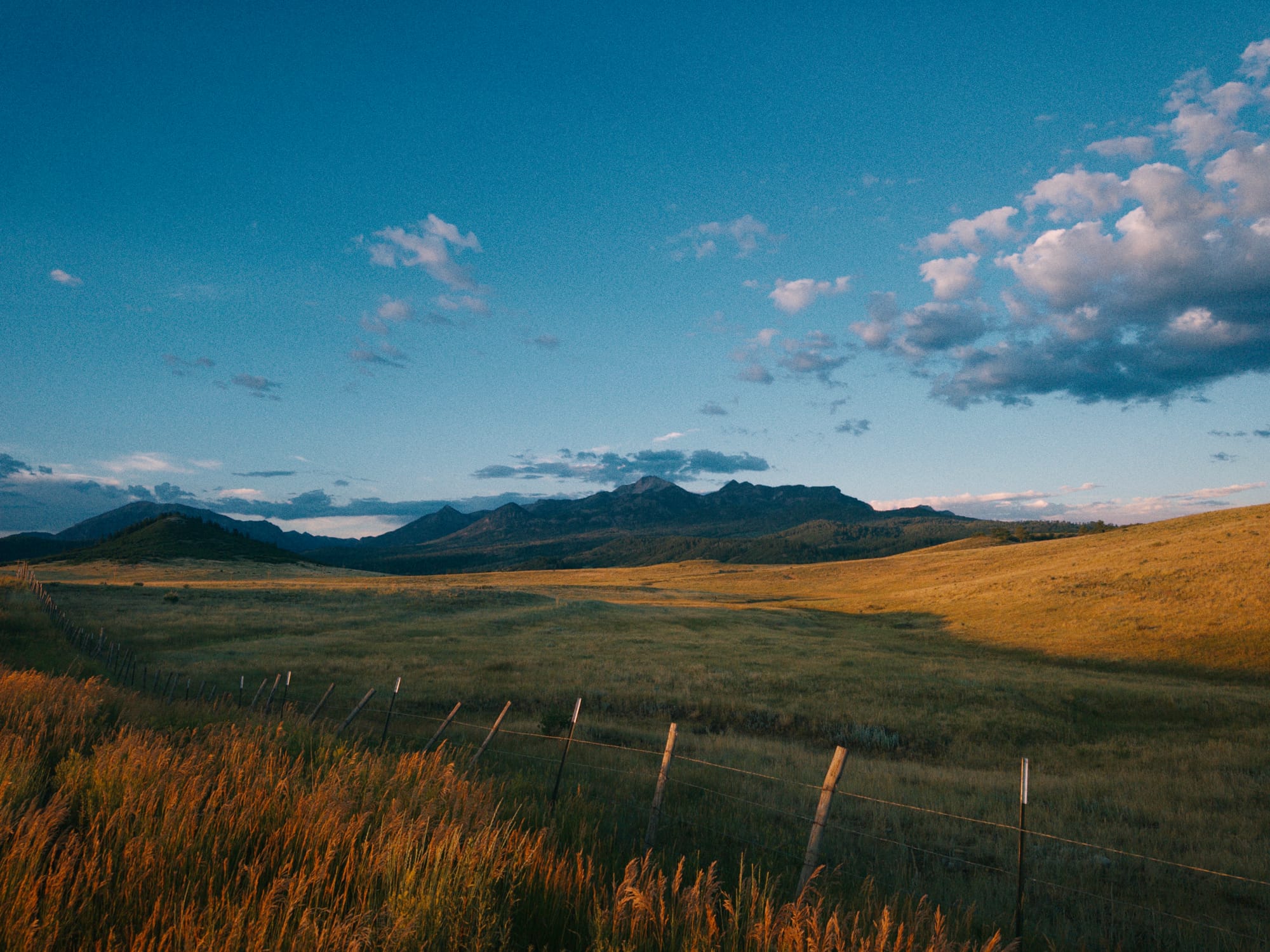
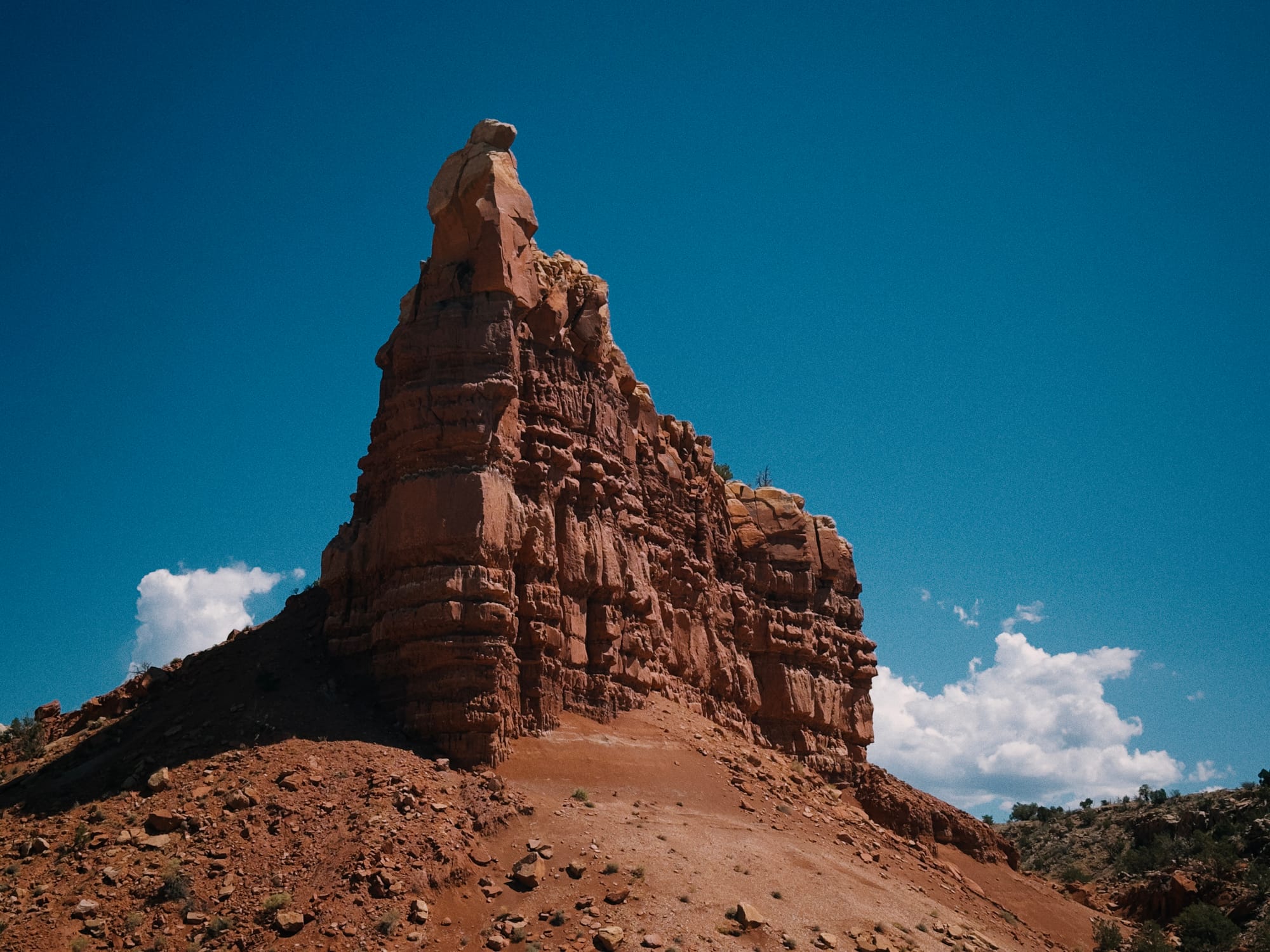
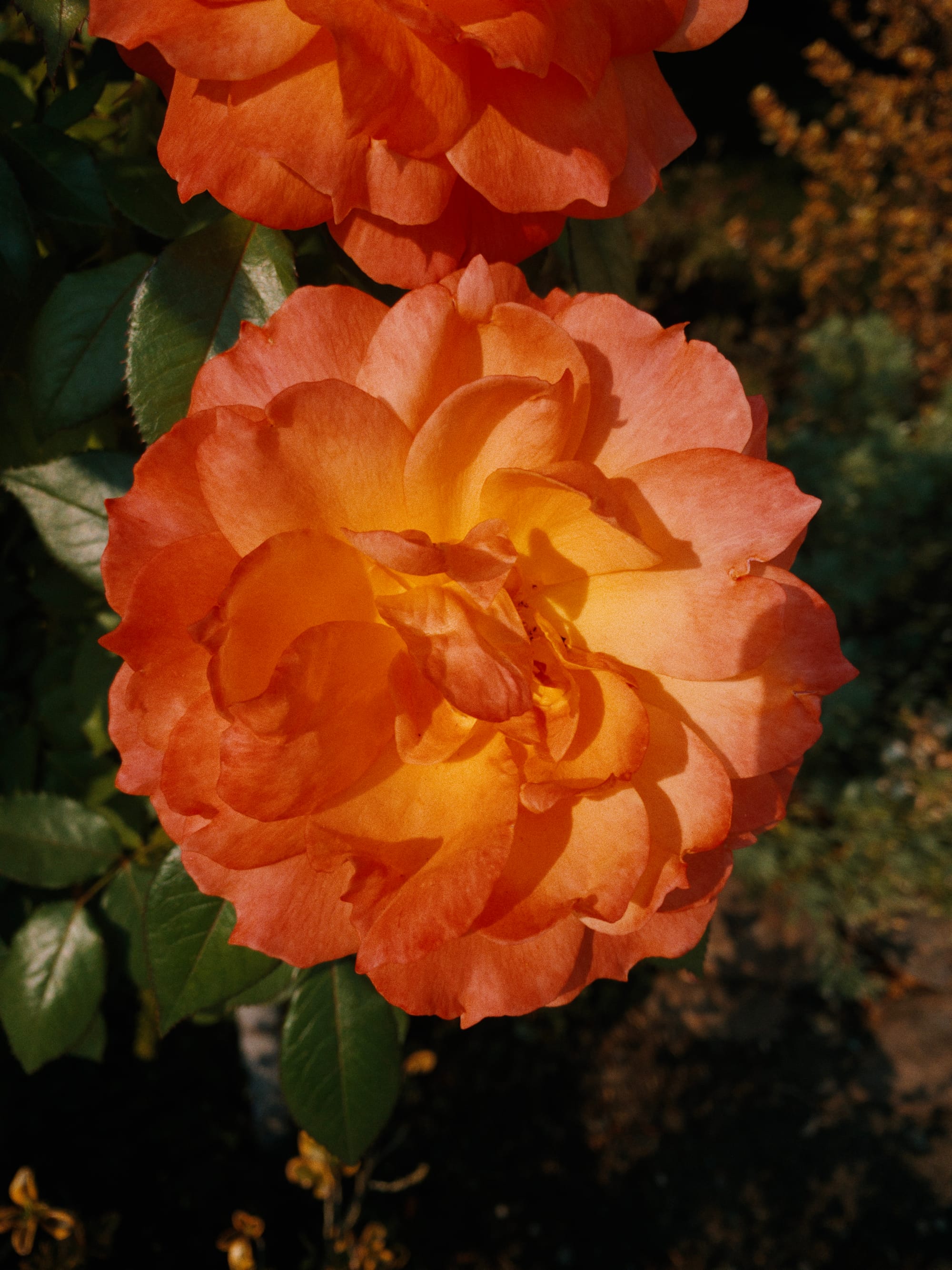
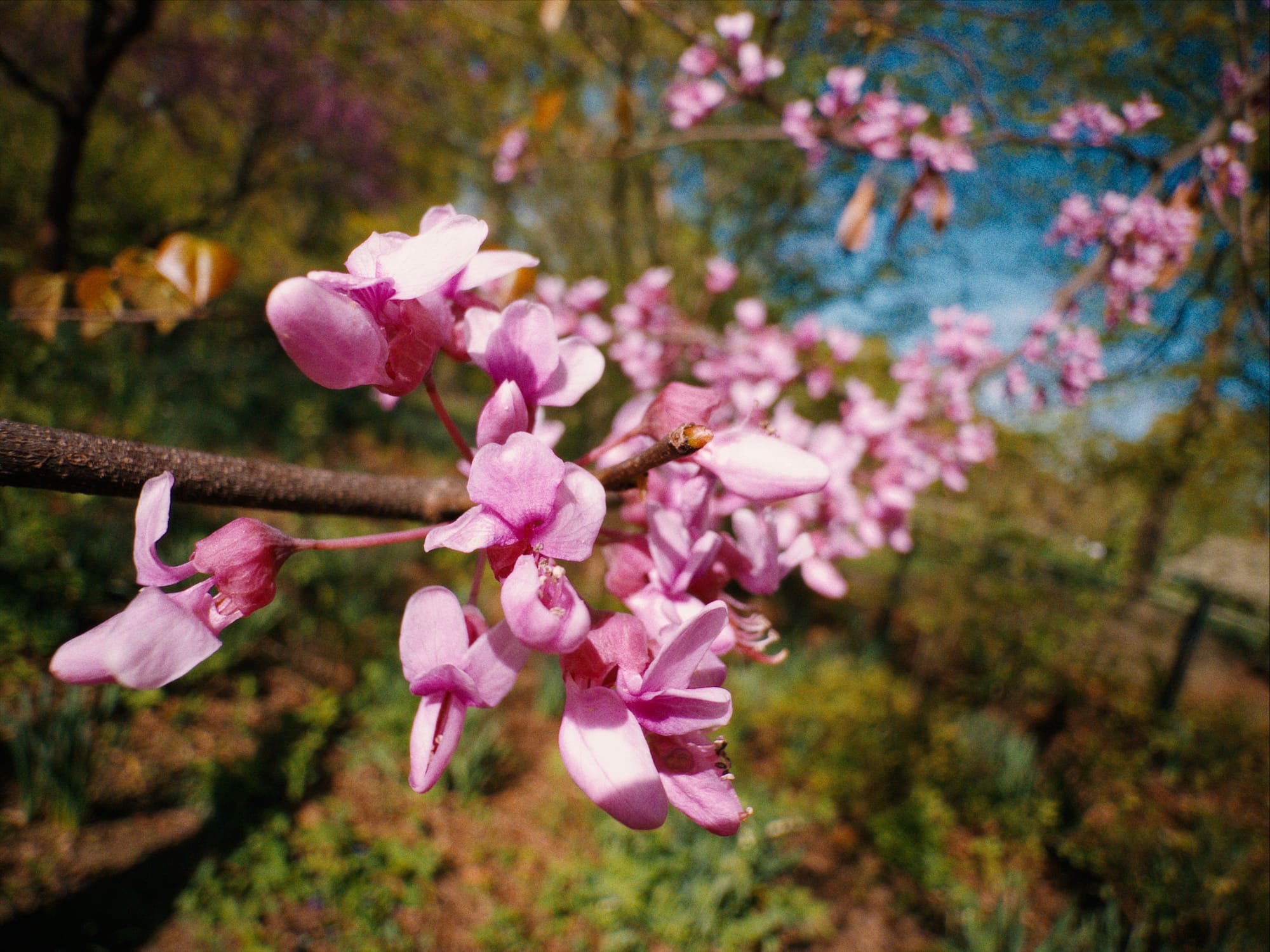

Zephyr
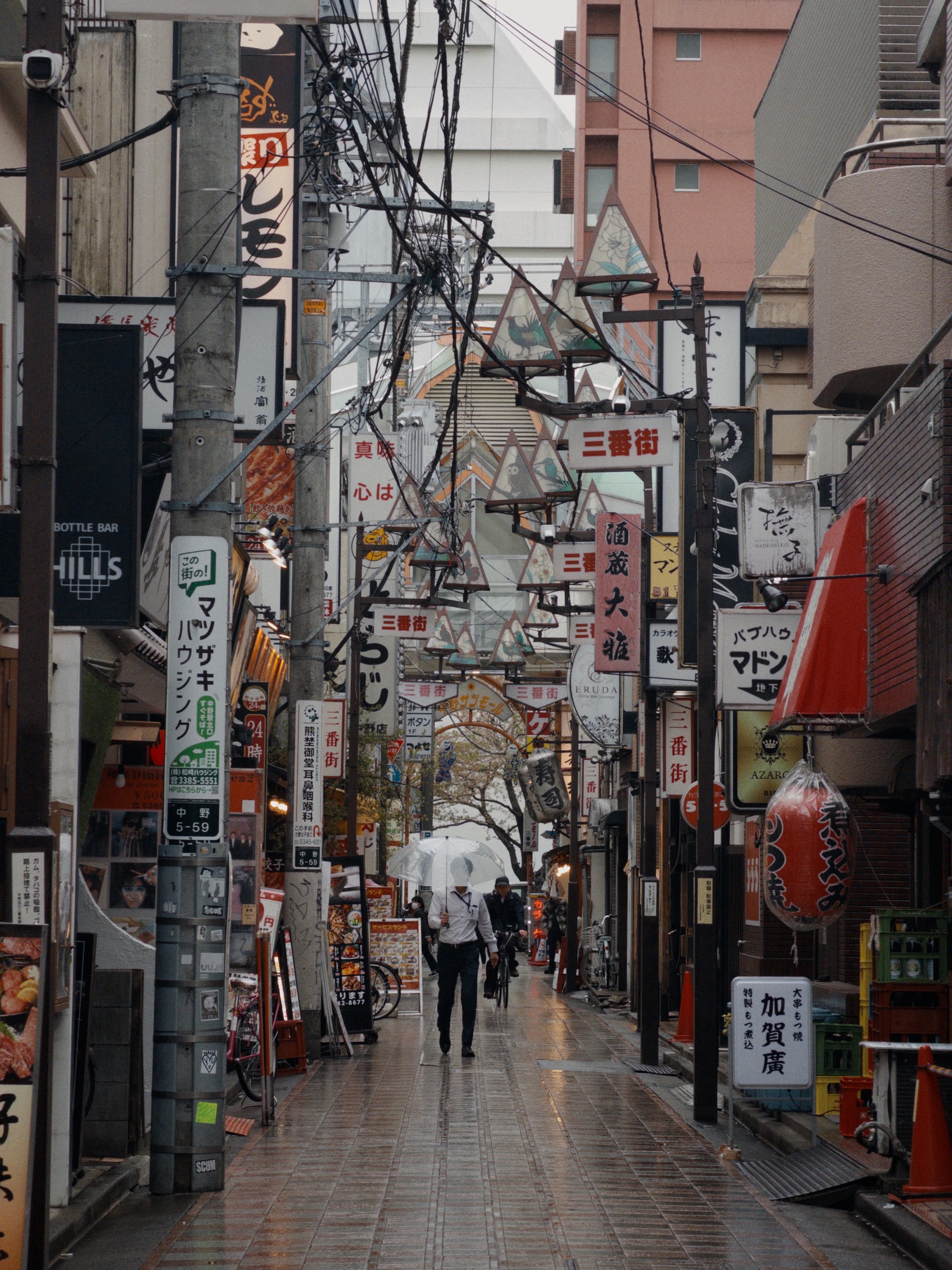
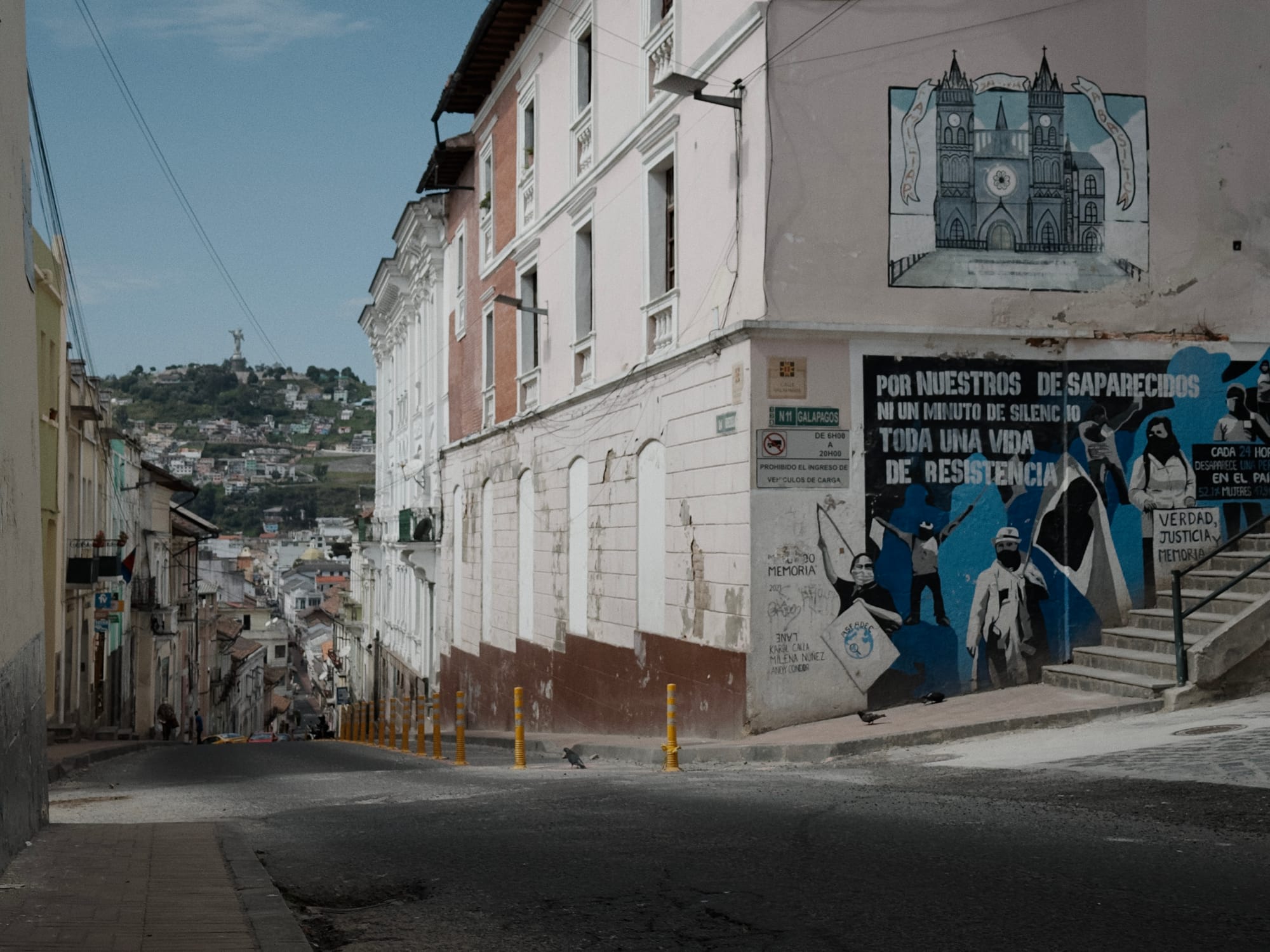
On the other end of the spectrum, we have our most subtle and restrained look. Zephyr features subtle filmic contrast, paired with rich skin tones and foliage. It has the character of a traditional print, but its neutral tone scale and tuned contrast make it a great choice for a wide variety of scenes and visual intents.
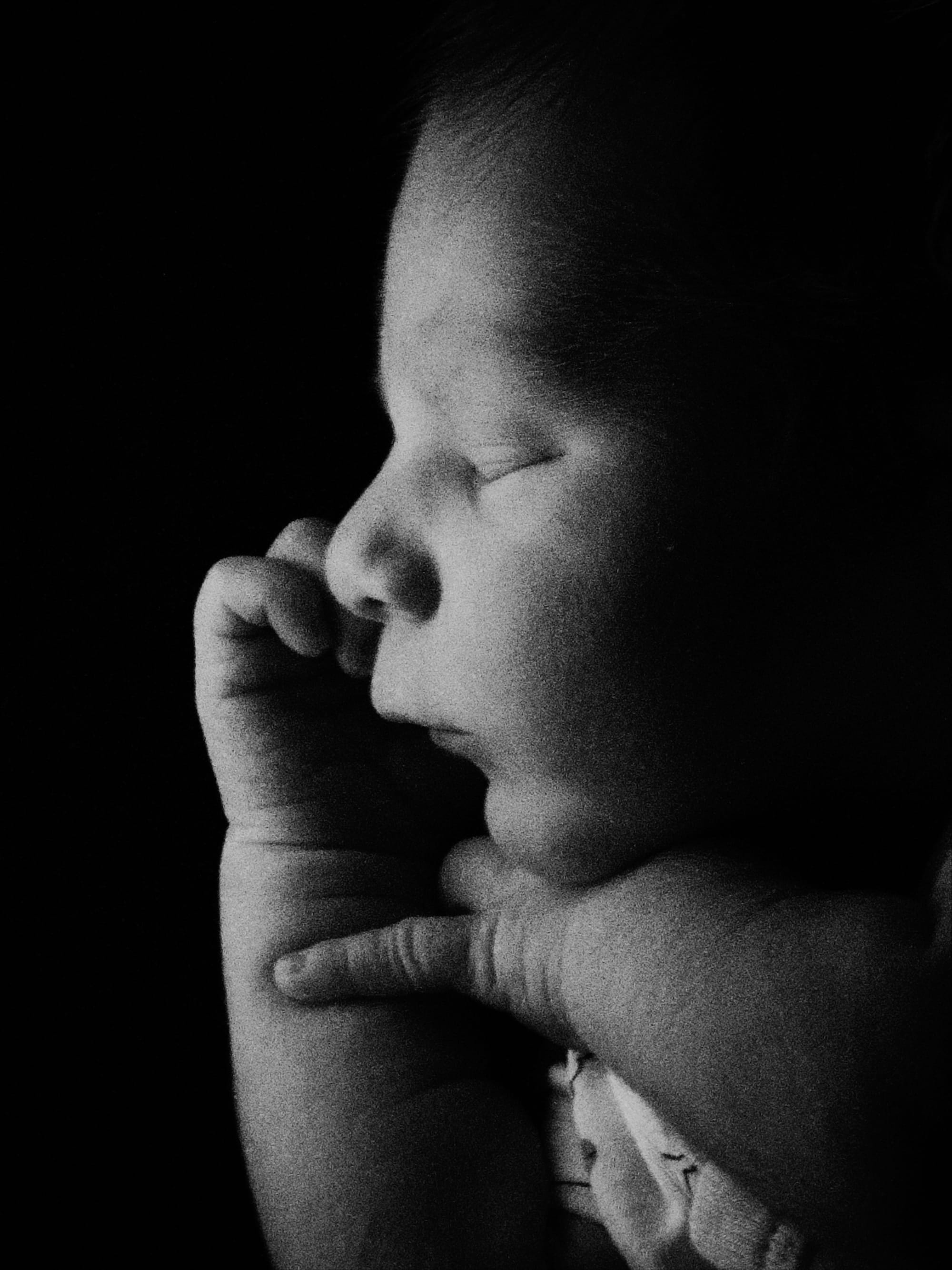
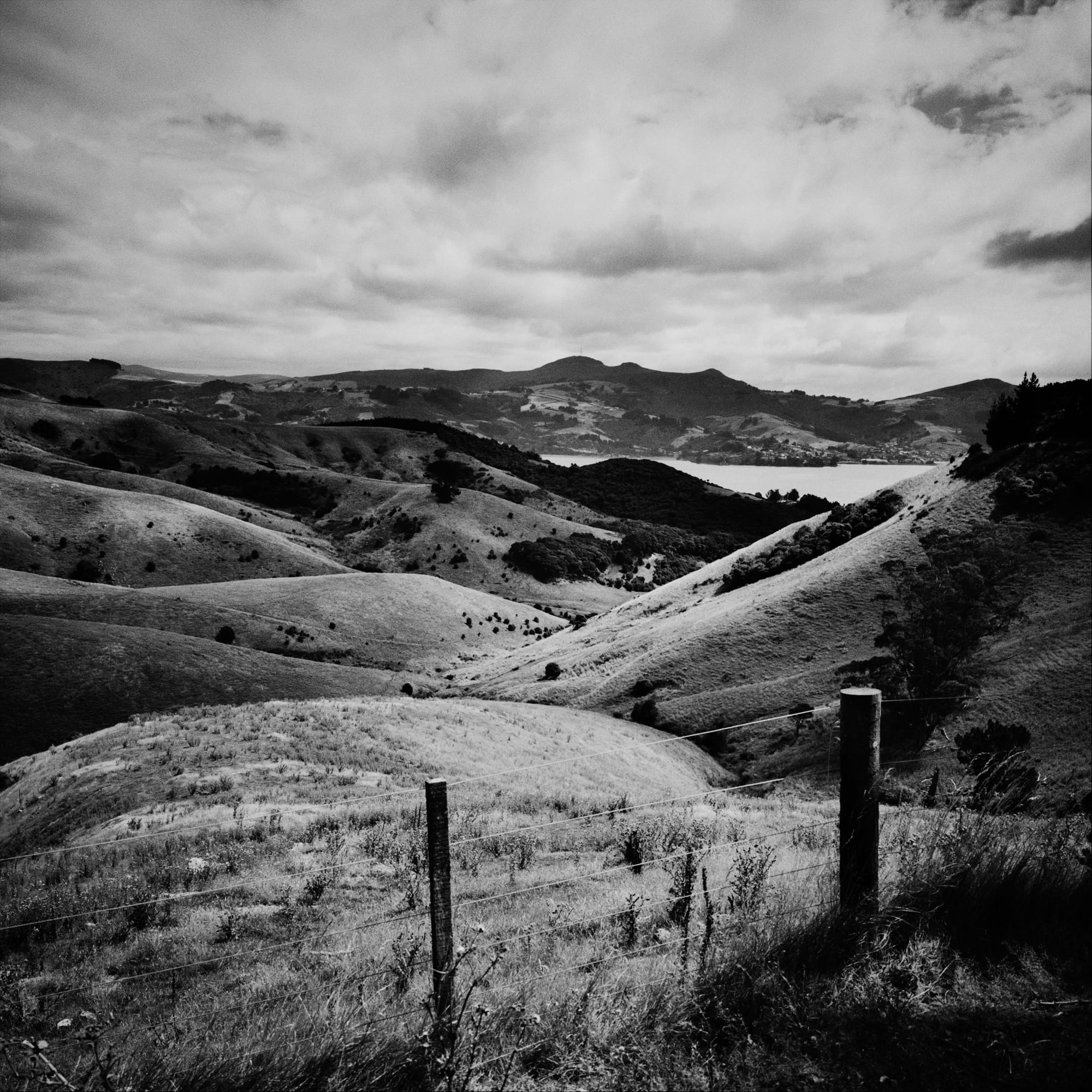
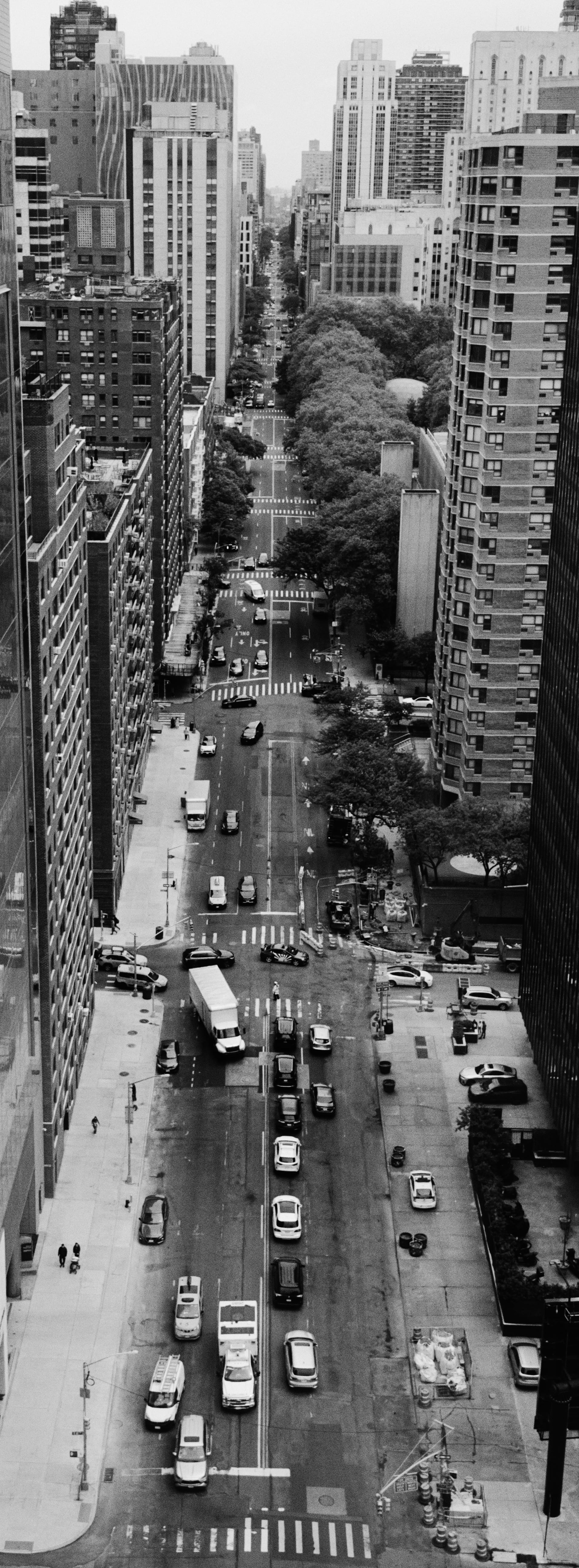
Chroma Noir
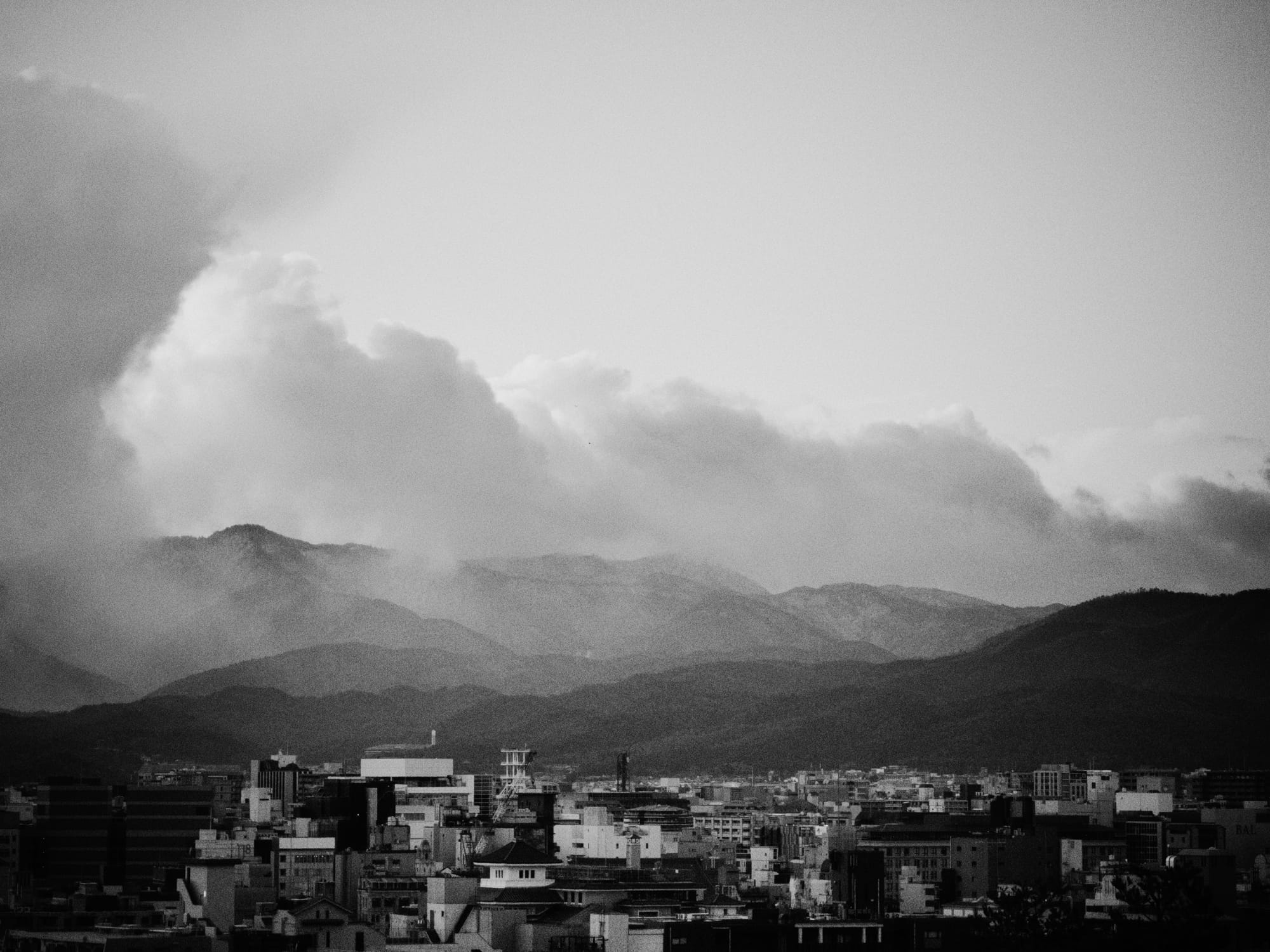
Finally, we have our medium contrast, black and white Chroma Noir. We developed this Look in-house to flex our film simulation engine, and it features a touch of extra grain.

100% HDR Support
In this post, we're only displaying the SDR versions of photos, due to browser limitations. However, all of our looks include HDR support, allowing for greater detail in highlights and shadows. This was no small feat, as we had to effectively develop two different versions of each look. However, once you see them in HDR, you'll understand why it's was worth it.
If this doesn't render in HDR, it's probably your browser or display.
All Looks Included
It's tempting to follow a "razor blade" business model: give you the camera for free and then upsell you on photo presets. However, we believe in simple, honest pricing. When you buy or subscribe to Halide, all looks are included. That includes all future looks we are develop for Mark III.
The Photo Lab
We built Mark III to deliver awesome results straight out of camera, but we know development is as important of a creative choice as the capture. This is why analog photographers keep their film negatives.
Halide has always worked with DNG files, which stand for "Digital Negatives." (You might know them as "RAWs.") Like analog film, digital negatives give you incredible control over exposure, contrast, color, and more. When you capture with RAW enabled, you can access development tools right inside Halide.
That said, we didn't build a full fledged editor. We wanted something better. Have you ever opened an editor and felt like you're staring at an airplane cockpit? We wanted a tool that brings us joy.
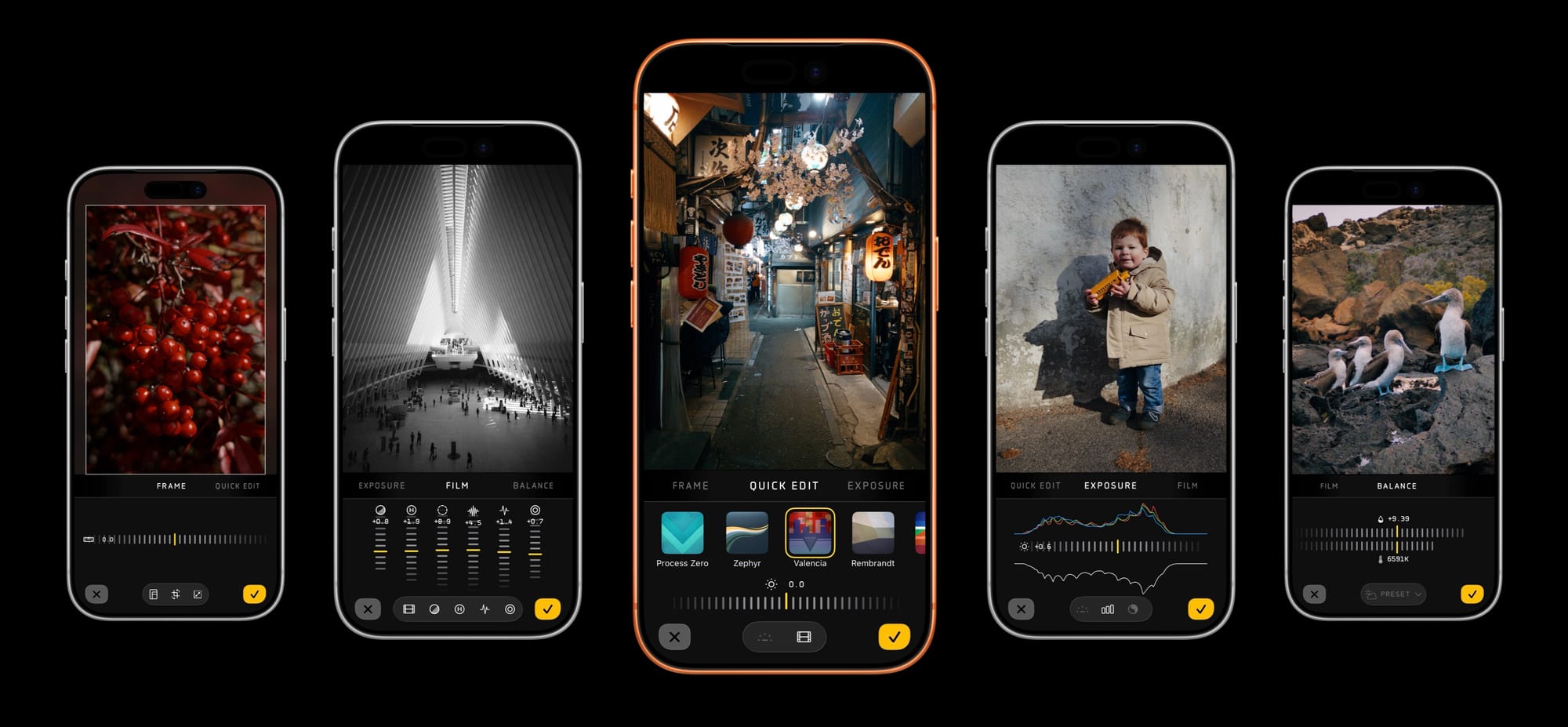
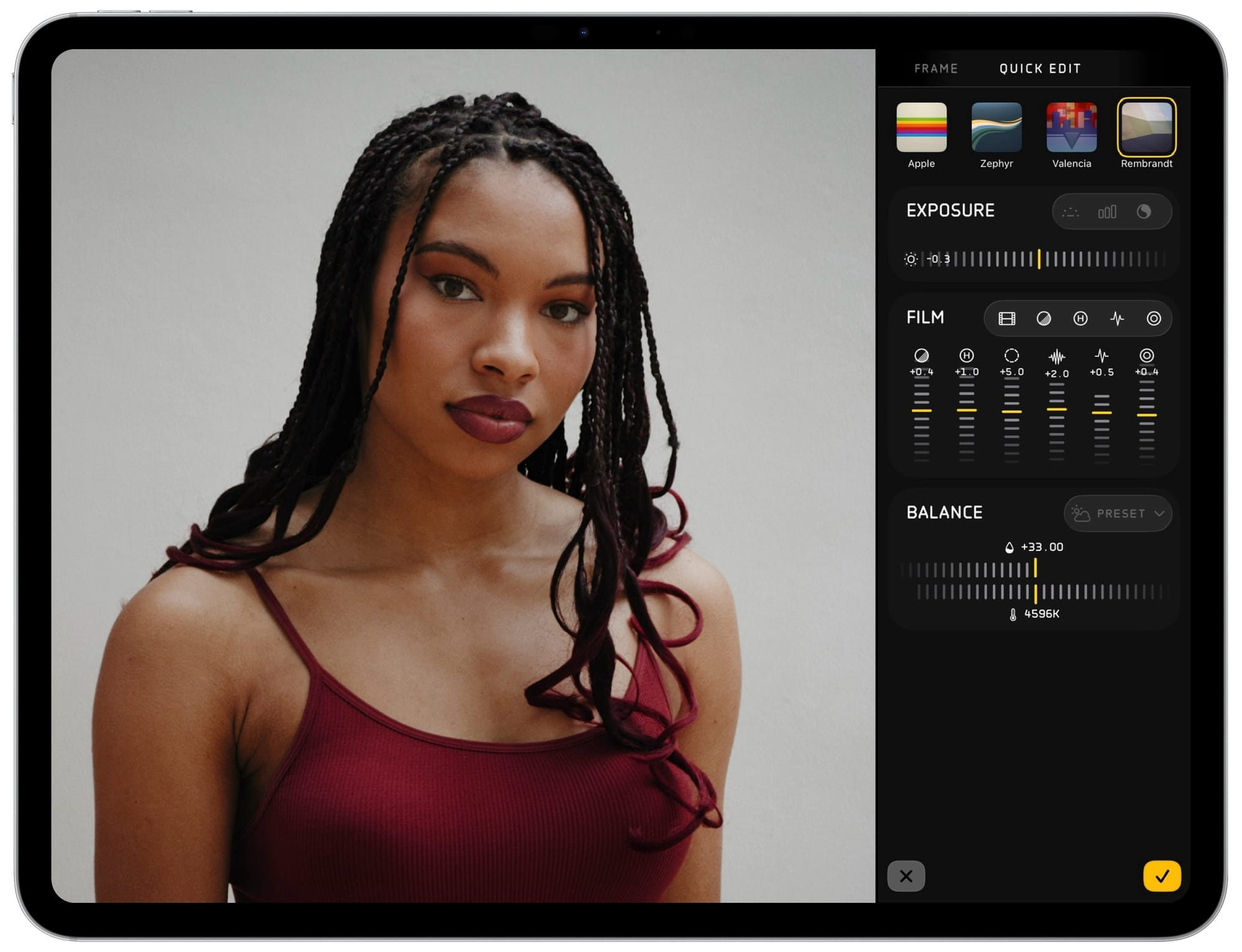
We built the Photo Lab to be streamlined and approachable. You can tell this from the first moment you open the photo lab, as we present you with the "Quick Edit" pane.
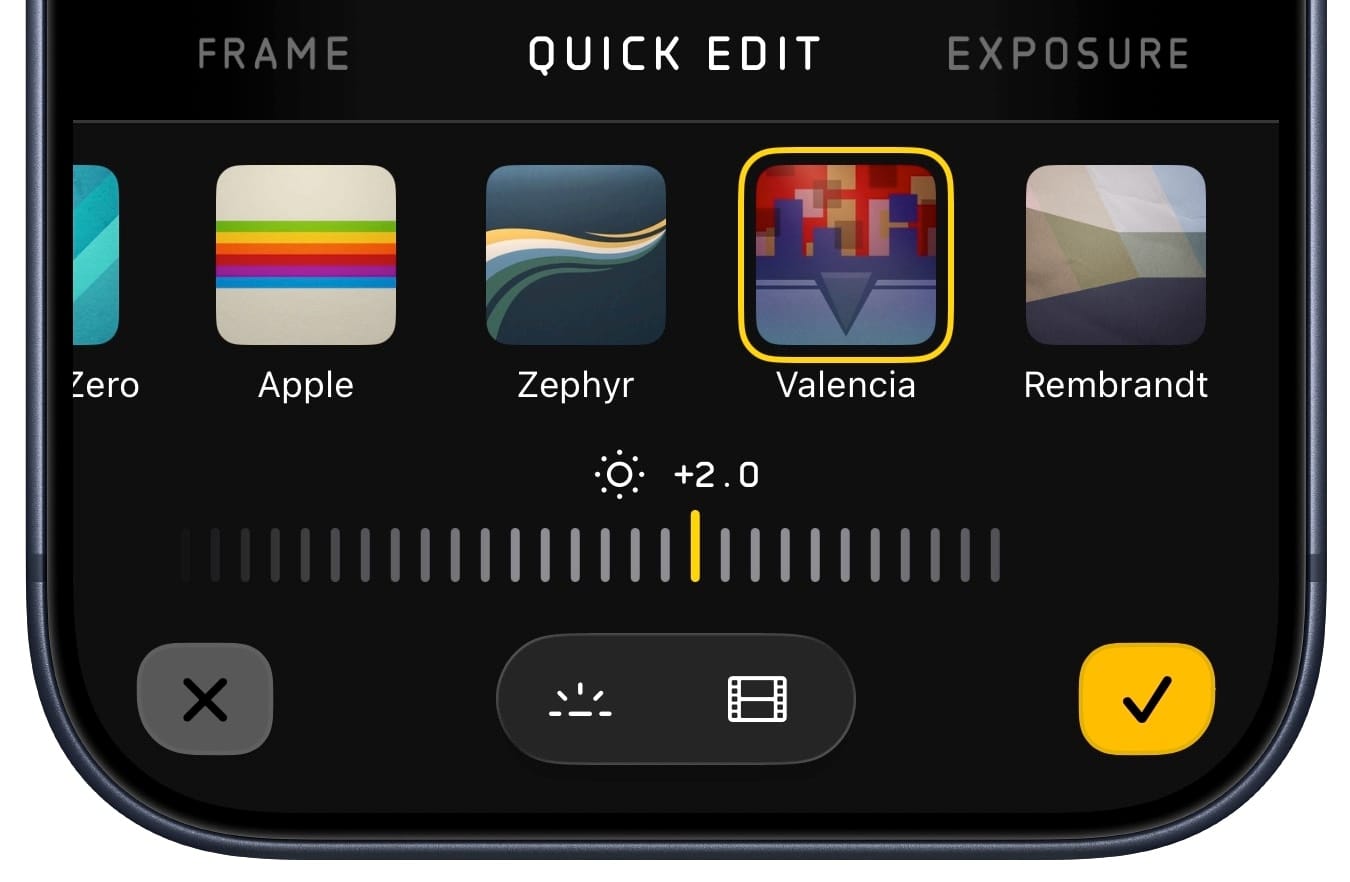
From here you can quickly audition different looks, toggle HDR and film simulations, and fiddle with exposure to find that sweet spot.
If you want more control, you can flip to detailed section from the tab-dial above. Scroll or tap to "Frame" for control over crop, level, and output resolution.
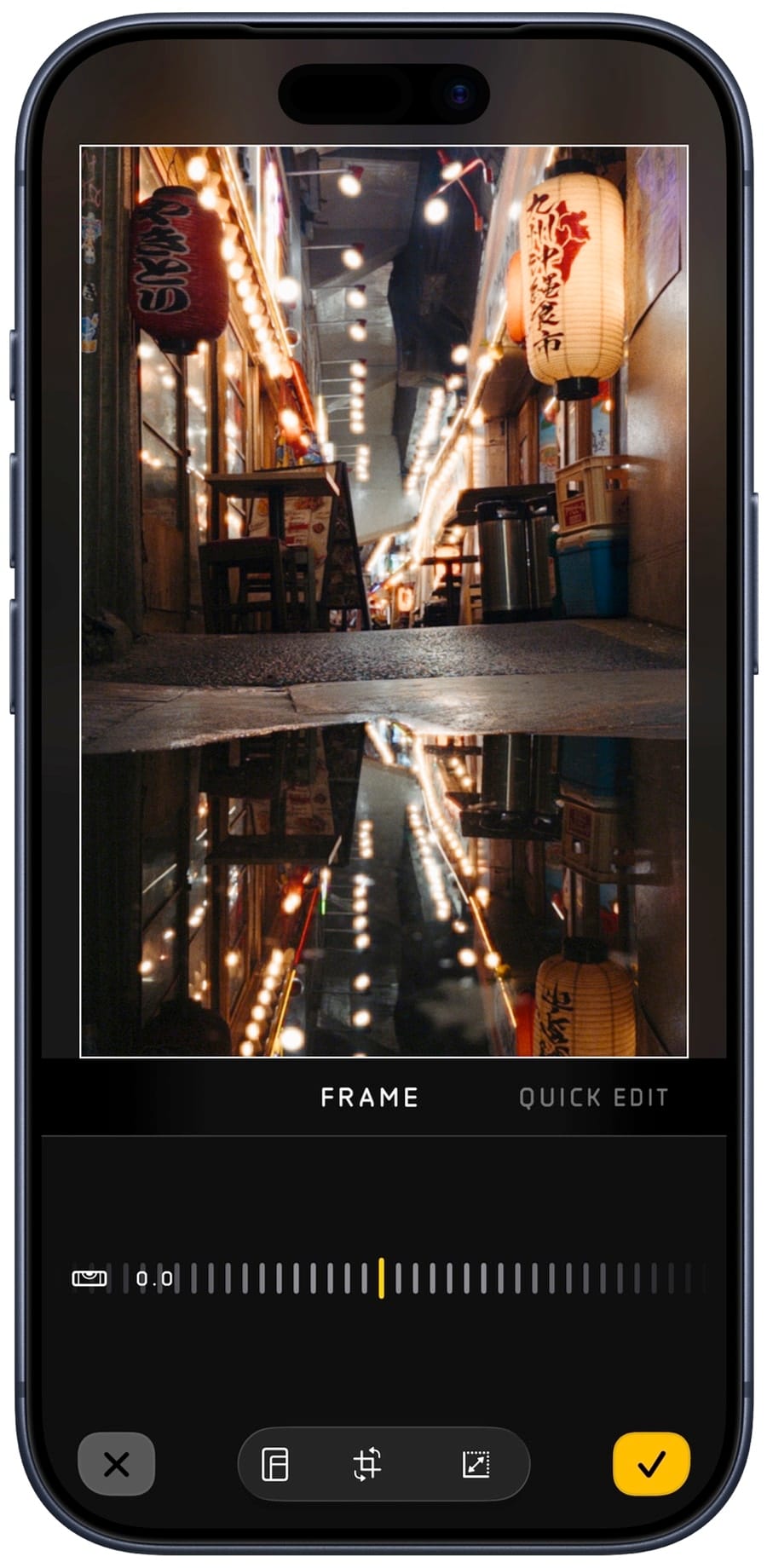
In addition to picking different aspect ratios, you can also pick your output resolution. The Photo Lab defaults to 4k, even if the original photo is 48 megapixels. This was born out of user requests: people shoot 48mp for latitude in cropping, but prefer 4k (about 12MP) to save storage and make it easier to share photo. That said, if you have a beefy phone, you can fiddle with the resolution in the Frame panel.
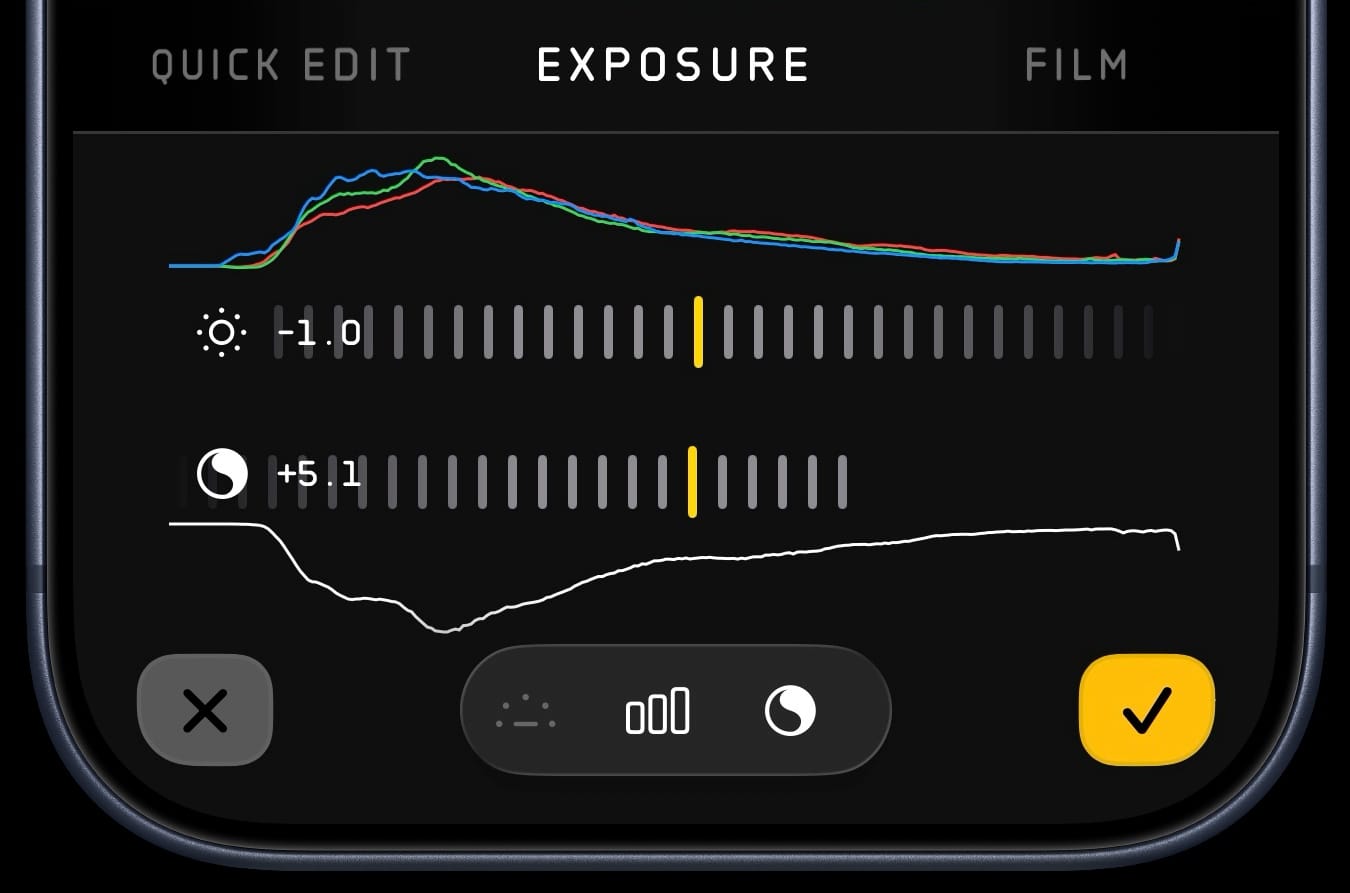
To right of Quick Edit we have the Exposure panel. In addition to the exposure dial from earlier, you can toggle our histogram and tone fusion tool.
In the "Film" tab you can toggle individual components that make up the simulation, and adjust the strength of grain, halation, MTF (Modulation Transfer Function or "Micro contrast"), and vignetting.
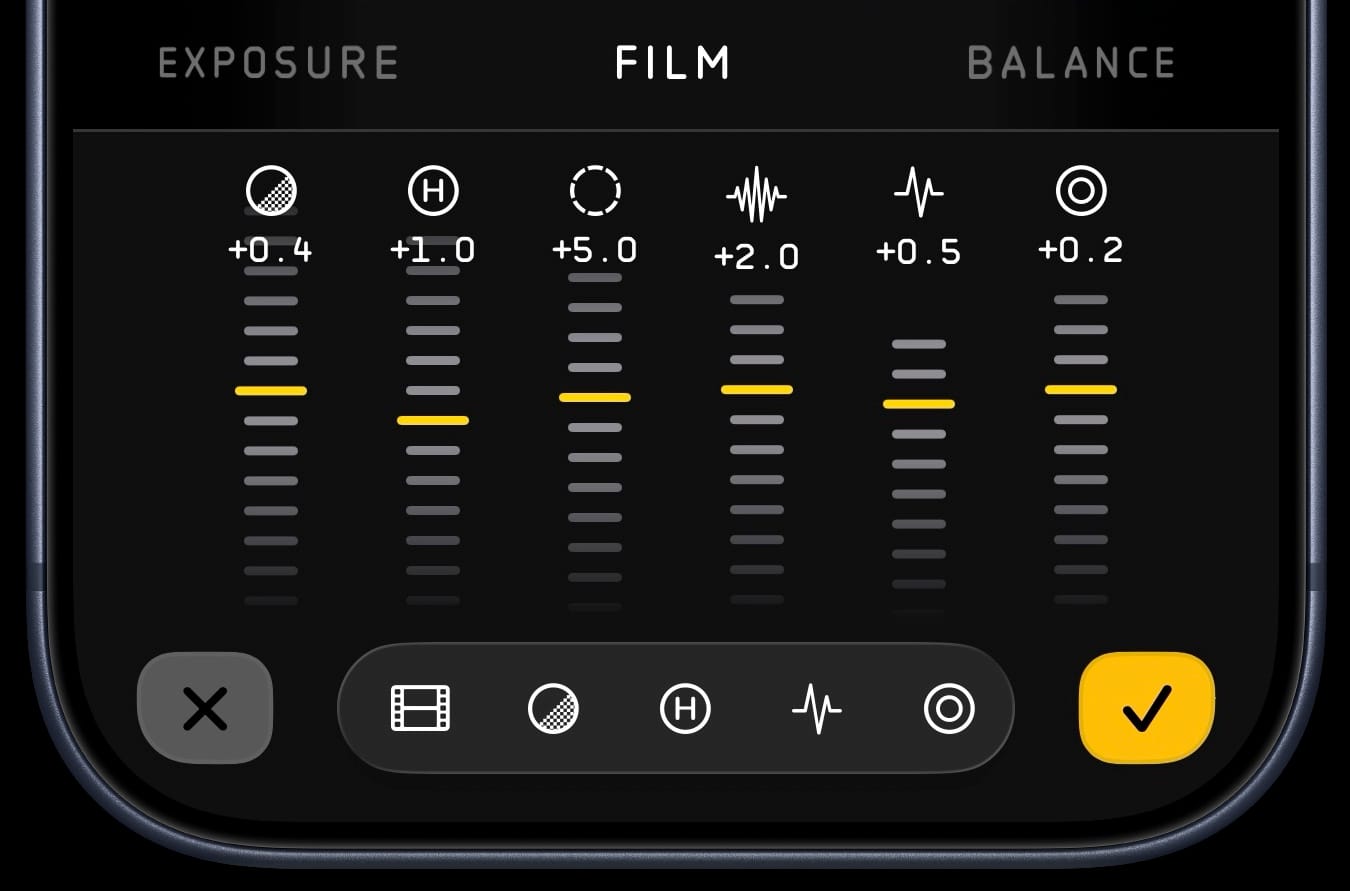
This panel features a lot of controls, which can feel intimidating. However, we designed the photo lab so you shouldn't need to fiddle with this stuff if you don't want to.
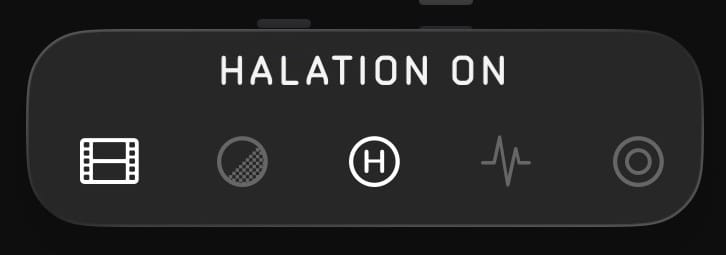
Whenever you toggle them on and off using the bottom toolbar, we show a brief reminder of what that dial does.
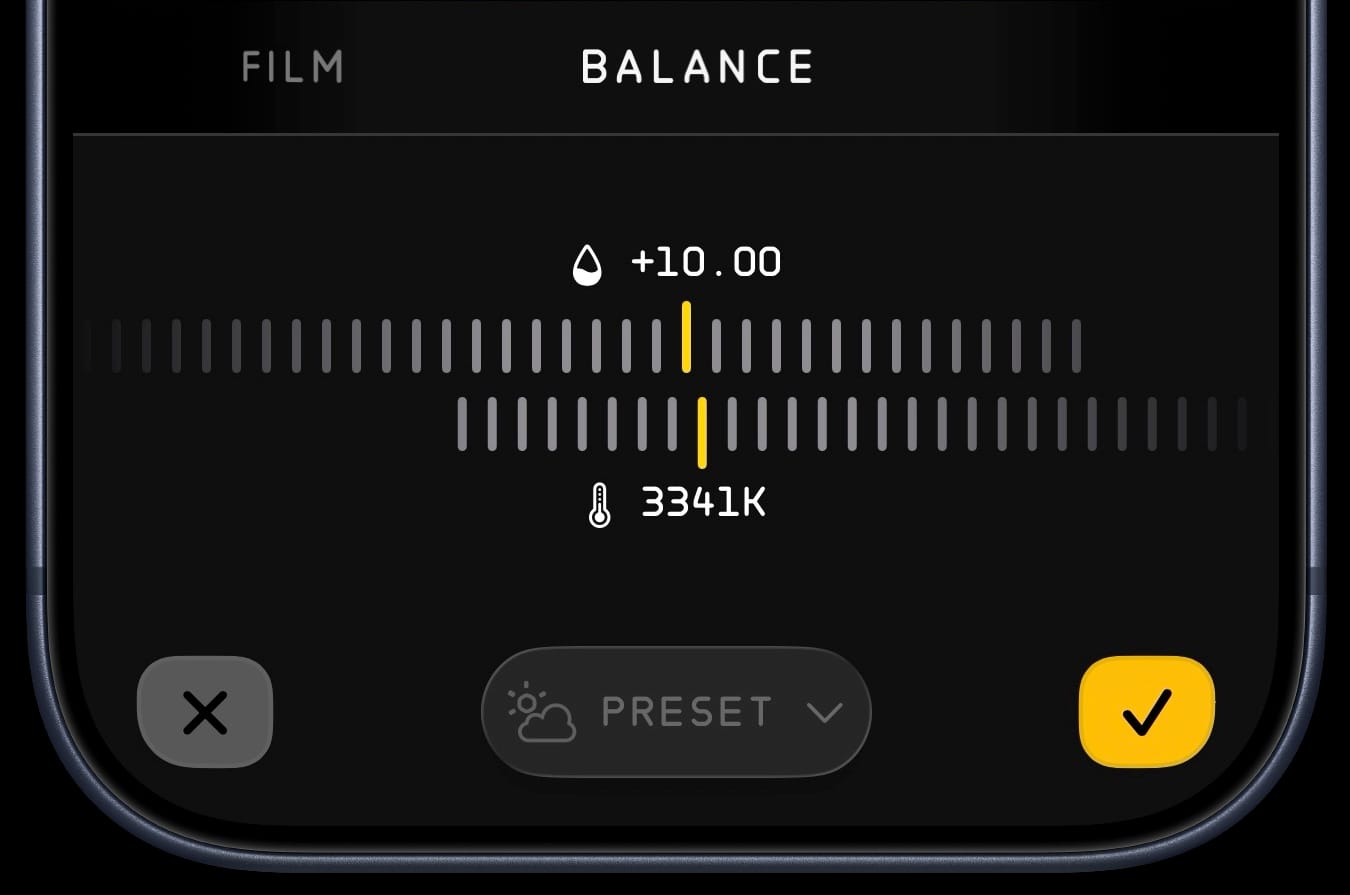
Finally, we have the "Balance" tab, which gives you control over custom white balance, and a menu for picking from presets.
While we've focused on the iPhone, of course the Photo Lab runs great on iPad, where the abundance of space allows us to cut down on navigation.
Speaking of space, you might notice quite a bit of breathing room around some control panes. Well, we have more features in mind, but this feels like enough for a great 1.0.
The New Design
The design goal of Mark III is to streamline the experience and focus on the most important tools of photography.
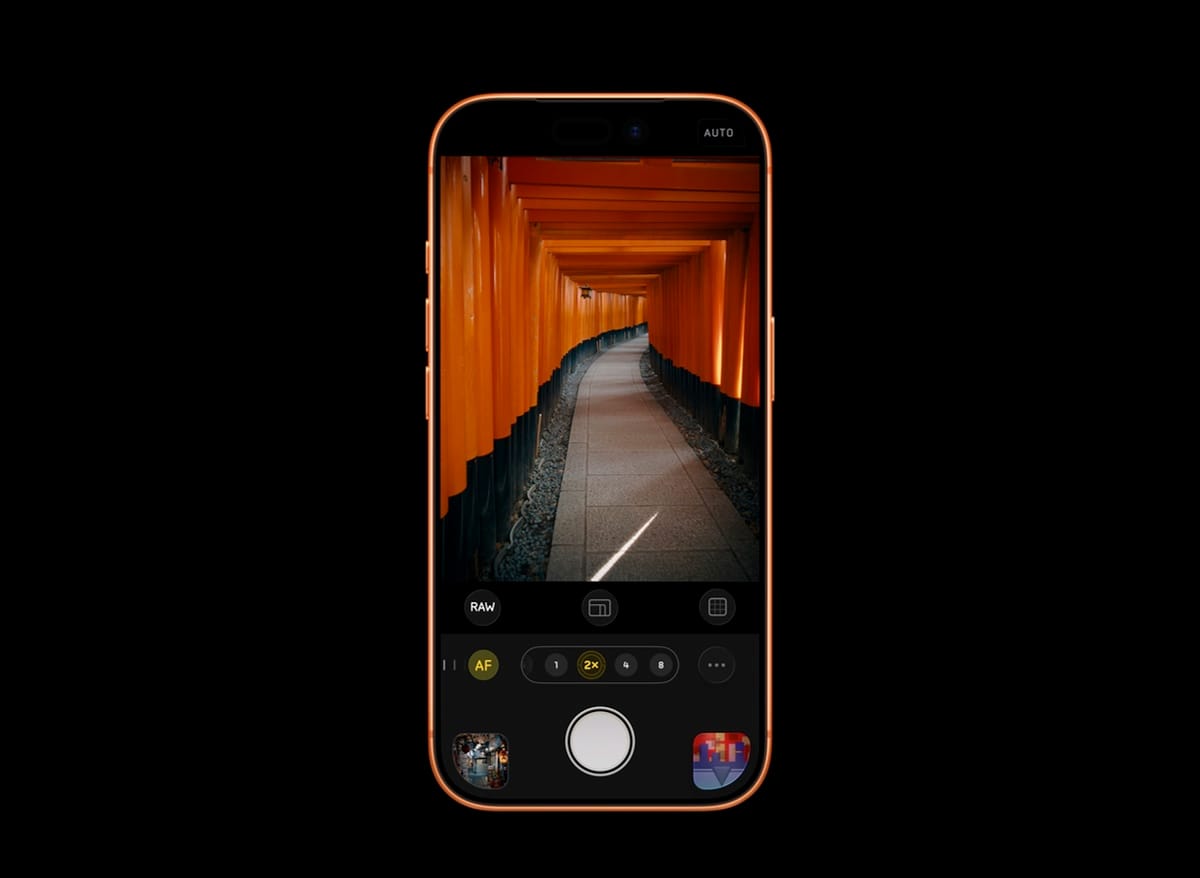
It's hard to balance usability with aesthetics. While it's temping to put every control on screen at once, but when tool has equal visual importance, nothing has importance. Instead, Mark III exposes the most important tools by default.
In the lower right of the camera you'll see your currently selected look. This is inspired by how some analog cameras feature a window which reminds you of the film you loaded. If you want to toggle your look, just tap that artwork in the lower right to expand the look picker. We show a short description when you select a Look, to remind you of its strengths.
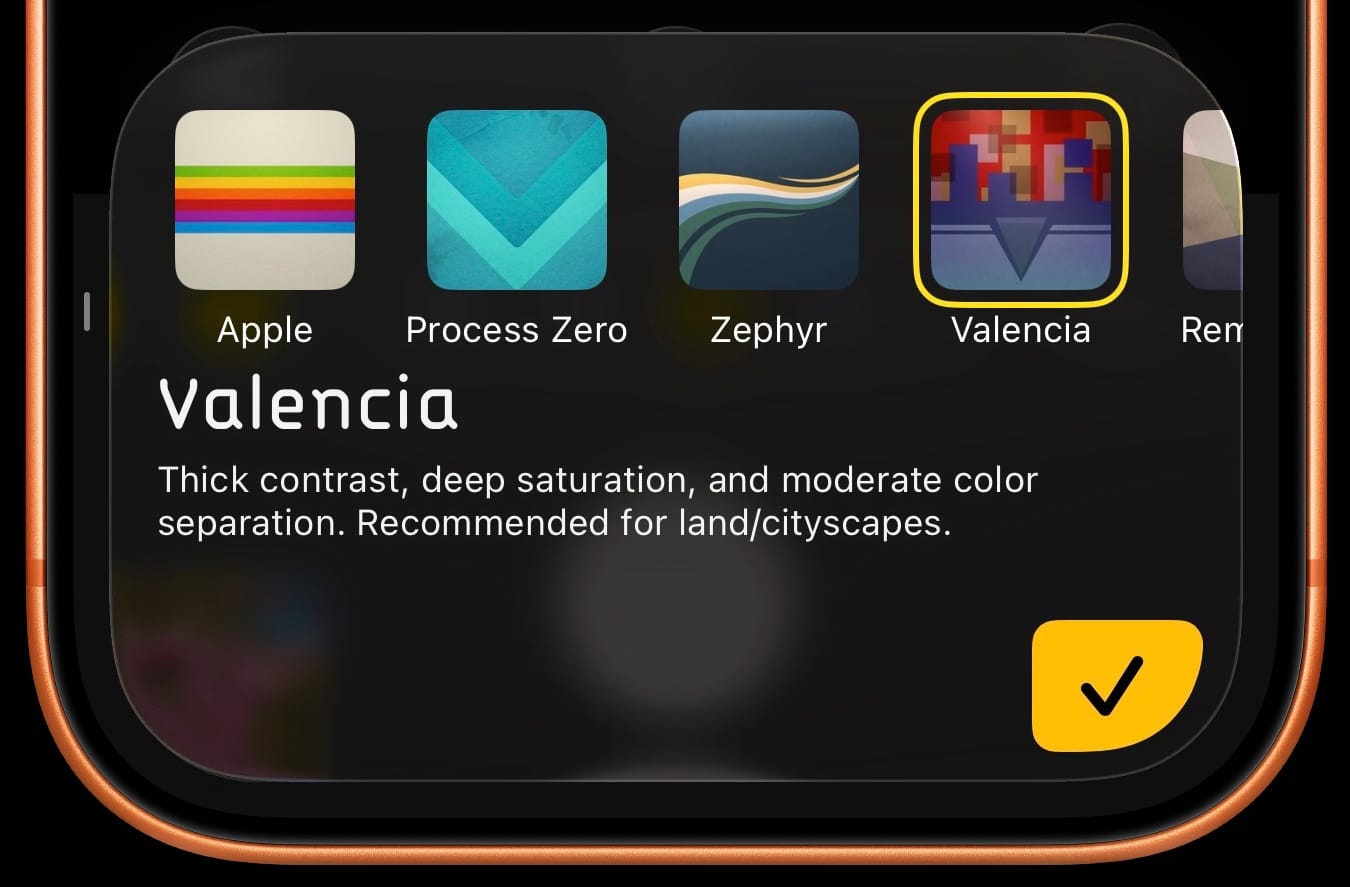
Most people download Halide to avoid the look of the iPhone camera, but you can still toggle that Look by picking "Apple." When enabled on an iPhone Pro, it captures ProRAWs instead of Bayer RAWs, which allows you to toggle between Apple's camera look at Halide's unique looks in the photo lab.
Let's direct our attention to the center of the screen: the toolbar.
One of the most important choices you can make when taking a photo is around composition, so we put those tools front and center.
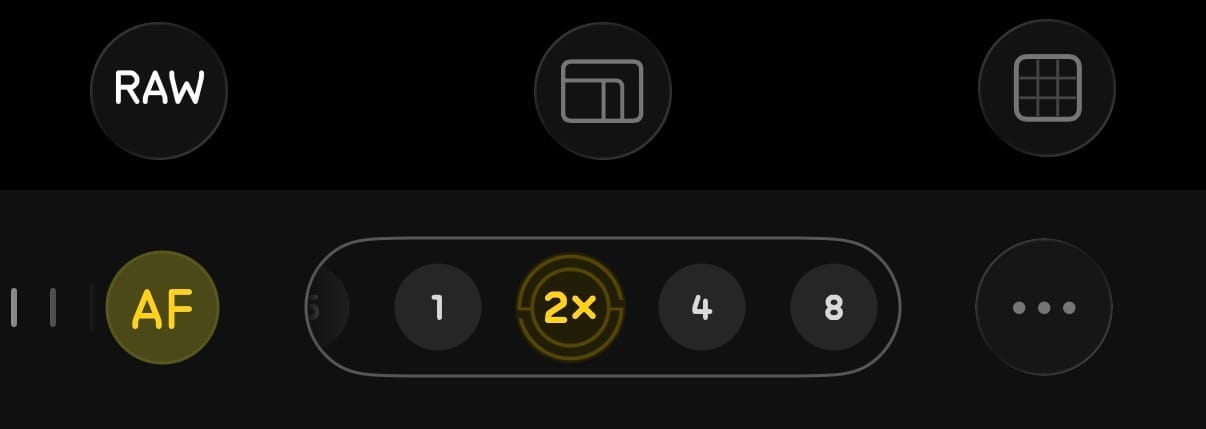
The aspect ratio button lets you choose from the most popular film aspect ratios: 35mm (3×2), medium format (1×1), and pano (65×24). We even have a dynamic aspect ratio for Instagram, which changes dimensions depending on landscape or portrait.
To the right of the Aspect Ratio button, we have the button to overlay composition guides. Of course we've always offered the rule of thirds, and now Mark III includes a uniform grid, the golden ratio, and rabatment of the rectangle.
On the left of the toolbar we have the RAW toggle. If you love the straight-out-of-camera looks and don't think you'll visit the Photo Lab, you can turn off RAW to throw away the negative and save a little storage space.
In the middle of the control area we have the new lens picker. In the past, we only let you pick from discreet lenses, but many users asked us for cropped views, so we've gone ahead and added those. Cropped views have special iconography to remind you that you're getting a crop.
What about the rest of the stuff, like Flash and White balance?
Halide's design refresh went hand-in-hand with Apple's release of their Liquid Glass design system. Aesthetics aside, Liquid Glass is about developing dynamic and organic interfaces, and leans into paradigms like "…" menus to help declutter things.
Most of the time, you don't need manual white balance control. But that one time every few years when a California wildfire turns the sky orange, you can access White Balance in the "…" menu. When enabled, the white balance icon sticks around in the toolbar, to make it easier to experiment with different settings.
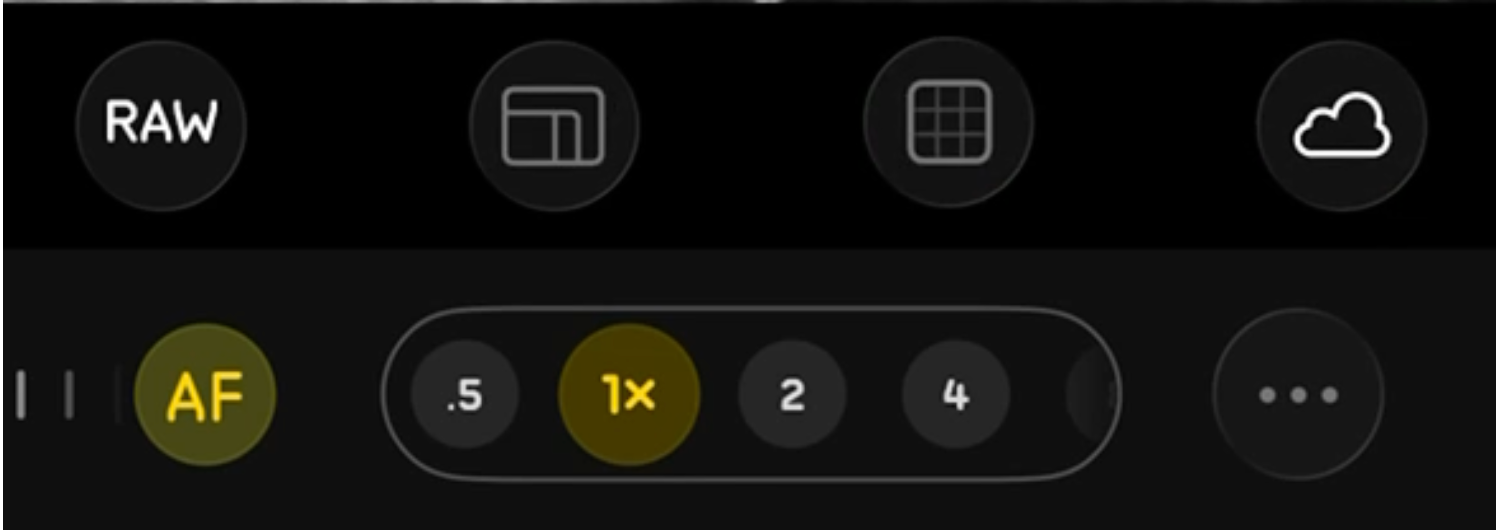
These dynamic toolbar items remind you that you have a manual setting enabled. As anyone with a traditional digital camera will tell you, it can be a bit frustrating to find you ruined a bunch of photos because you forgot you left a manual setting enabled.
Manual Exposure Controls
As we move up the UI, we have the familiar exposure control in the upper right that lets you pick toggle auto and manual exposure. With Mark III now supports Shutter Priority and ISO priority.
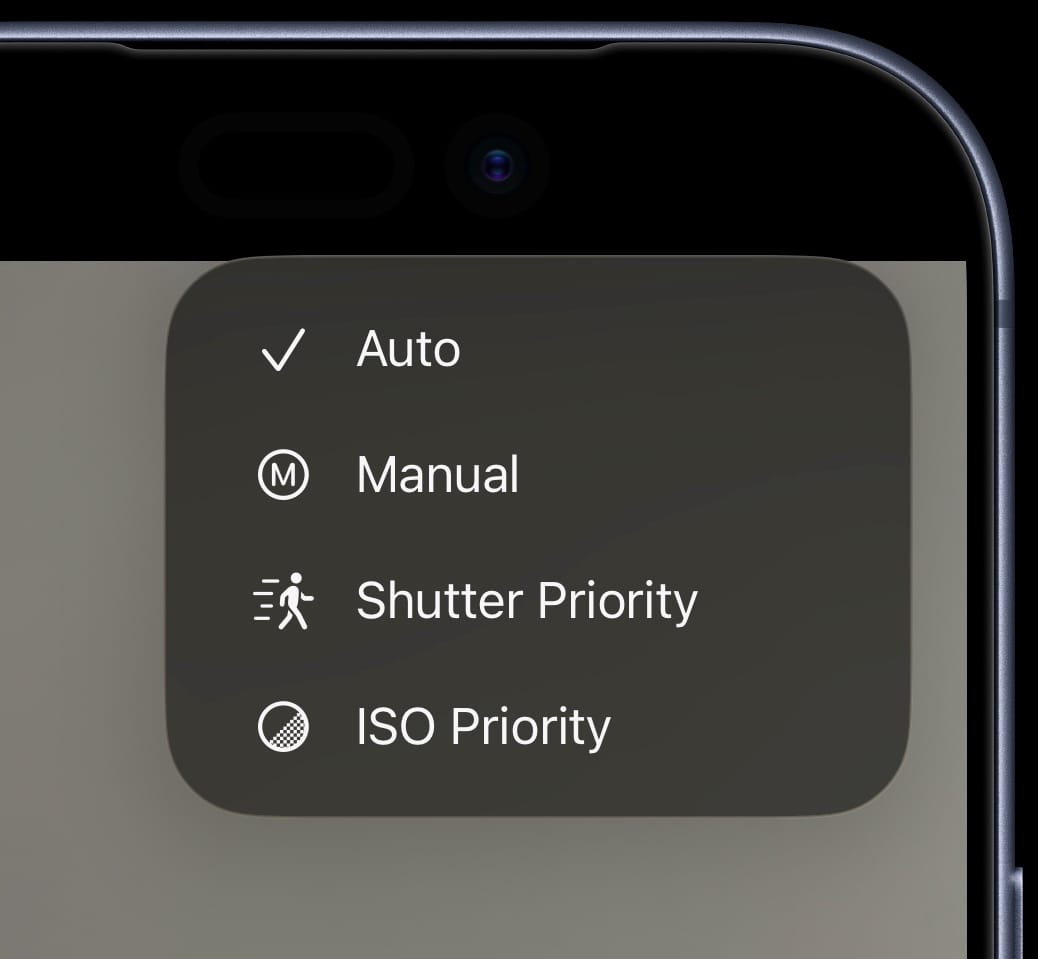
When in manual exposure, the upper left displays an exposure meter, similar to a classic analog camera. Believe it or not, this is not a silly gimmick.
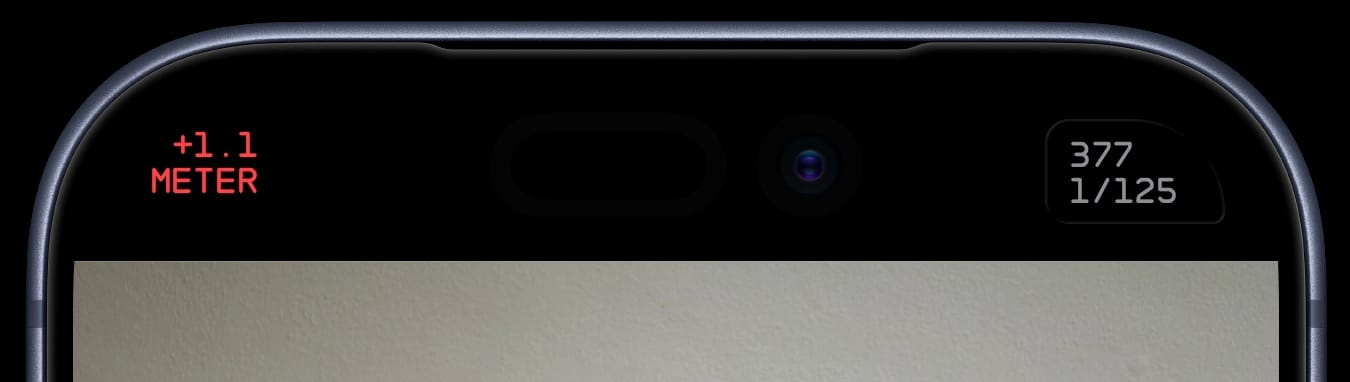
We've found the iOS live video feed does not accurately reflect the final photo. It seems some computational photography is baked into the video feed. Instead, we use a separate API to monitor the metered exposure level, similar to an exposure meter on a classic film camera.
What about Mark II?
We built Mark III through exhaustive communication with our customers on Discord. We tried a lots of different ideas, some good and some not. Over 18 months, we landed on a design that is more powerful, more streamlined, and in the words of one customer, "felt like Halide."
That said, if there's one thing I've learned from shipping software over two decades, it's that people don't like their habits disrupted. Even if you know that a new design is way better, expect some people to resistance change. I get it— often I'm one of those people!
So if you want to stick with Mark II, you can switch back and forth via the "…" menu. Mark II won't get any new features, but we do our best to keep it from breaking. If you do find yourself hopping back to Mark II, we kindly ask that to drop a line to support@lux.camera let us know what we could do better.
One More Thing…
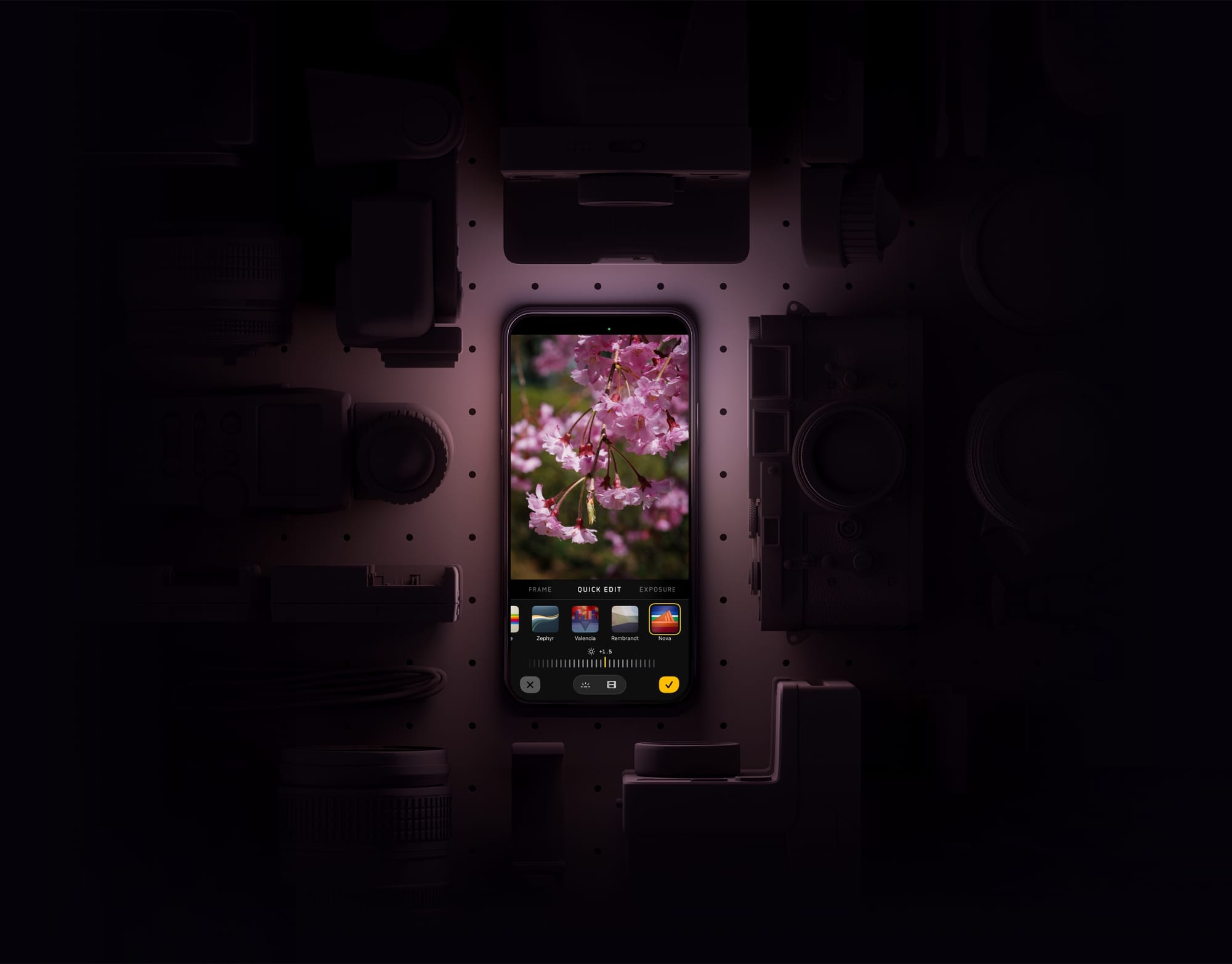
As Mark III became better and better, I actually missed its results when I reached for a standalone camera. I figured a lot of people might feel the same. So we're excited to announce that Halide now lets you import RAW files from standalone cameras to apply the same magic that defines Halide.

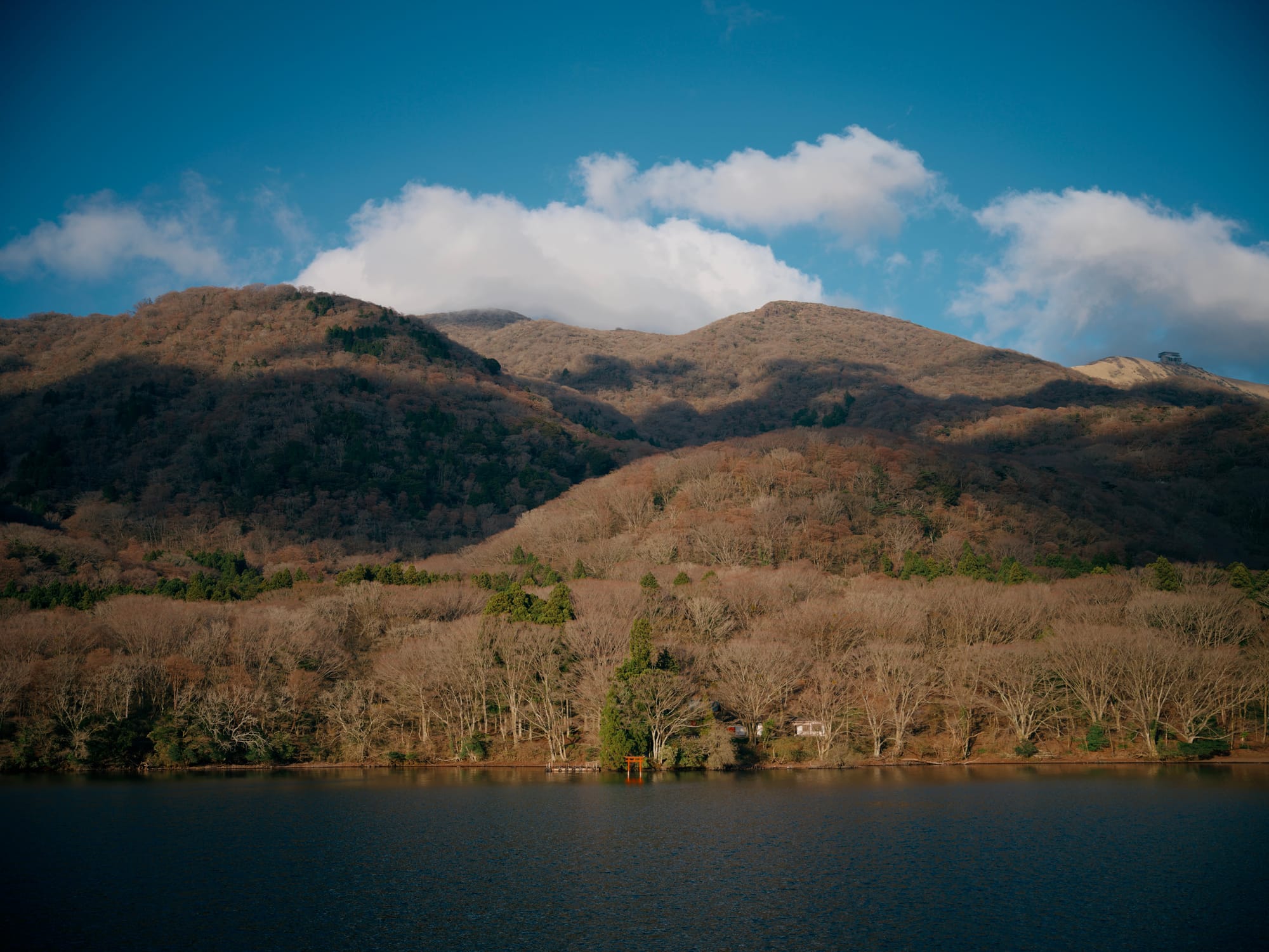
Disclaimer: Support for external RAWs is a beta feature. Don't be surprised by crashes and weird behavior.
Pricing and Availability
Mark III is available today. It's a FREE upgrade to everyone who bought Mark II, and existing Halide subscribers. If you are neither, you can subscribe for $19.99 per year, or make a one-time purchase of $59.99 for Mark III. Download Mark III.
Special Thanks
Mark III took over 18 months of development, but it was far from a solo effort. We owe special thanks to Doug Broussard to helped QA the product through the long process, and Katie Rose Summerfield who manages our support channels.
We'd like to thank The Iconfactory for their amazing work on our all of our Look icons, along with the new titanium Halide icon! We'd also like to thank Lickability for their input on our new onboarding experience.
I also have to thank the thousands of users who beta tested Mark III over the last year, many of whom participate in the awesome community of our Discord. Beyond your bug reports, the photos you share from around the world make us proud to work on tools for creatives.
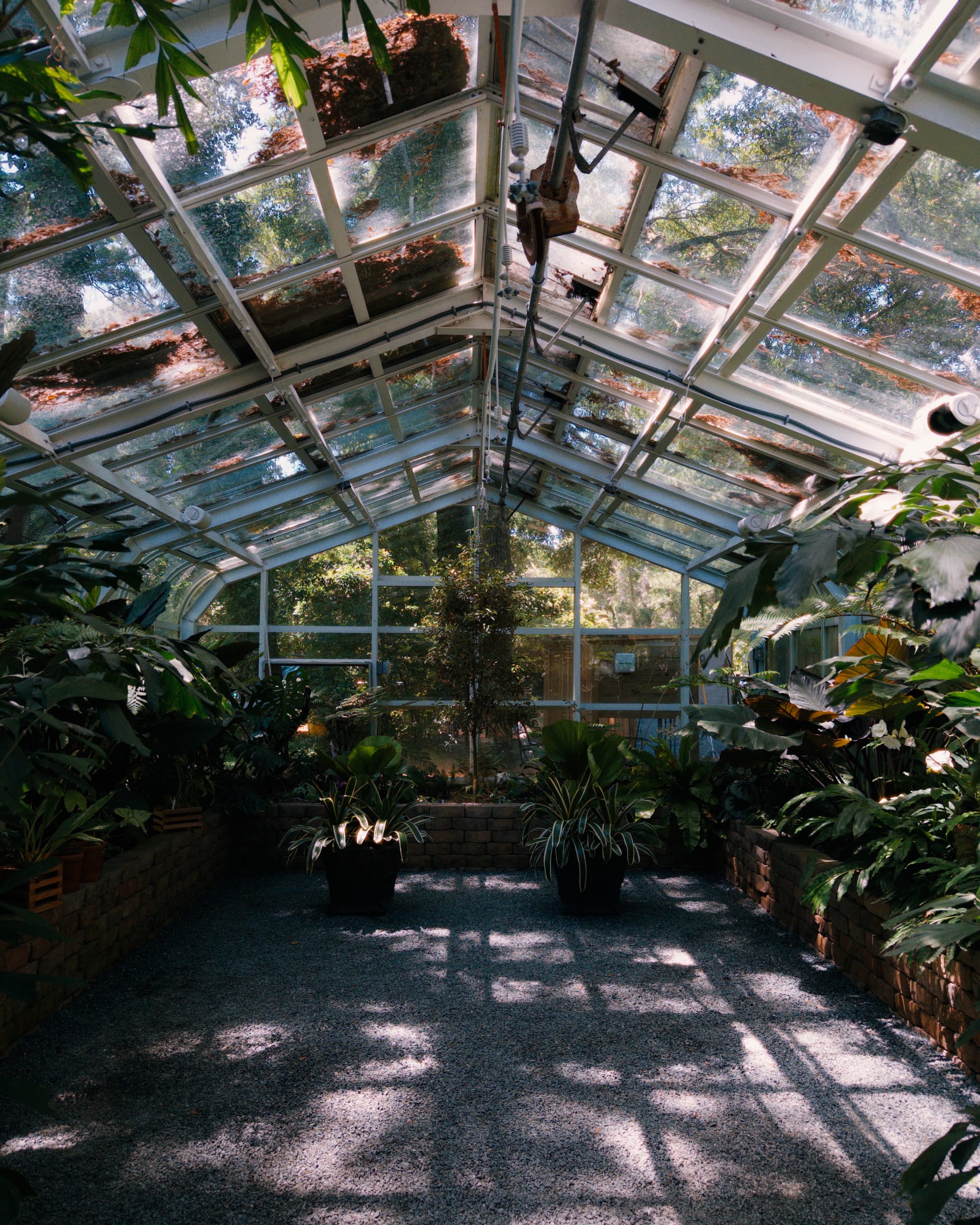

Thank you all for your support over the last nine years. We still have many things planned for Halide, and we've never been more excited for its future.