




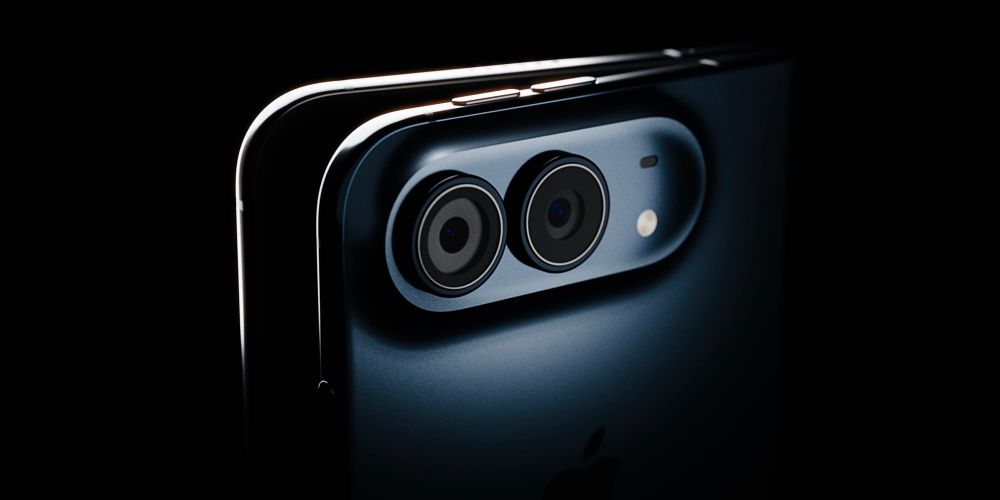
With its debut, the iPhone Duo was dinged by critics for having a camera system that's a step-down from the iPhone Pro. It seemed like this wasn't the camera to use on once-in-a-lifetime trips. I guess Halide users didn't get the memo.

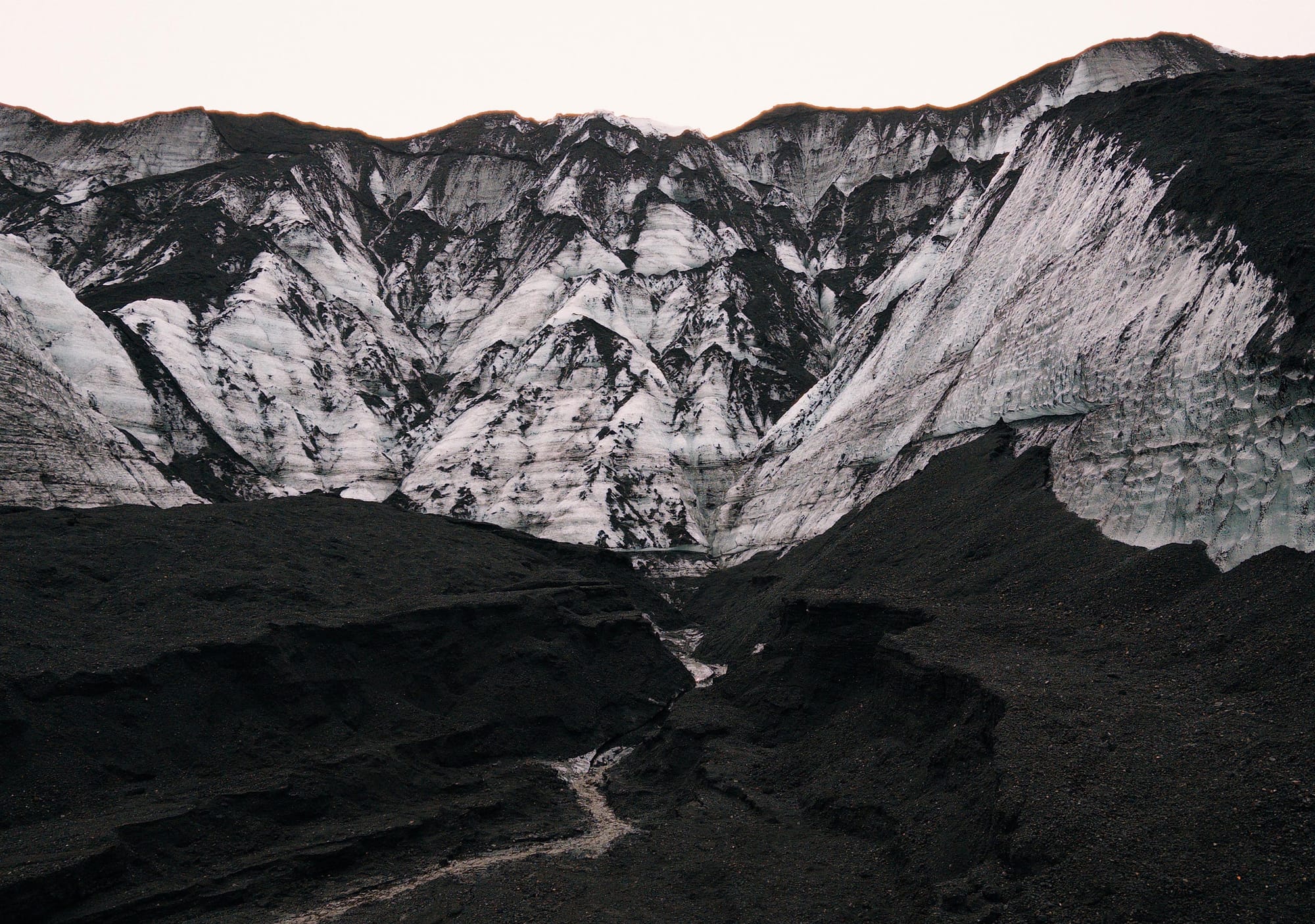
While it lacks the iPhone 18 Pro's camera, the Duo still captures amazing photos. If you're considering the Duo but take iPhone photography seriously, the ultimate question is whether the small tradeoffs are worth what the Duo gives in return.
This review is not an epic trip across the globe. We're saving that for the 18 Pro. Instead, we're taking a trip to the New York Botanical Gardens for its annual Holiday Train Show.


My son is obsessed with trains.
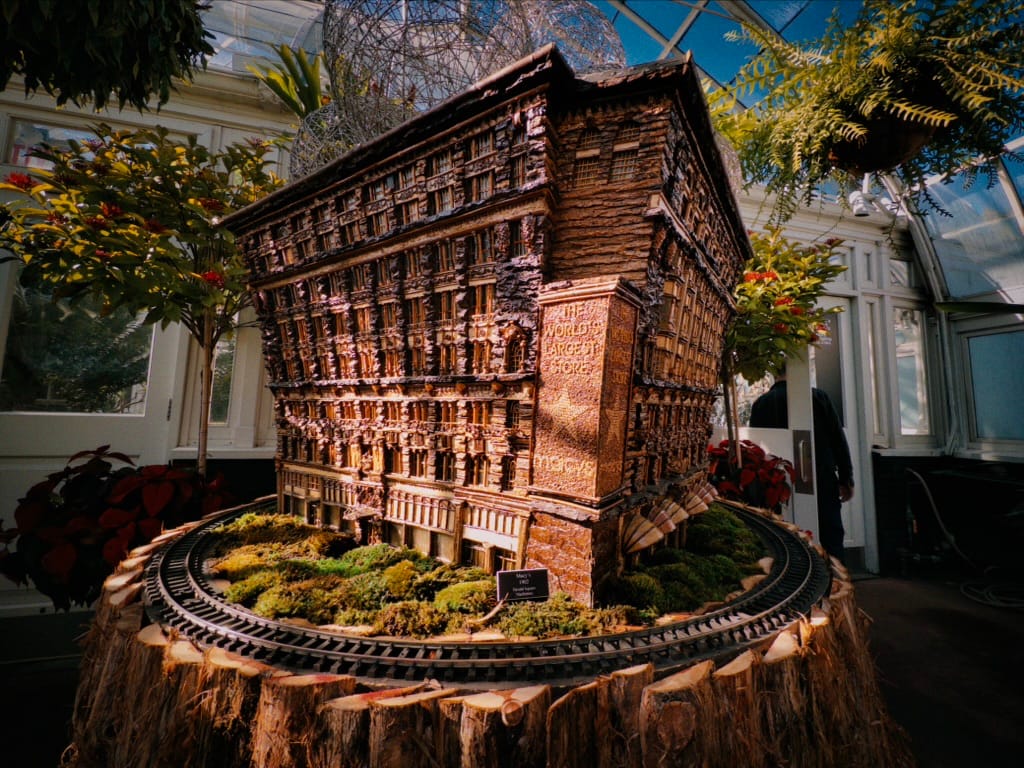
The show featuring 200 miniatures, carved from real plant parts, which recreate famous New York landmarks



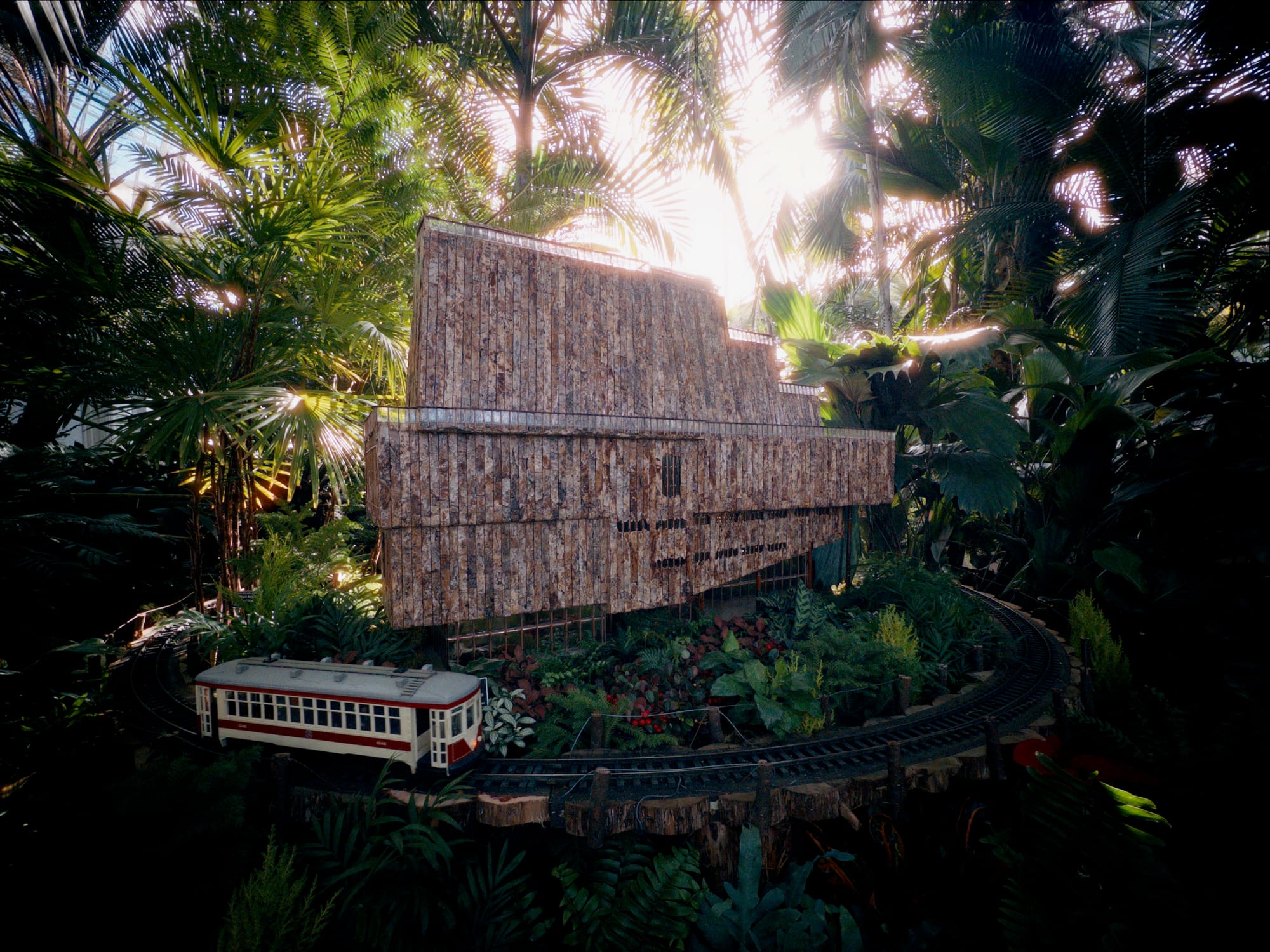
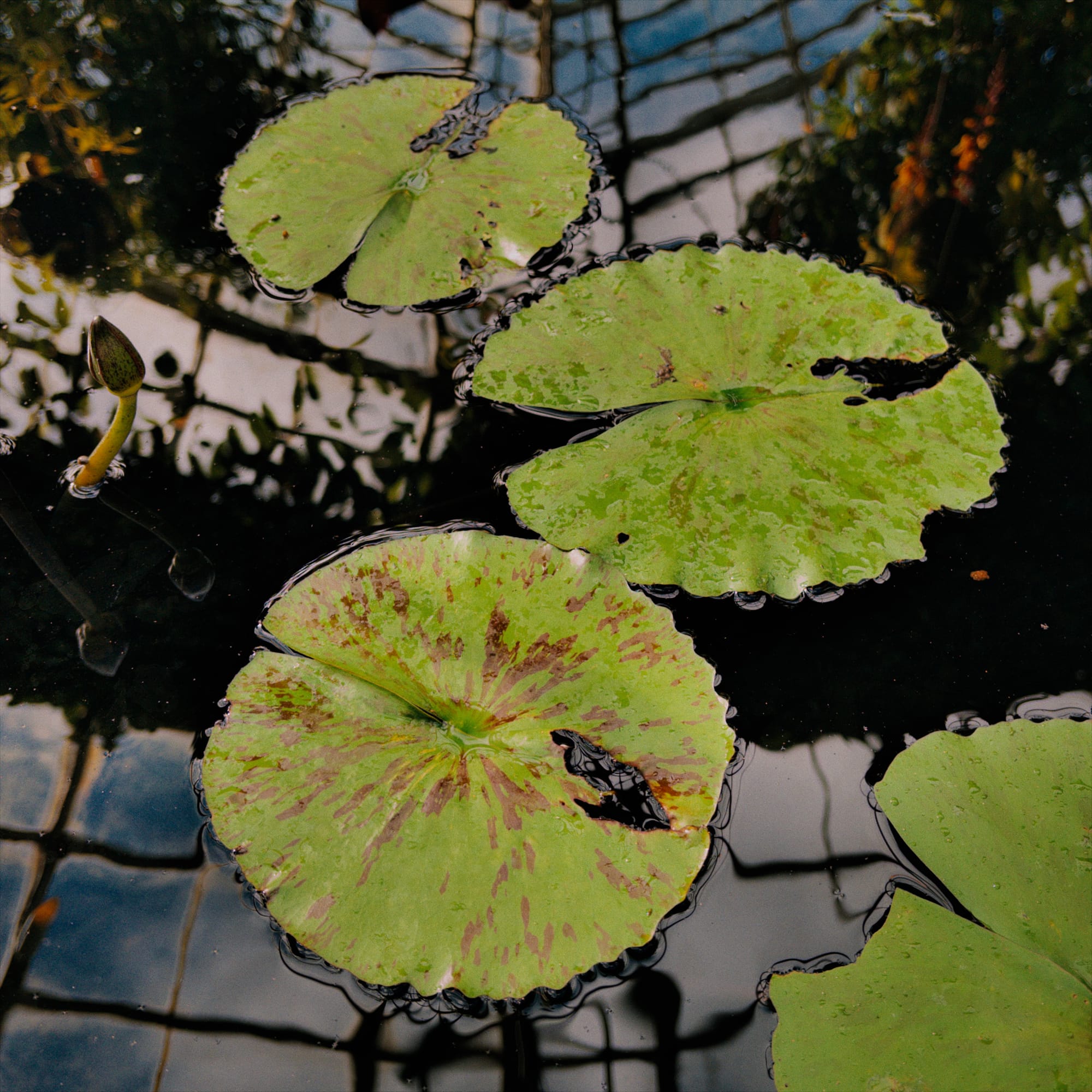
With computational photography, it's easy for software to compensate for poor hardware. That's why we're starting this review with photos that skip the shenanigans, so we can see how the hardware stands on its own.

These are very good cameras, which makes sense, as they're about on-par with the iPhone 17 Pro.
And Now For the Mandatory AI Discussion
None of the above photos were touched by the new AI photo editing that Apple launched in iOS 27. I have to admit, I have an aversion to this stuff. Maybe I just prefer the honesty of flaws. That said, I won't fault you for using AI to alter photos you share with friends and family.
At the train exhibit, there were two cases where the cleanup tool could save the day. I gave it a whirl, and wow, it's come a long way. Can you tell what was altered here?

There used to be a guy at the door in the background. The clean enough tool is now smart enough to fill in the occluded door panel.
In another instance, someone snuck into my frame and I didn't notice. I try my best to avoid photographing strangers, but sometimes I get tunnel vision and this happens.
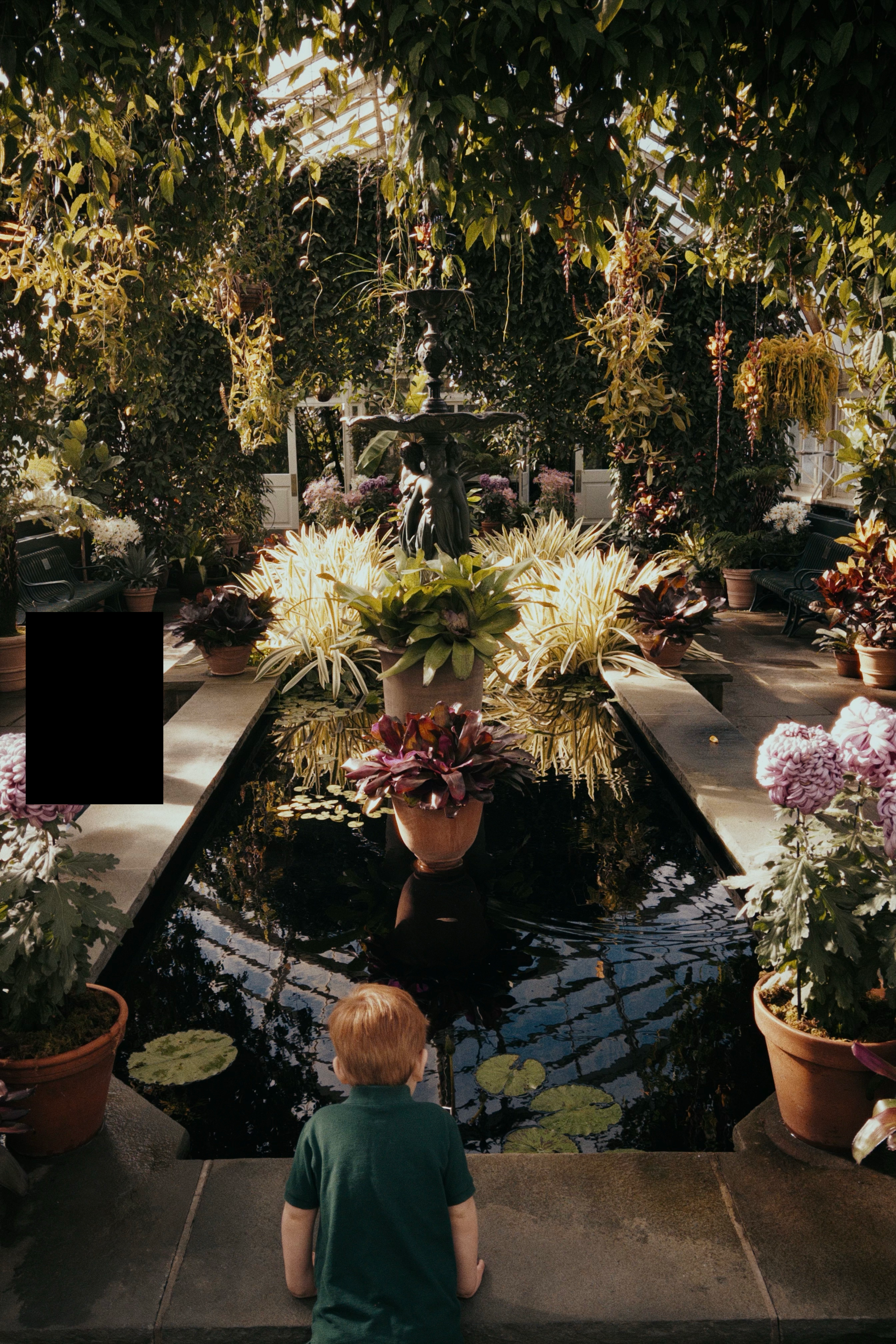
Is it acceptable to use clean up to protect the privacy of someone else's kid?

Regardless, the cleanup tool has come a long way. I was used to smudgy slop, but with iOS 27, the results look seamless.
The Reframe tool makes me feel even more uncomfortable, but also gave me a good laugh. I tried to reframe this miniature of the botanical gardens, the AI confused it with the real botanical gardens, and it inserted a New York skyline.


And then we get to Extend. Please forgive me.
I spent an hour staging and lighting a "hero" photo for this review. No matter how I positioned the camera, even standing on a ladder, I couldn't get quite the composition I wanted. It felt too tight.
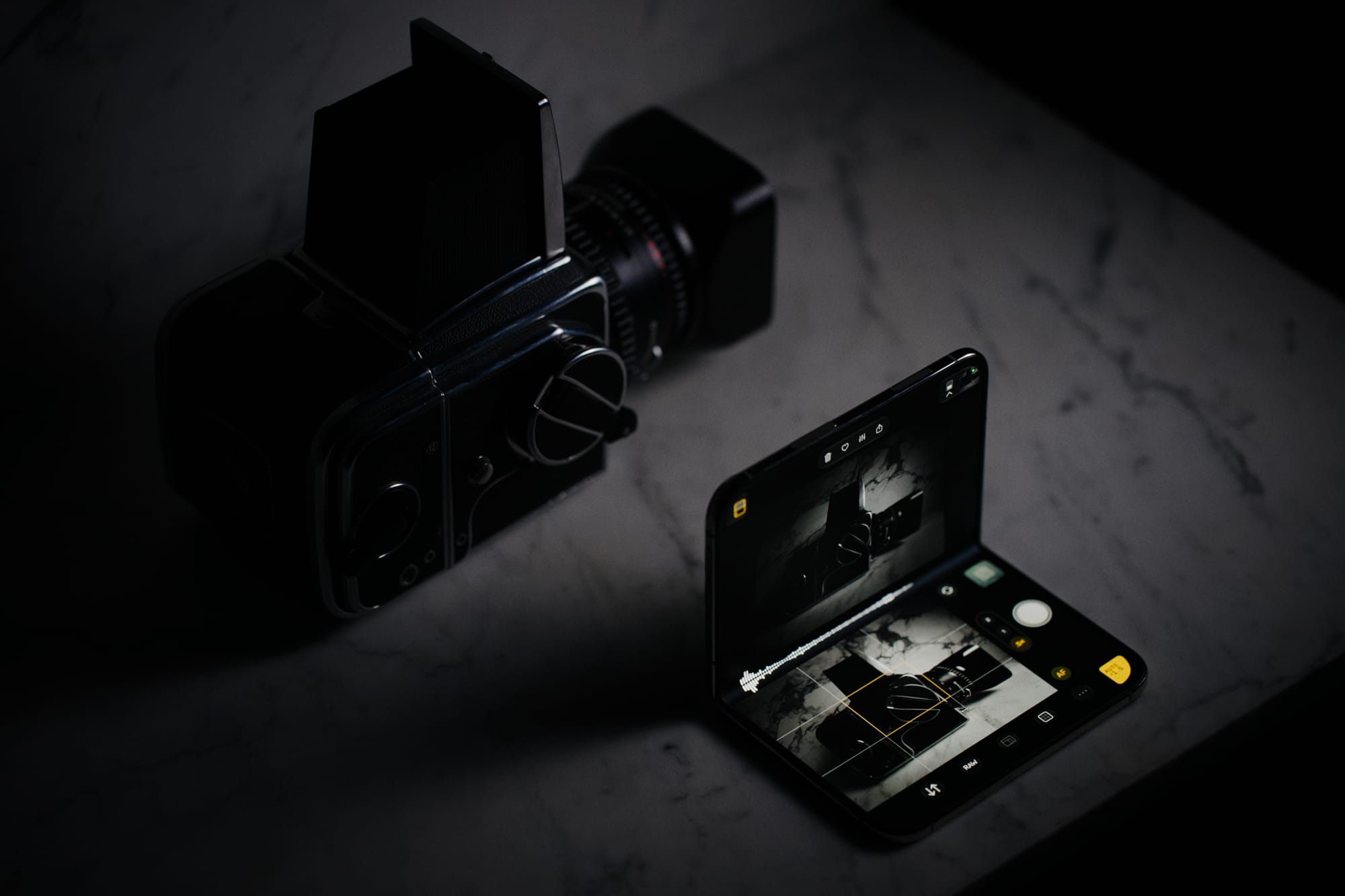
I began wondering how Apple Photos' Extend would handle it.
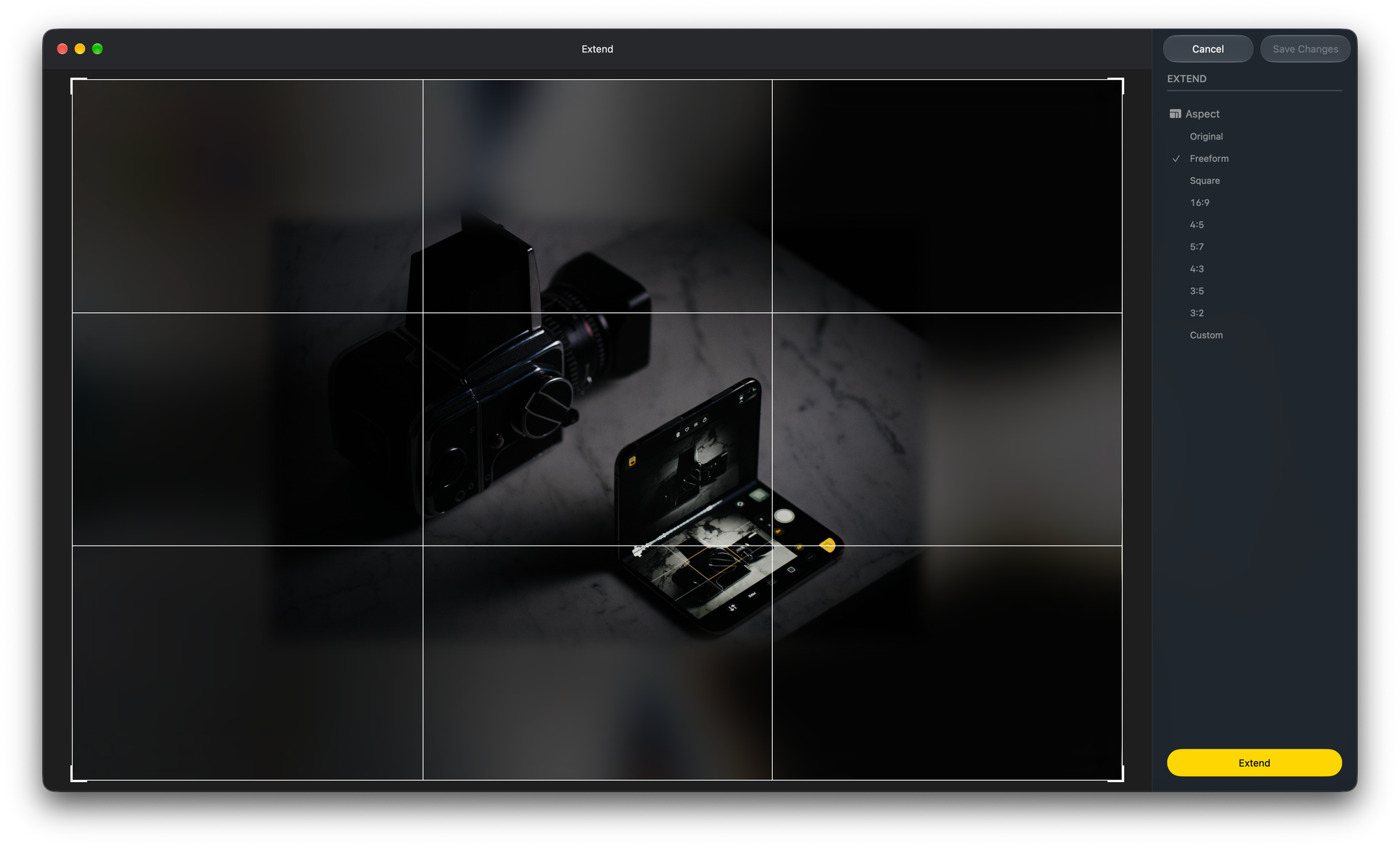
Well, I'll be damned.
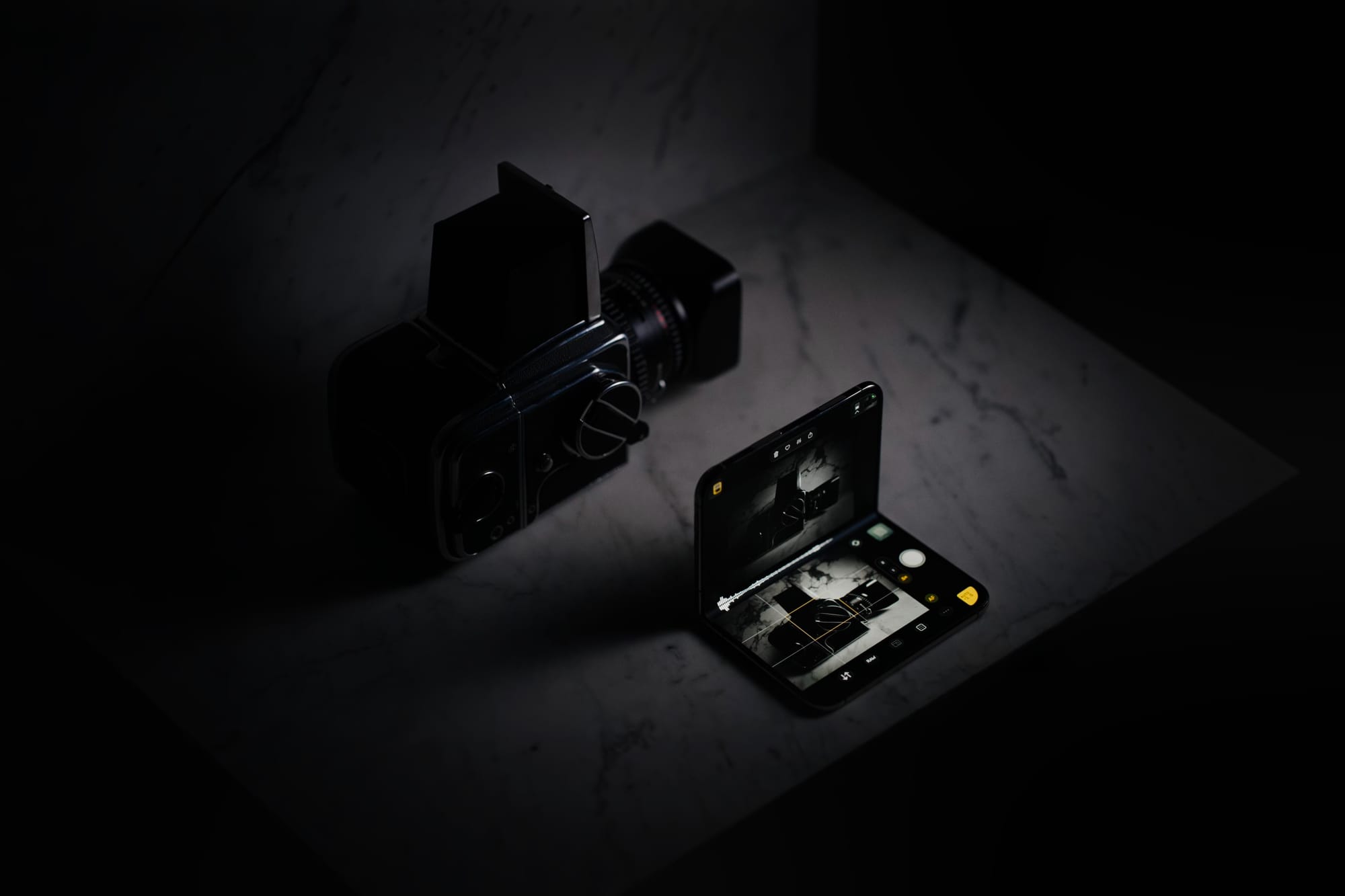
I feel dirty, and I don't know why. Would I feel better if I didn't use AI, and I extended the shot in Photoshop by hand? I don't have answers. Right or wrong, Apple's AI photo editing has gotten really good.
This concludes all the AI you'll find in this post.
The Hardware and Low Light
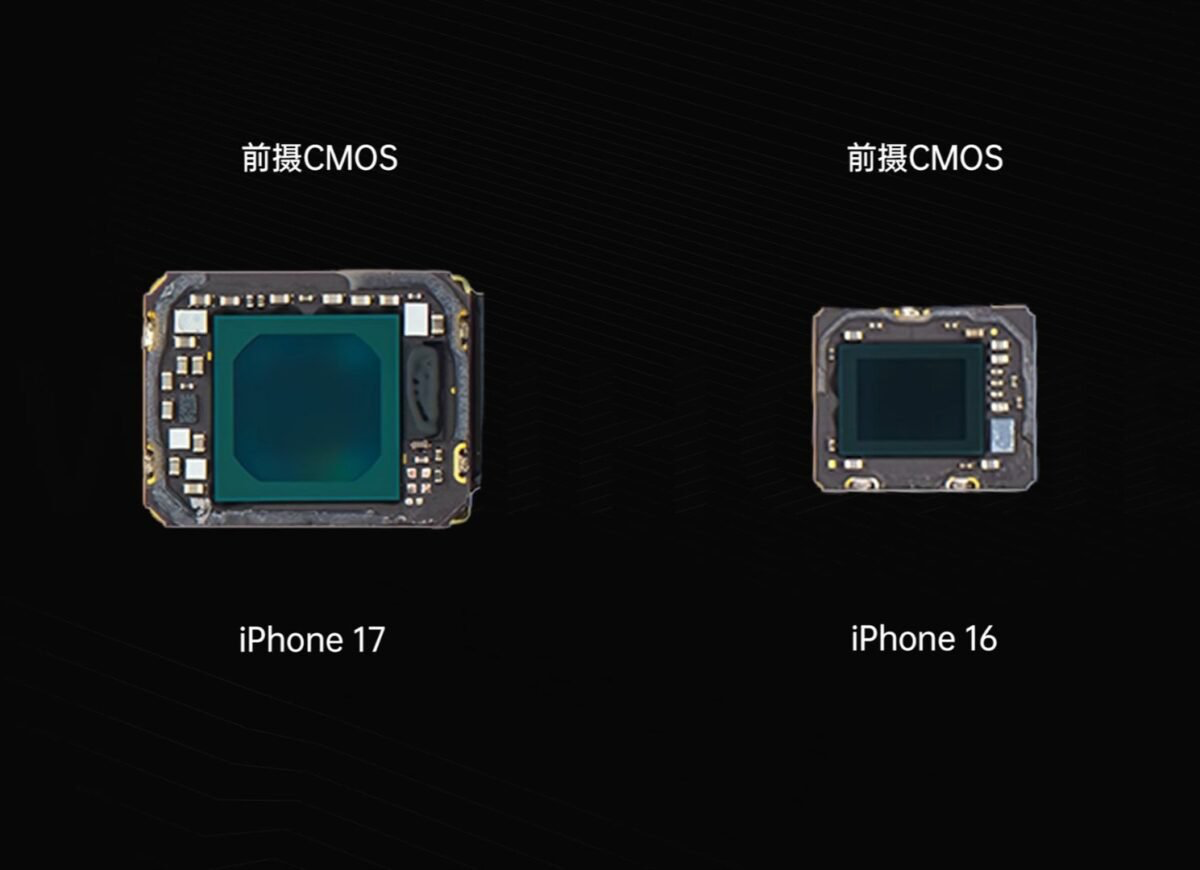
When comparing the main camera of the Duo and Pro, it all comes down to light. Based on a teardown by Wekihome, the Duo's main camera sensor is 30% smaller than the iPhone 18 Pro, and its aperture opens to ƒ/1.48 compared to the Duo's ƒ/1.6. In total, you're looking at around 75% less light on the Duo.
The Duo uses the first generation sensor shift stabilization, while the 18 Pro uses the second generation introduced way back in the 14 Pro. That makes the Duo on-par with the budget iPhone models. It's safe to assume that this wasn't a cost cutting measure, but a technical requirement to keep the device thin.
In theory, you should expect the iPhone Duo to use higher ISO. Will this lead to more noise reduction and that "watercolor look" that screams iPhone photo? In practice, I didn't see this.
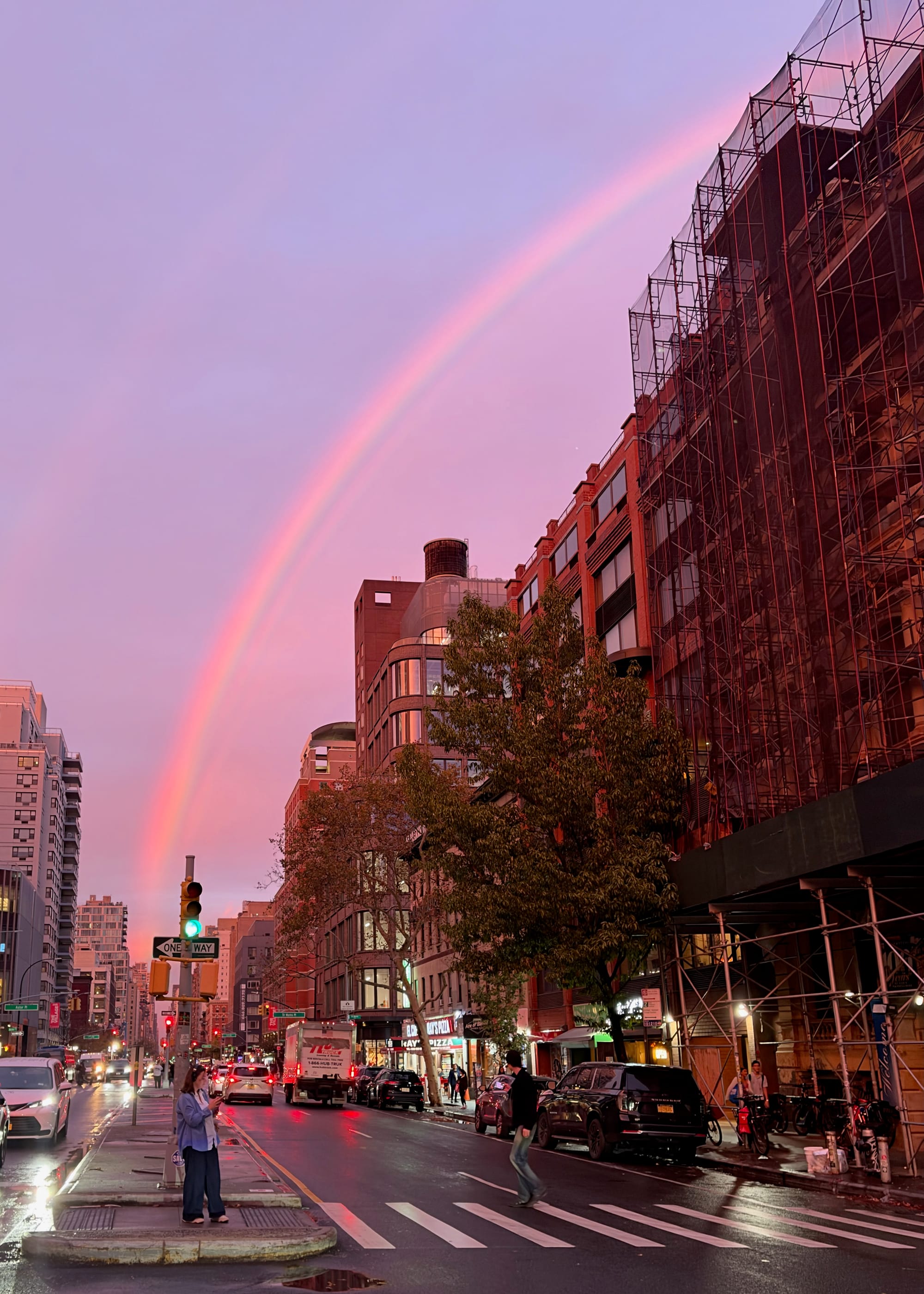
Consider this spectacular rainbow at dusk, skipping over Apple's noise reduction.
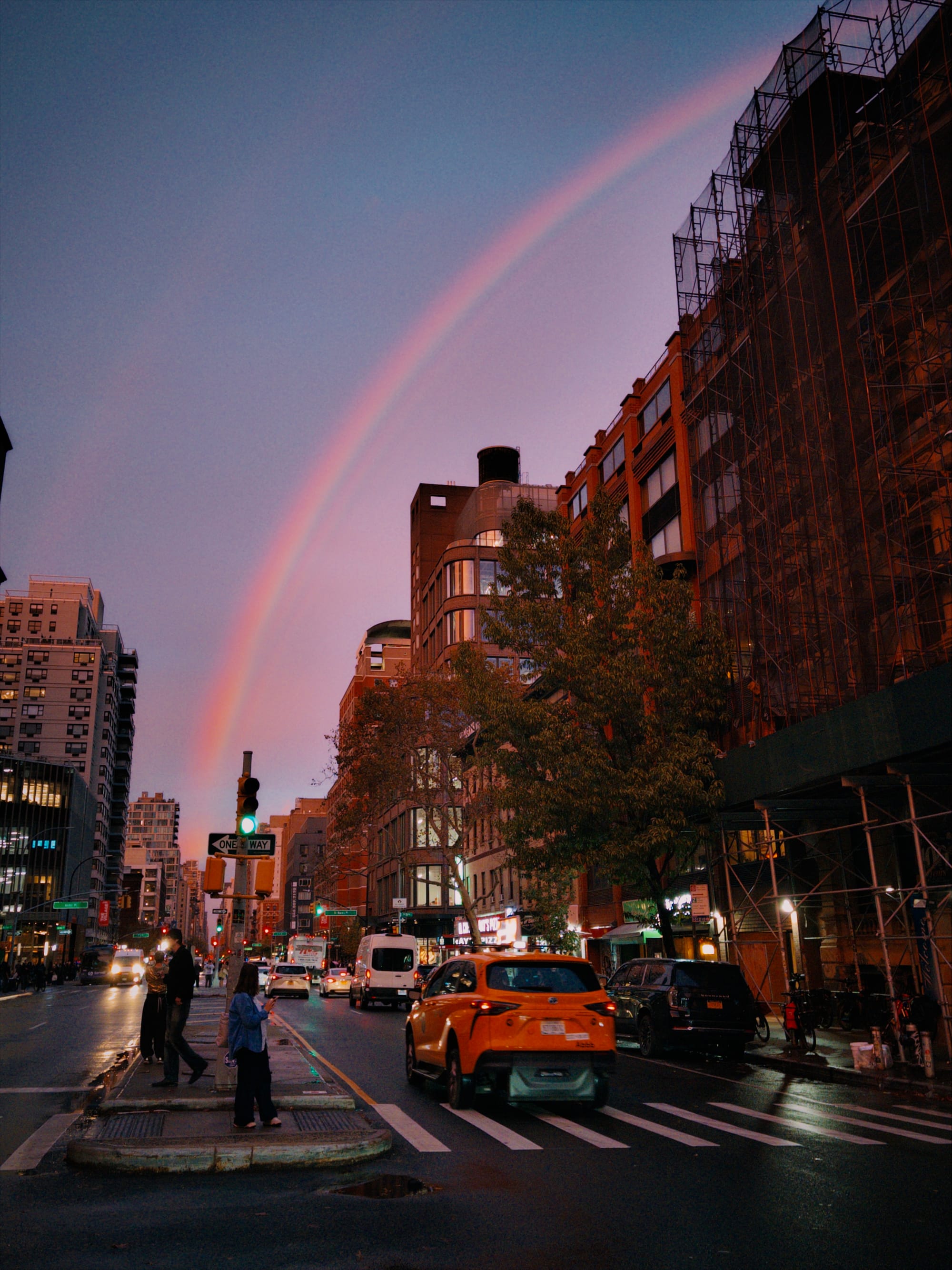
Zoom into the sky, and there you go.
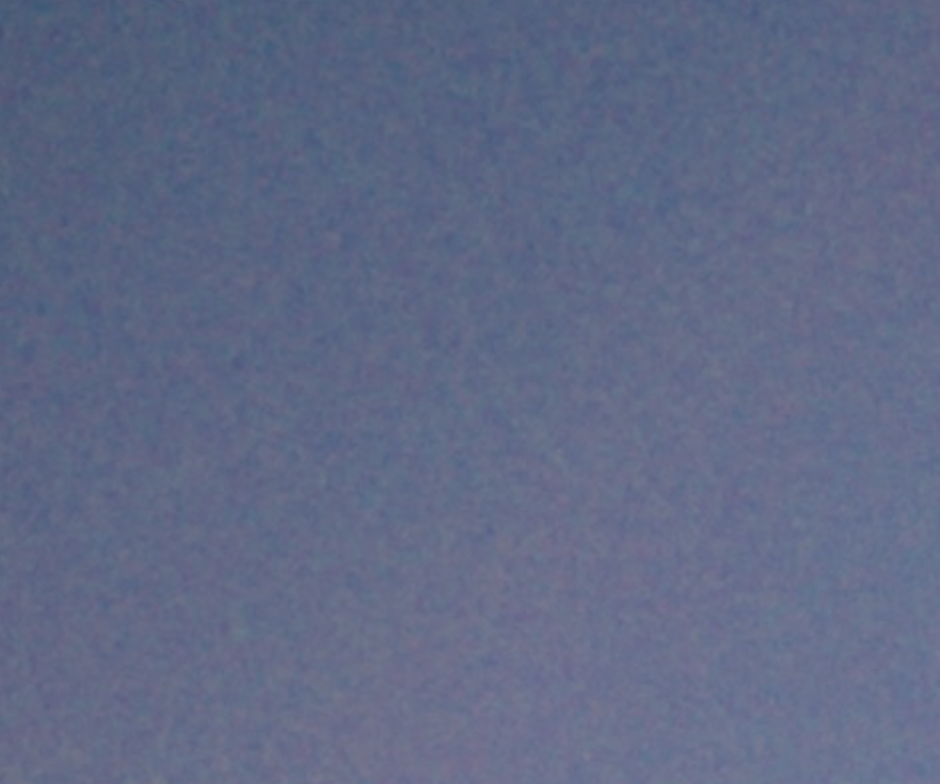
This photo was ƒ/1.6, ISO 160, 1/60 exposure. This is about what you can expect shooting an interior at night. I think it's pretty good! I think sensor noise became much less of a concern on iPhones with the introduction of the 48 megapixel sensor, which "bin" adjoining pixels to cut noise.
Here's the same shot with the first party camera. It uses the 'Standard' photographic style, with default settings, and then tweaked in the Photos app to better match Halide's shot.
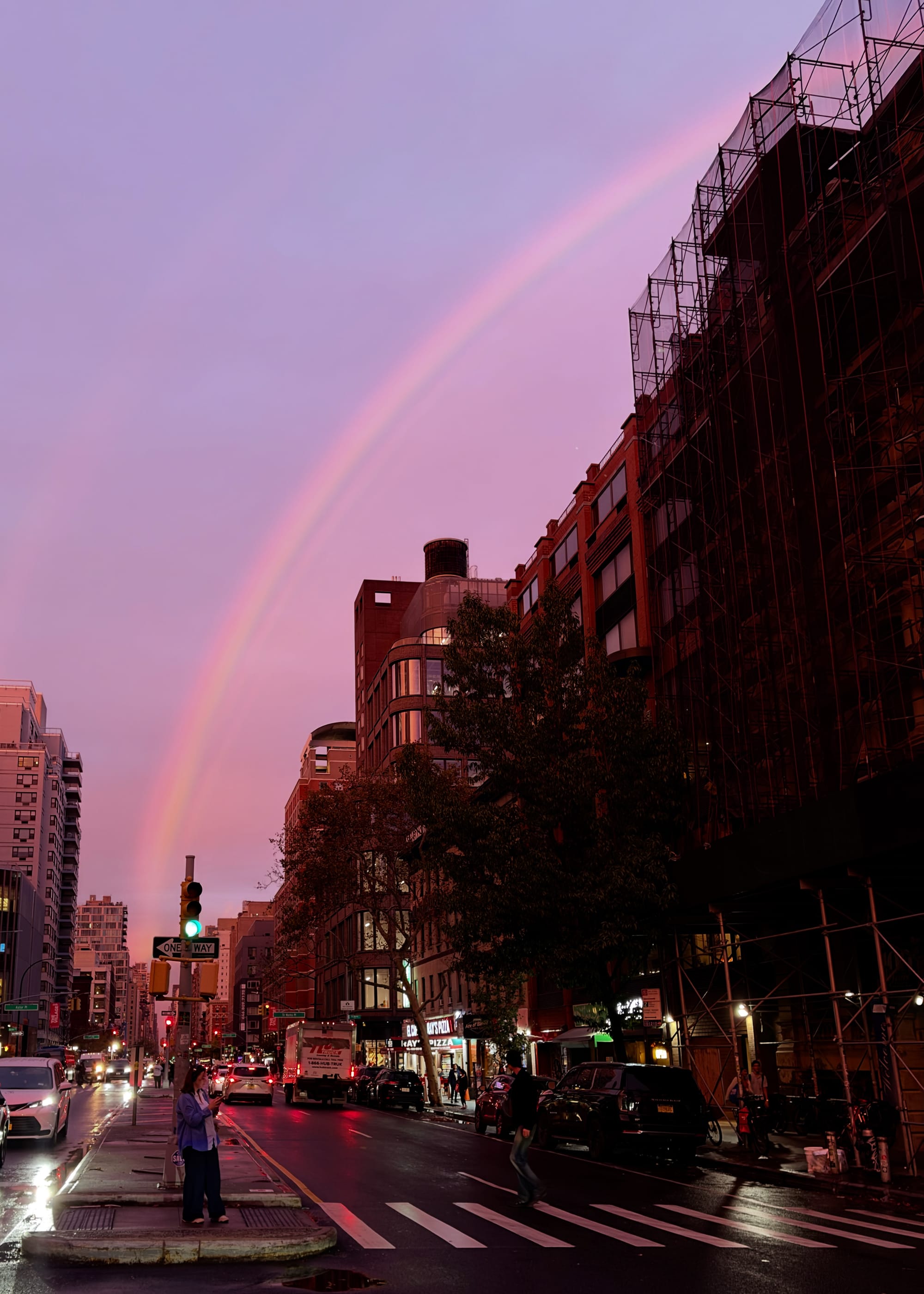
If we zoom into the sky, we see it's completely noise free.

But once you zoom in details, things feel a bit plastic.
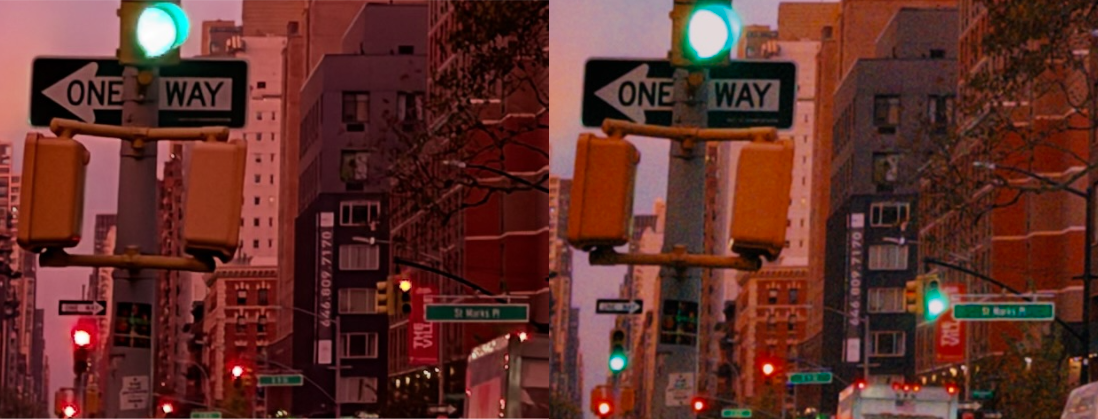
A good friend of mine who works in visual effects describes noise as, "analog dithering." In the real world, whenever light hits a photo sensor, there's a natural randomness that orbits around the truth. When you leave the noise in an image, your brain pieces together the fine details, even better than software. When you apply aggressive noise reduction, you wipe that information.
Noise comes down to taste, and Apple defaults to heavy noise reduction. However, with the latest version of photographic styles, they added a "grain" option to bring back texture. Let's turn it on.
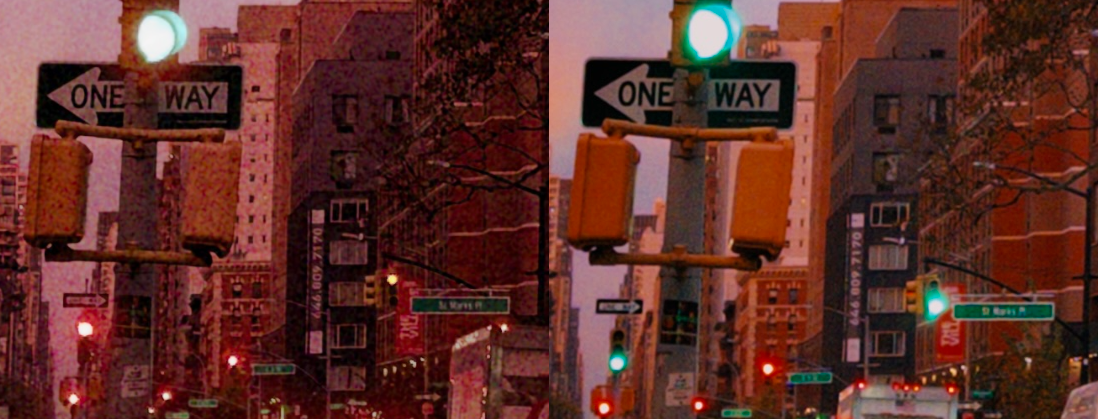
From the looks of it, Apple is adding a synthetic layer of grain after noise reduction, as opposed to preserving the original noise. If that's really what's happening, I strongly disagree with this choice.
I don't think there's anything wrong with letting users bump up texture. That's why we give you that option in Halide.

But if you're going to have noise, I think you should preserve the original noise. Noise reduction strips information, and adding new noise afterwards amounts to an optical illusion. You're robbing Peter to pay Paul.
Anyway, if you want to reduce the noise in low light, the Duo benefits from its size and inertia. Open it up, hold it with both hands, and brace it against your body. I was able to slow down by an extra two stops and still get acceptable shots.
Unfortunately, you're going to have to use a third-party app to do this. Unlike the iPhone 18 Pro, the Duo lacks "Pro Controls" in the first-party app. That's too bad, because slow shutters are fun.
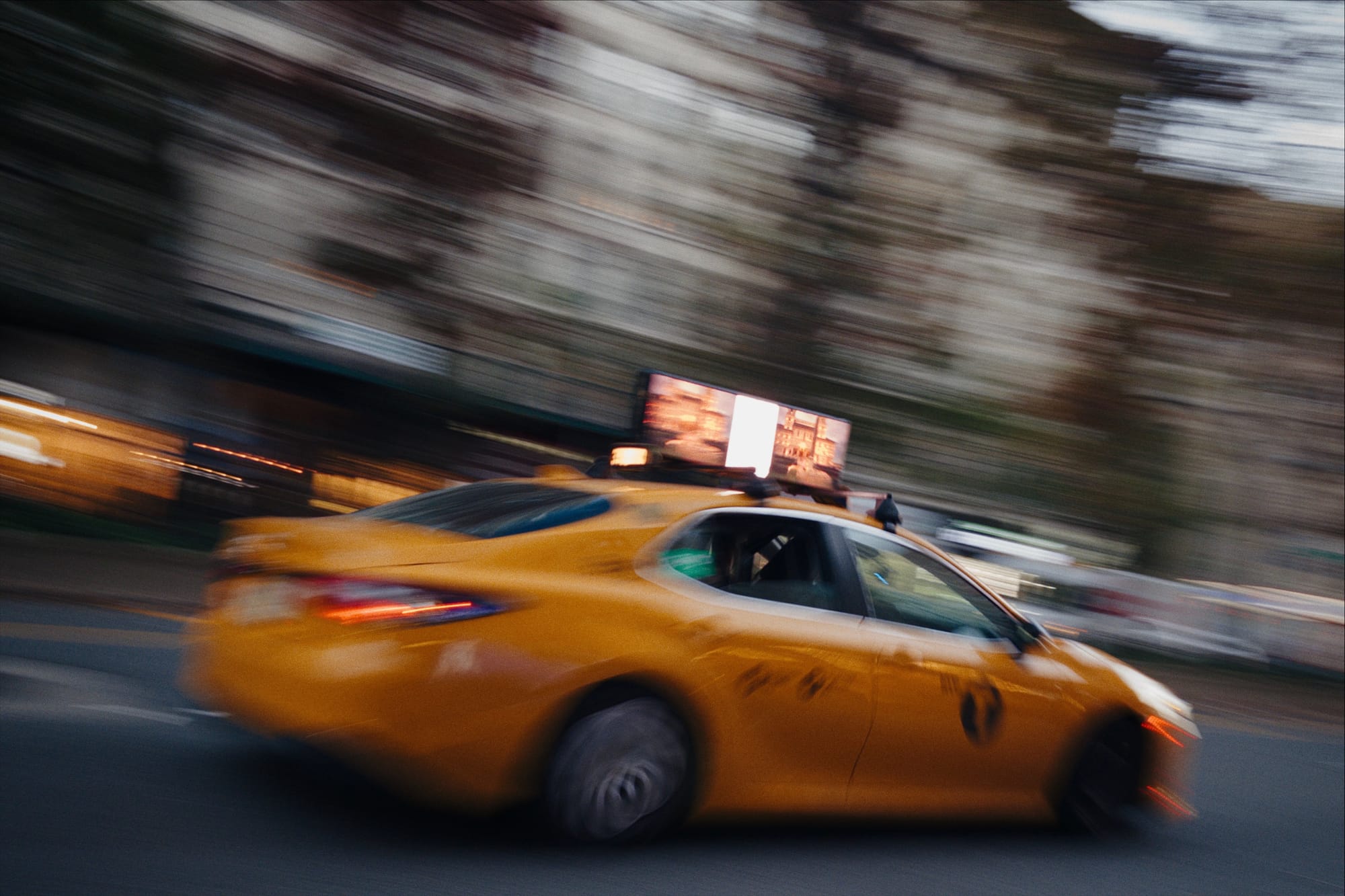
We round out our sensor discussion by flipping things around. All front-facing cameras have the same sensor size as the iPhone 17 and 18 Pro. The exact size is… complicated. While Apple describe the front sensor as square, it's actually octagonal! You just don't see the awkward corners because iOS crops your photos into portrait or landscape.
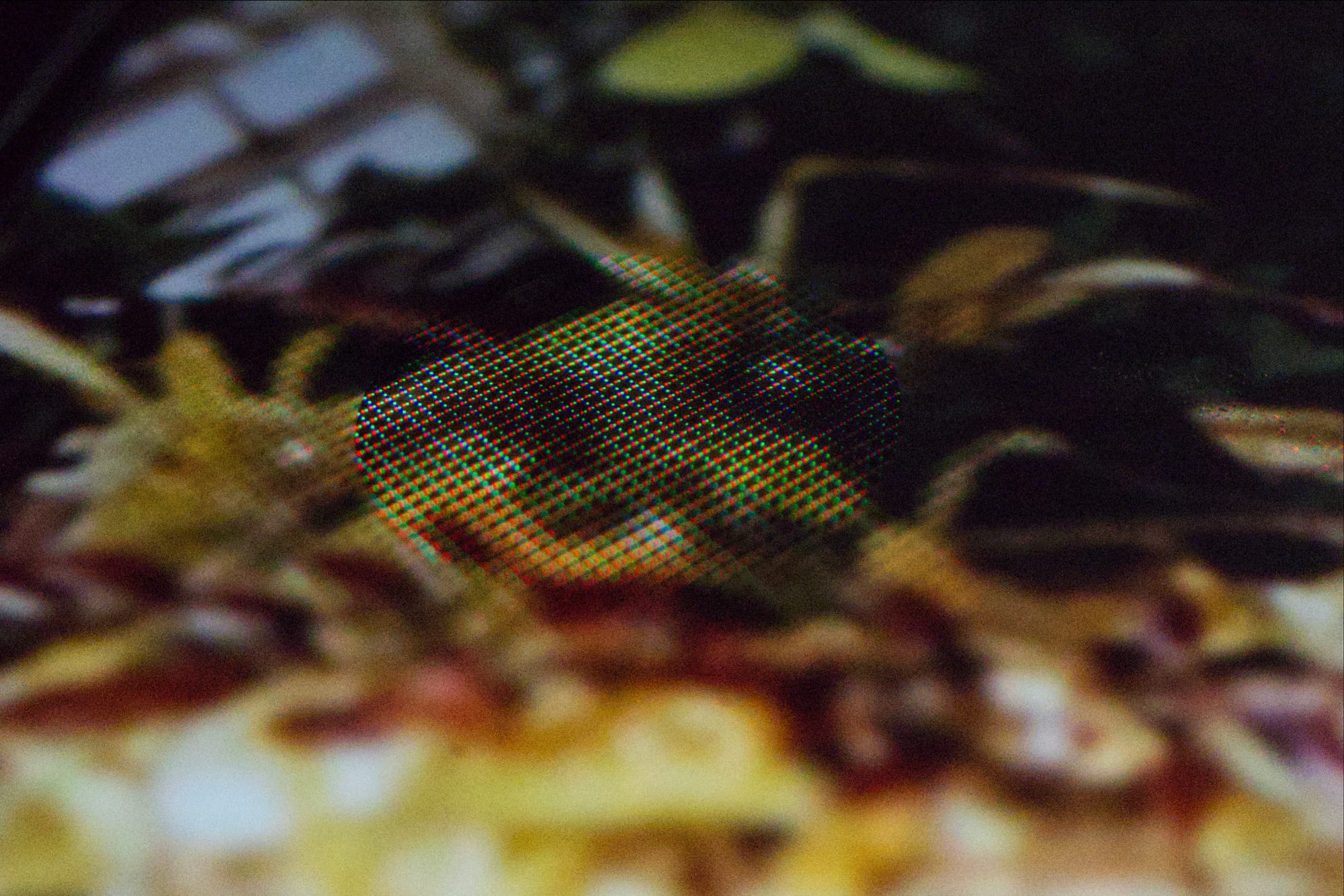
The inner front-facing camera is worse off because it's hidden behind the display, which is like taking a photo behind a screen door. It's going to cost light and detail.
Apple does not allow RAW capture from the inner front-facing camera. Developers can only access the final, processed image. Maybe Apple knows that the unprocessed image is so bad that it's a waste of a photographer's time.
The inner front-facing camera is fine for FaceTime calls. If you want to take a good self-portrait, you should at least use the outer front-facing camera. Better yet, unfold the Duo and use the back-facing camera.
The Tele-phant In the Room
So the biggest omission, and most valid criticism of the Duo, is the lack of a telephoto camera. Will you miss it?
If you only shoot with Apple's camera app, you probably use the telephoto camera less often than you think. When there isn't enough light, or you try to capture something too close for it to focus, Apple's camera app quietly switches over to the main camera and crops its results. It doesn't matter if you had the 4× button selected.
Fortunately, Apple's camera app saves metadata telling you the actual focal length used. This makes it easy to check in Apple Photos using a Smart Album.
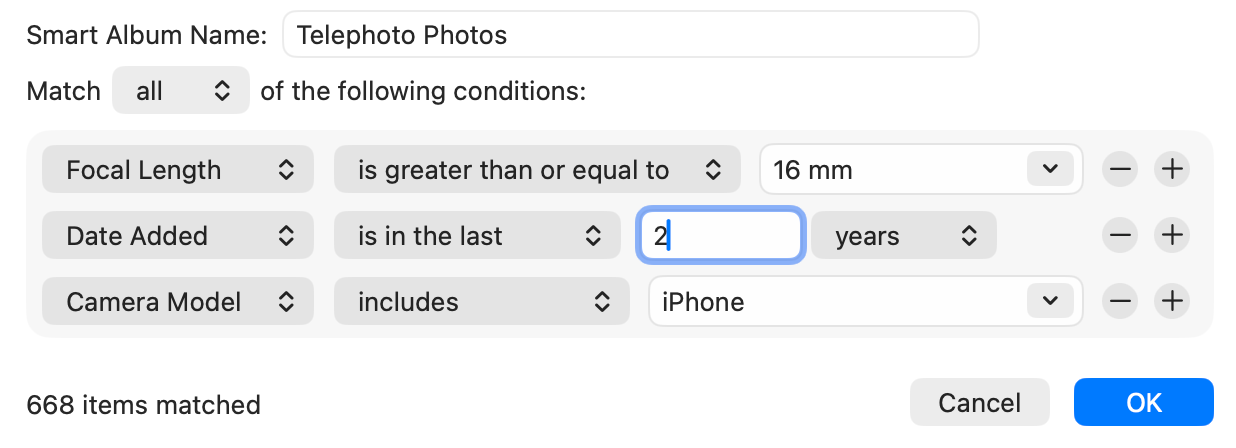
In the last two years, I've shot over 5,000 photos, and about 12% used the telephoto lens, and a good chunk were purely test photos for developing Halide. This made me comfortable trying the Duo as my daily driver, and in the last few weeks, I haven't had a single moment like, "Man, I wish I had a telephoto right now!" Then again, I've been pretty busy working on these Halide updates, so I haven't had time for any scenic trips.
The Lack of Pro Formats
I will say that the Duo's biggest weakness is the inability to capture ProRAW. ProRAWs give you incredible latitude when editing high dynamic range scenes like this one.
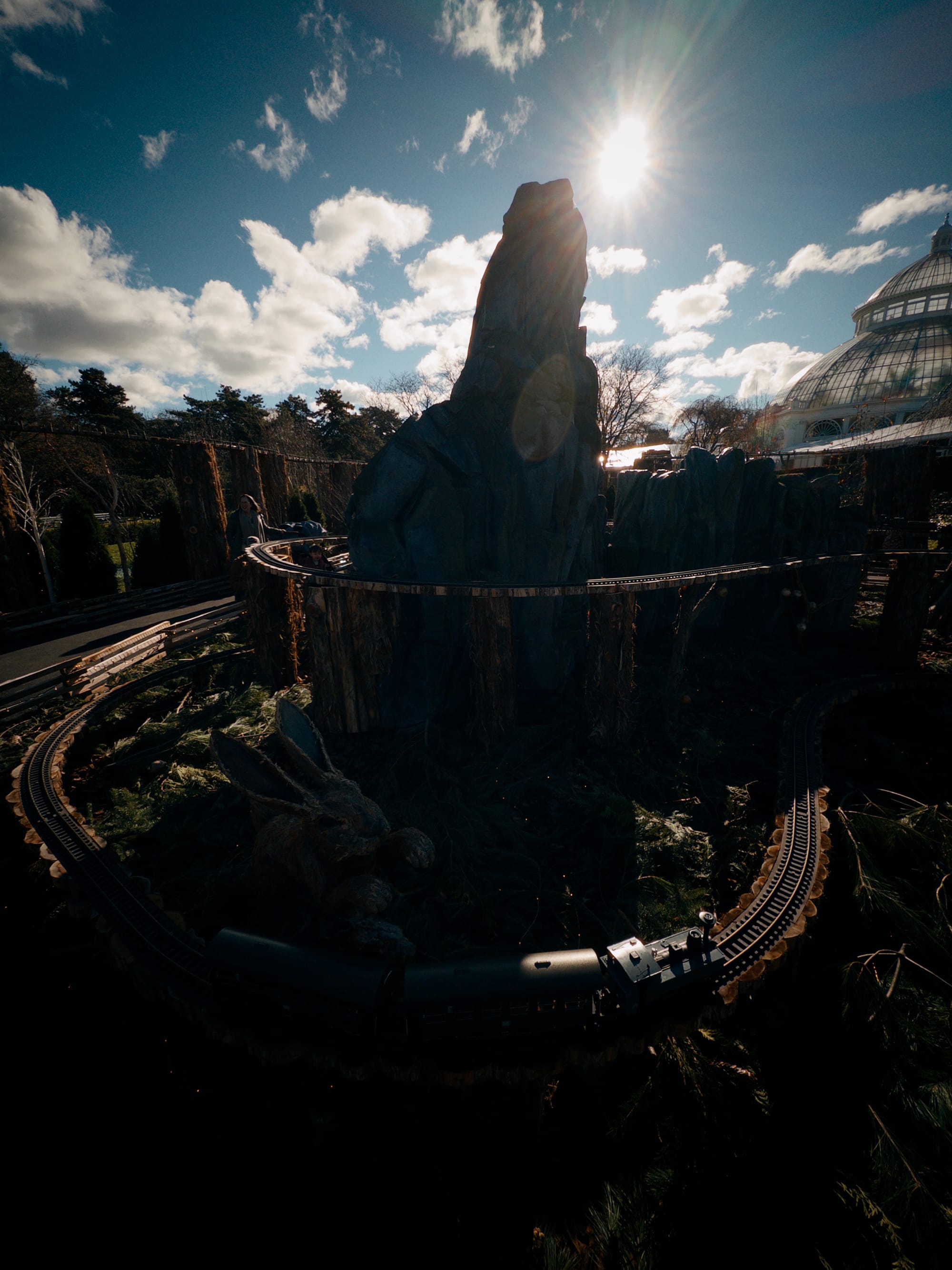

Before and after exposure adjustments with a Bayer RAW.
If we zoom in, you'll notice sensor noise.
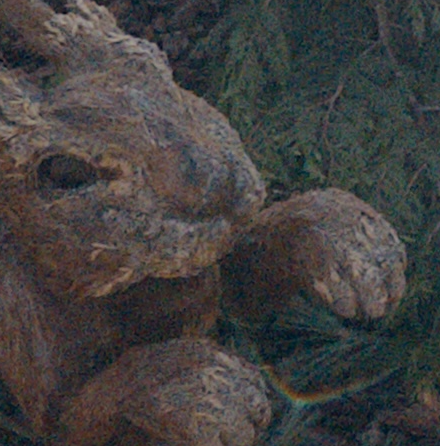
Unlike the low-light example earlier, here we have too much light in our scene. If we expose the shot to raise the shadows, we'll very likely clip details in highlights. We have to starve the shadows of light, which brings with it noise.
On the iPhone Pro, this is no problem. Deep Fusion takes multiple exposures, and packages it into a ProRAW for editing flexibility. Unfortunately, the Duo (and the rest of the non-Pro iPhones), only support native, Bayer RAWs. I'll also note that Night Mode is only available in the first party camera app, and it doesn't shoot Bayer RAW.
That's a longwinded way of saying that when shooting high dynamic range scenes, or using Night Mode, you are strictly limited to Apple's photographic styles.
Whether that's a dealbreaker is a matter of personal taste. Apple's photographic styles are not my cup of tea, but if you love them, great. I'm mostly disappointed that they're your only option, when I don't know a technical reason for it. ProRAW debuted in 2020 on iPhones with significantly less memory and processing power.
That said, third-party apps like Project Indigo build their own computational photography pipelines from scratch. It won't be consistent with Apple's camera app, but it might be a fine substitute when you have these itches.
The same can't be said of Apple Log, which is only available on the Pro lineup of iPhones. Even if a developer wanted to build their own version of Apple Log, Apple doesn't provide the APIs to do it.
Judging the Tradeoffs
The iPhone Duo is a great camera that allows you to produce amazing photos. It just isn't an iPhone Pro. In return, you get the benefits of an iPhone Duo. Is the Duo for you?
Since I began using the Duo as my daily driver three weeks ago, a number of strangers have struck up conversation asking what I think of it. This isn't the same level of curiosity as the first iPhone, but there's definitely interest. If you got this far into the review, clearly you're considering it. For all its 1.0 flaws, I really dig this device. I think it'll be popular. I just don't think it's the next step of phones.
You came for a camera review, so let's use a camera metaphor…
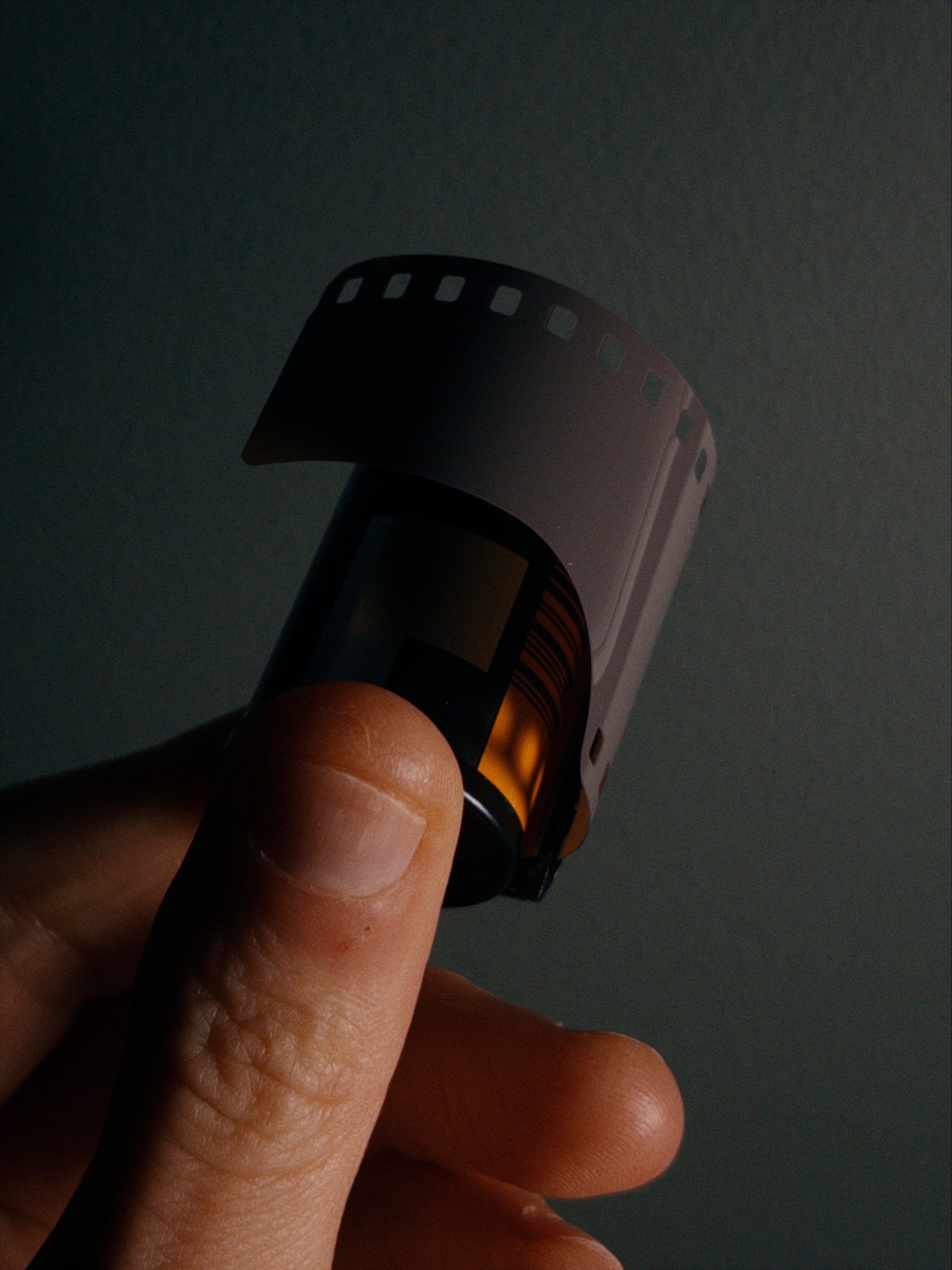
That's 35mm film. It dominated mass market photography until the move to digital in the 2000s. If someone says "film," you probably picture 35mm.
When NASA needed to capture the moon landing, they reached for "medium format," which is about 60mm. That film requires bigger, chonkier cameras.
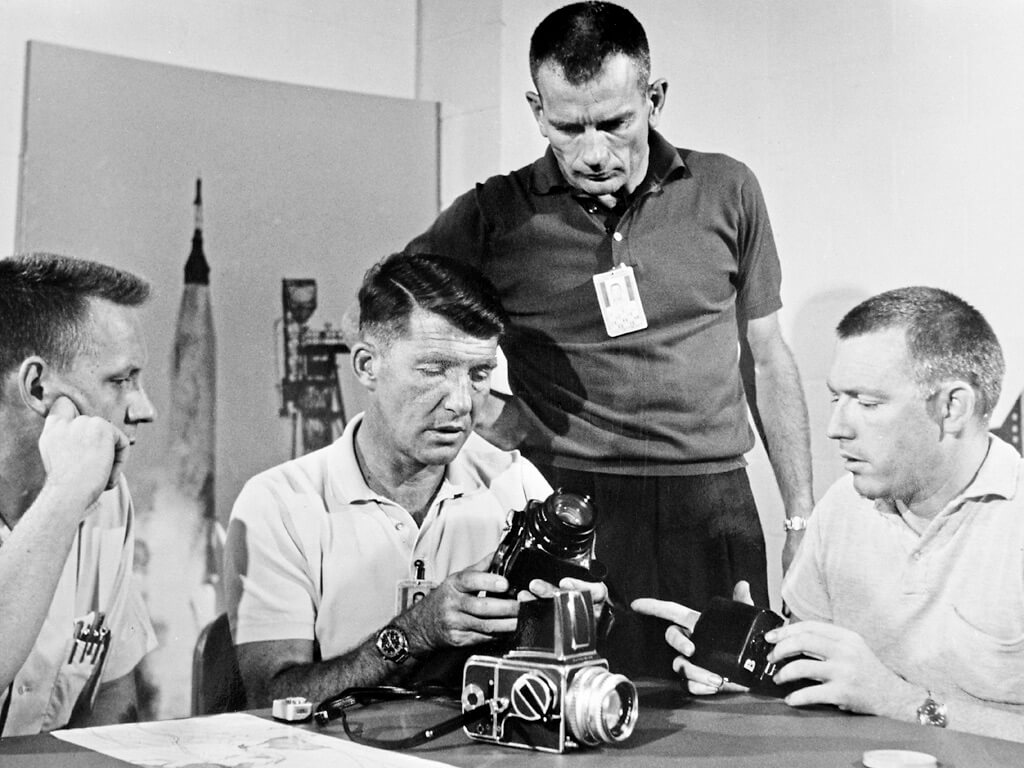
A normal iPhone is like 35mm camera, and it hits the perfect sweet spot between size and utility for most people. An iPad is medium format. It's great when you need to watch a movie or do some light productivity, but iPads are annoying to carry everywhere.
A few decades into mass market photography, we saw interesting experiments with transforming cameras. The Mamiya 6 had a collapsible lens design, bringing medium format to a portable form factor. In 1998, Hasselblad released the XPan, a bizarre camera that takes 35mm film, but let you capture photos as wide as shooting medium format.
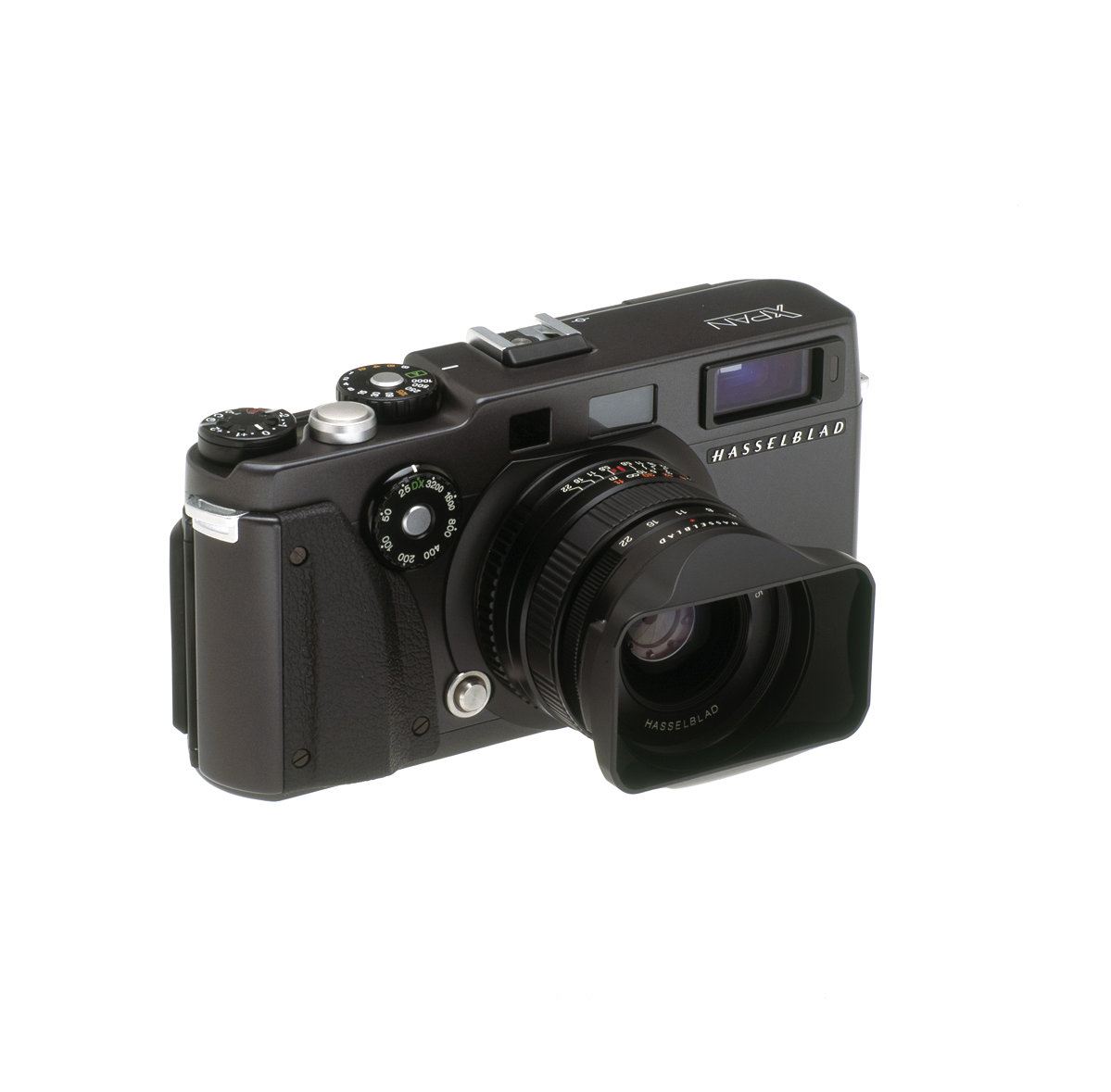
These cameras didn't set the world on fire. They were expensive, and solved a niche problem. However, they were still profitable. These companies sold these products for years, and even released updates like the Mamiya 7 and XPan II. These cameras have developed a bit of a cult following.
Foldables will always be more expensive and bulkier than single screen phones. Still, using a Duo for the last three weeks, I discovered a new itch alongside the scratcher. It's amazing to shoot a photo and then edit it seconds later on a screen with abundant space.
Niche cameras can thrive because film follows standards. If cameras were like apps, then all the film companies would have to update their film stocks whenever a new camera comes out. This is exactly the challenge Apple faces.
Apple needs companies to take the time to optimize apps for the Duo. Nobody wants a situation like Instagram, who waited 15 years before launching their iPad app. Even worse, some apps were outright janky on the day of the Duo launch.
That's because lots of apps were built on decades-long assumptions about iPhone interfaces, such as toolbars sitting at the bottom of the screen. I don't fault anyone for coding their apps around reasonable assumptions, and even Halide looked wonky on launch day. My penance was working through the weekend to ship a fix by Monday.
Three weeks later, Apple says over 200,000 apps have been updated for compatibility. My bank's app is not one of them, but hey, big corporations move slow. For most apps, the transition should be fairly painless if you paid attention to the to the "adaptive" APIs Apple introduced well over a decade ago. I'd wager all the popular apps will be serviceable before you can just walk into an Apple Store and walk out with a Duo.
That said, there's a difference between building an app that works on the Duo, and building a great experience for the Duo. While Apple's design guidance is a great starting point, it's deliberately generic. It can't tell you how your app can make the most of the new form factor, so it feels more than an iPhone app blown up to a big screen.
Making the most of the Duo for Halide has been an iterative, but fun, experience. When it was unveiled, the first idea that came to mind was "waist-level viewfinder," similar to a Hasselblad or Rolleiflex.
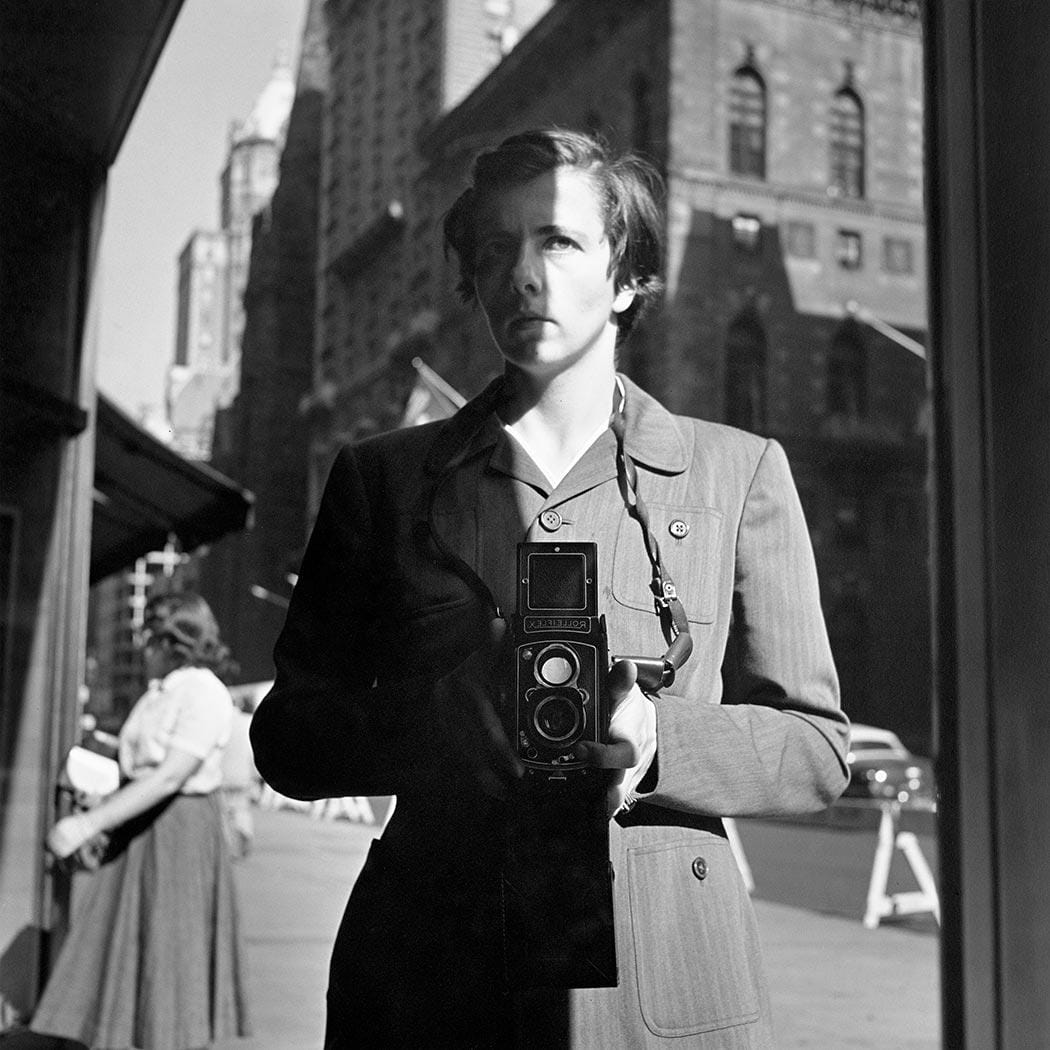
By half-closing the Duo and swapping from right to left, you can shoot from the hip.
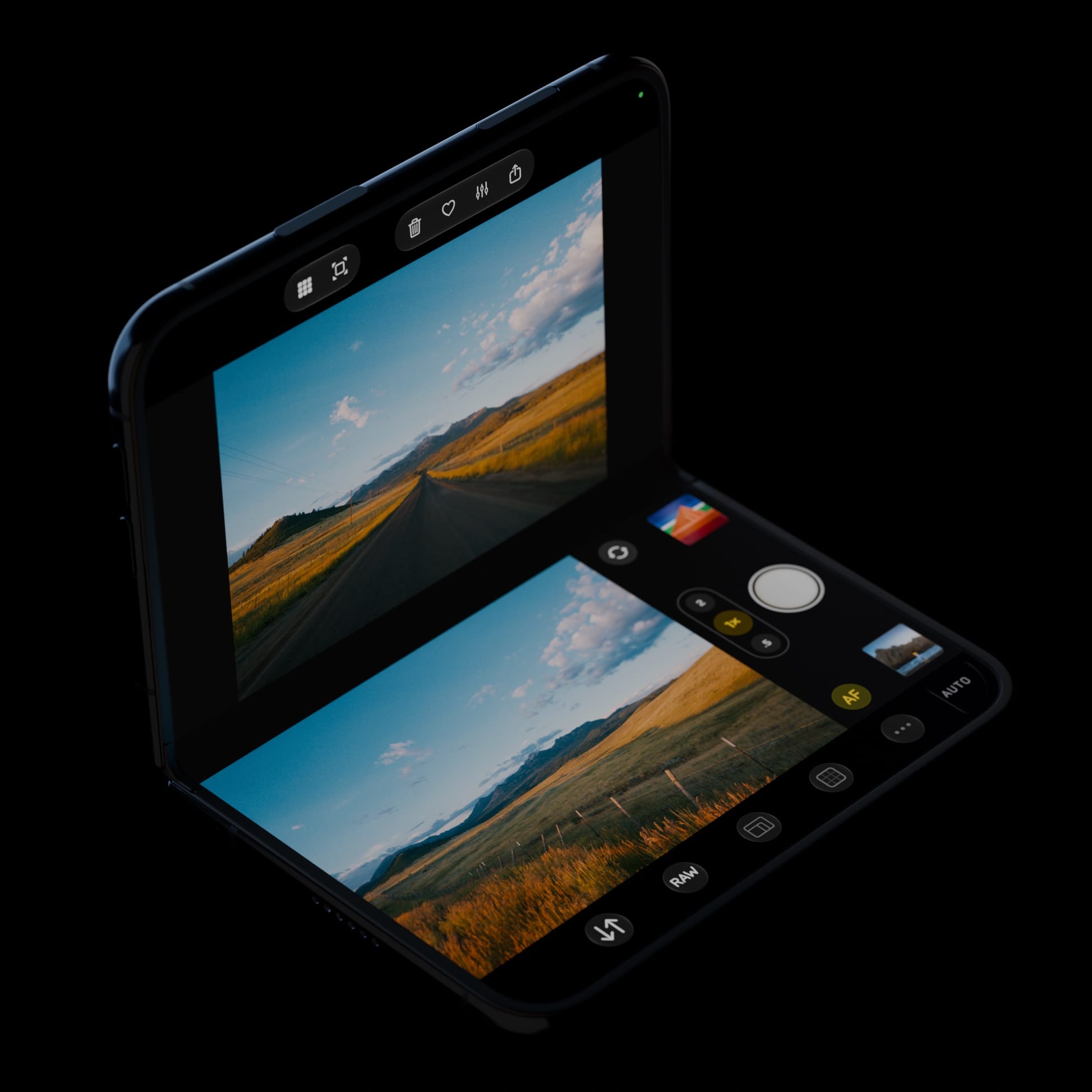
This has some ergonomic perks, like capturing your kids at eye-level without hunching over. Alternately, raise it above your head and look up, to get shots above crowds. Just please, please don't do that at concerts.
Some photographers find that changing their perspective gives them a fresh take on the art form. In portraiture, lowering the camera removes a barrier between you and your subject, and can lead to more candid results.
Another idea for the Duo was the ability to review your last photo side-by-side with the viewfinder.
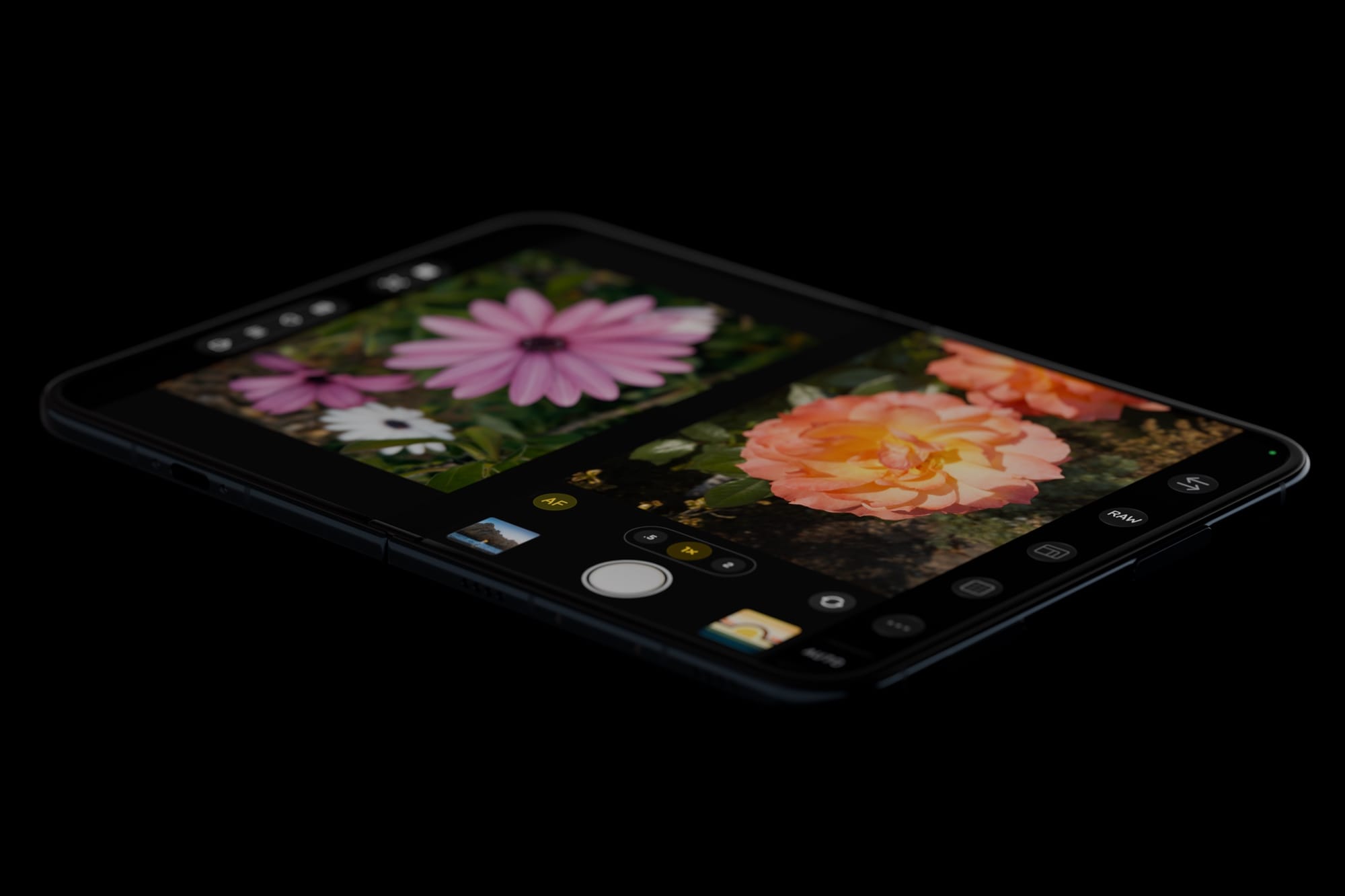
Caught someone blinking or looking away? Just delete it. Nailed the shot? Favorite it now, rather than hunt through your camera roll later.
We shipped our first update three days after the Duo's launch, and then listened to user feedback. Some users found the reviewer distracting, so we shipped a quick update that let you hide it. We also ran into more edge cases in the UI, such as needing to flip the toolbar from right to left in its split-app mode. That brings us to our second major update.
In today's update, we've found the perspective spot for the histogram: the crease. It's a bit of a "no man's land" for interaction when half-open, which makes it a good spot for auxiliary information.
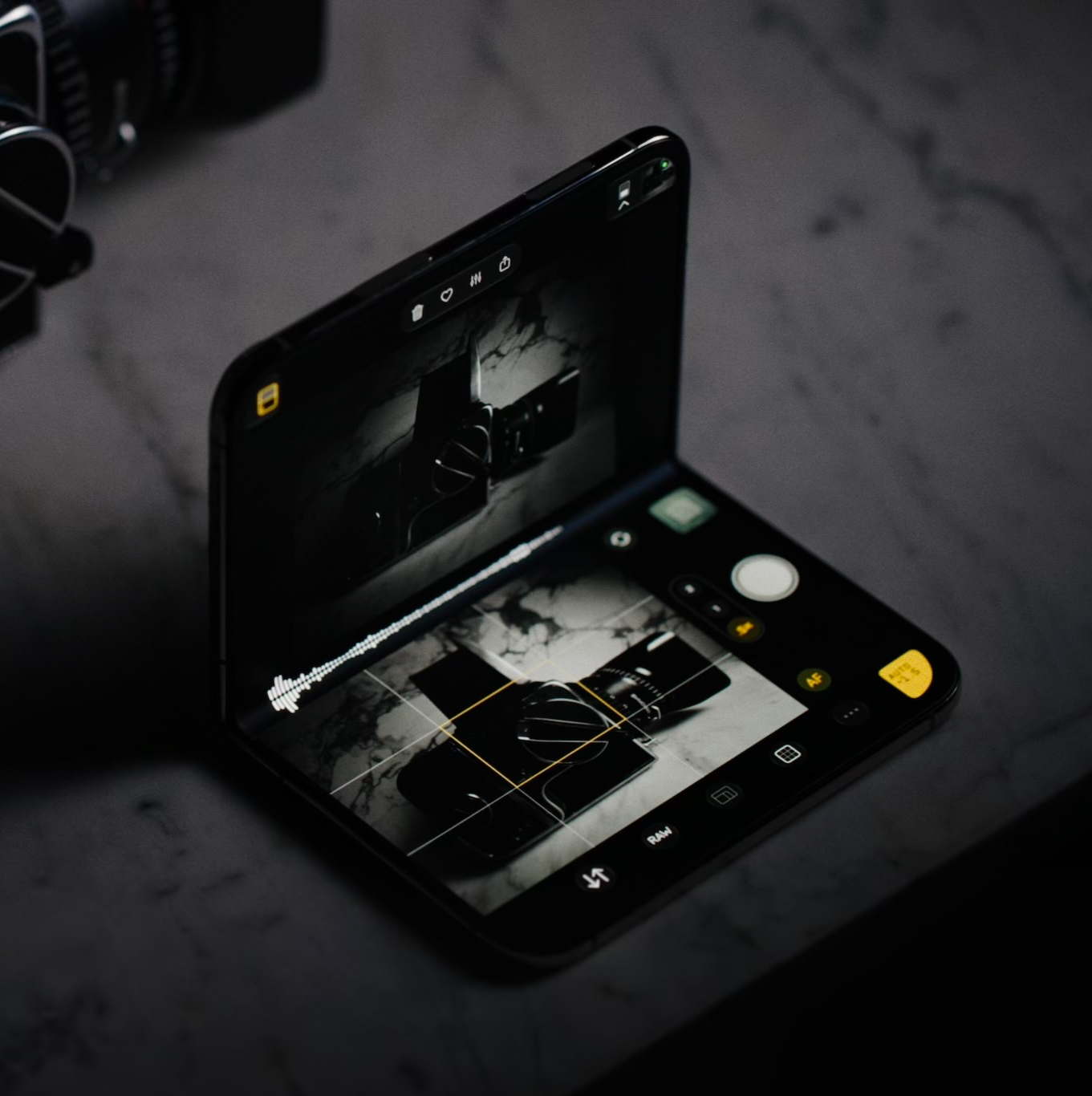
When you hide the reviewer, we show our "XL" mode, maximizing the viewfinder to make the most of the big screen.
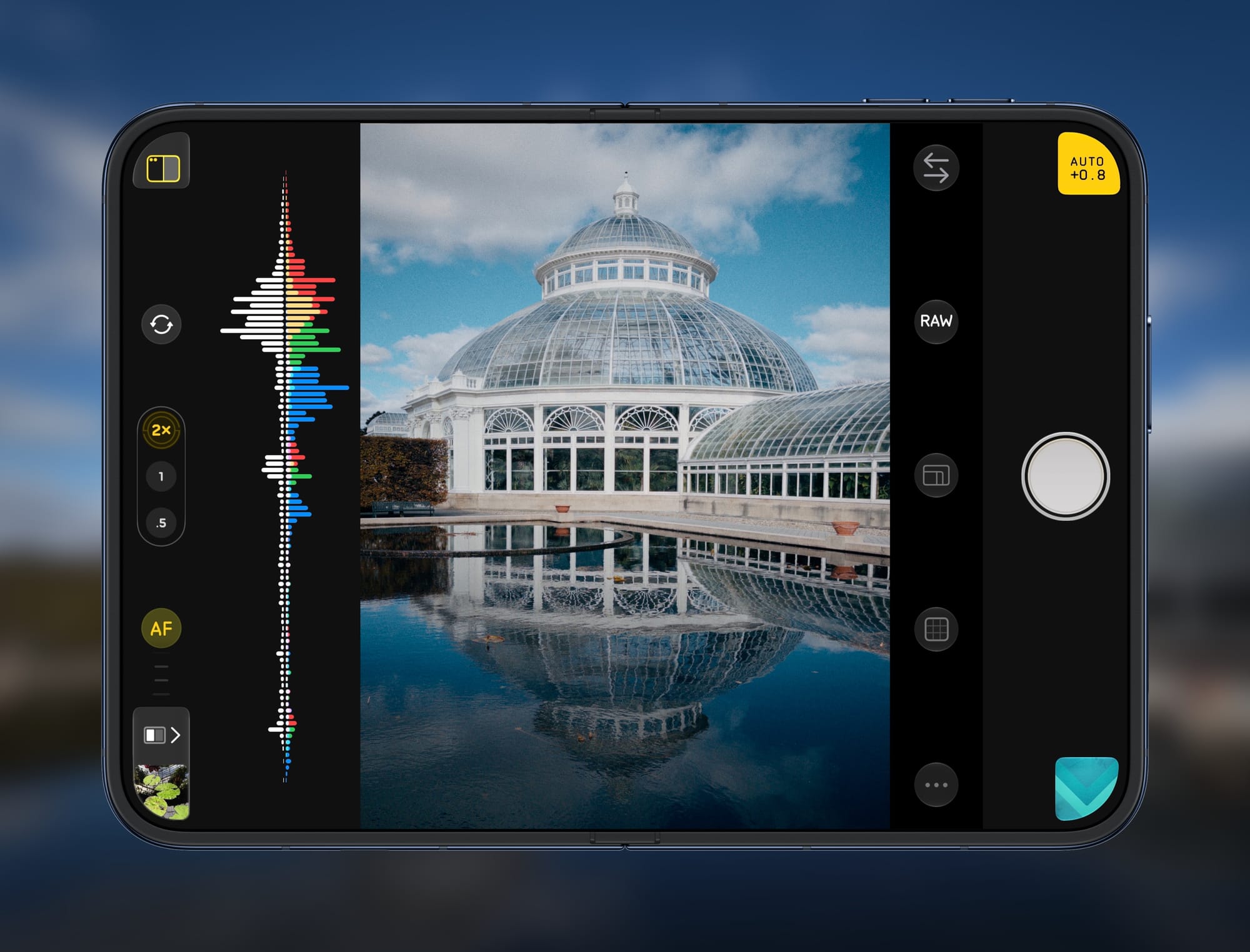
Lens controls move to the left, and it feels great to adjust focus with one hand while your other keeps your finger on the shutter button, just like a standalone camera.
Finally, we've added modes to the outer screen when fully open. You can mirror the camera view, which is great if you need to take a selfie with the best camera. Alternately, you can display a preview-only to avoid the distraction of controls.
We've also added an option to use the outer-screen as a softer alternative to the flash. Consider this shot.
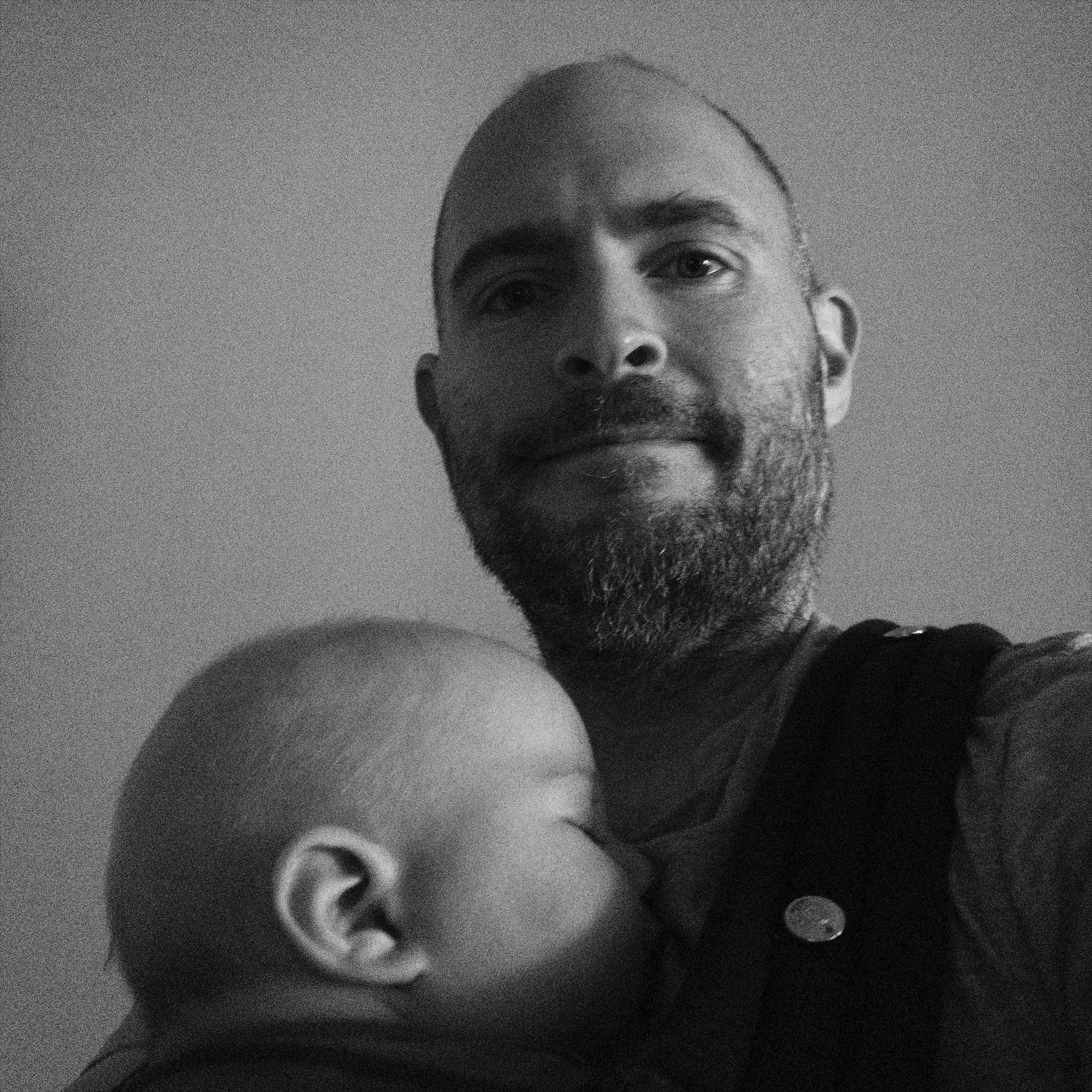
Let's say I want to lift my face out of shadow, which is the job of a flash-fill. Unfortunately, the tiny flash on an iPhone is not great in this situation, unless you're going for a vintage Y2K look.
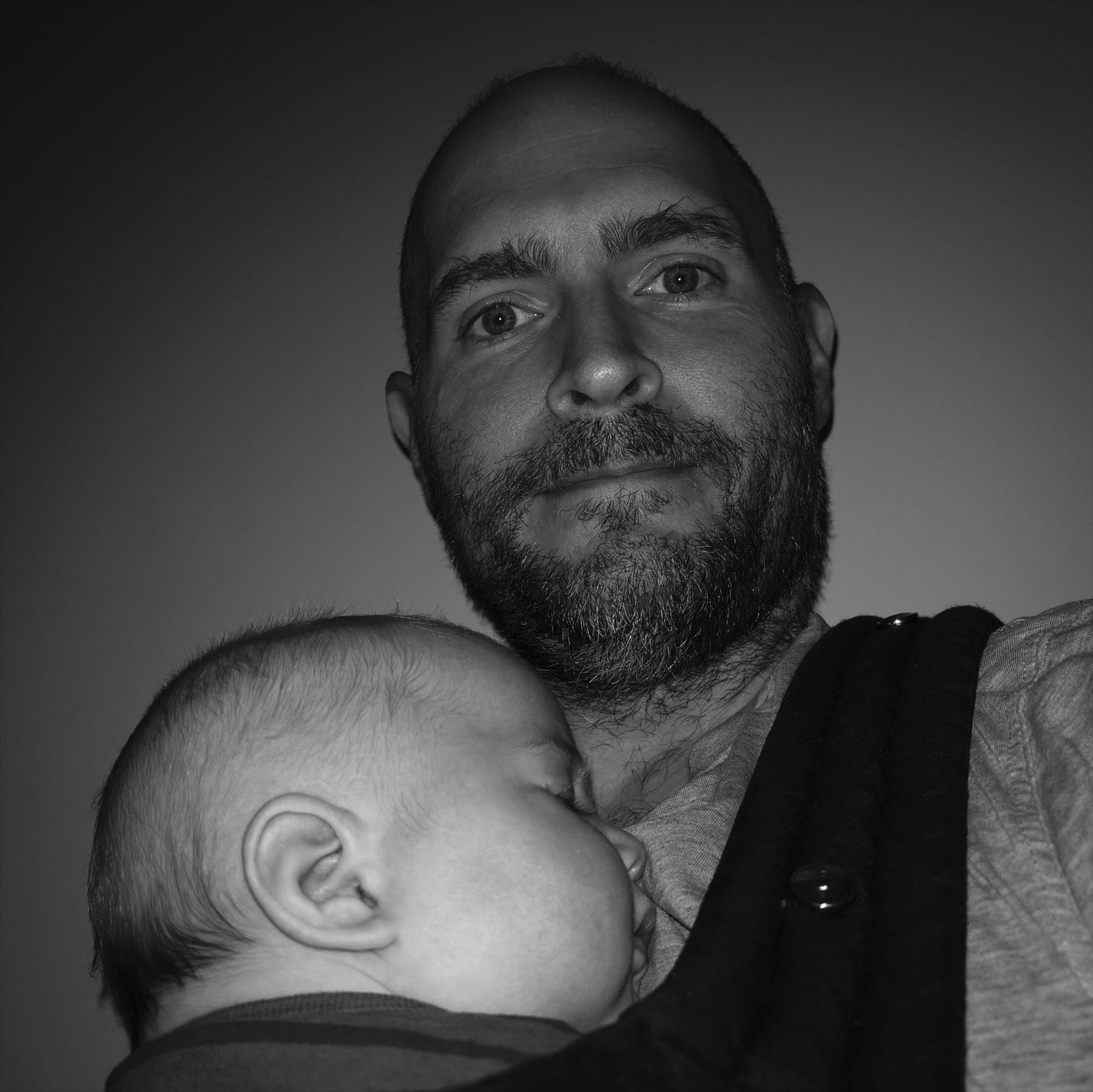
A larger light source, like the outer screen, yields more natural results even if it lacks the same power.
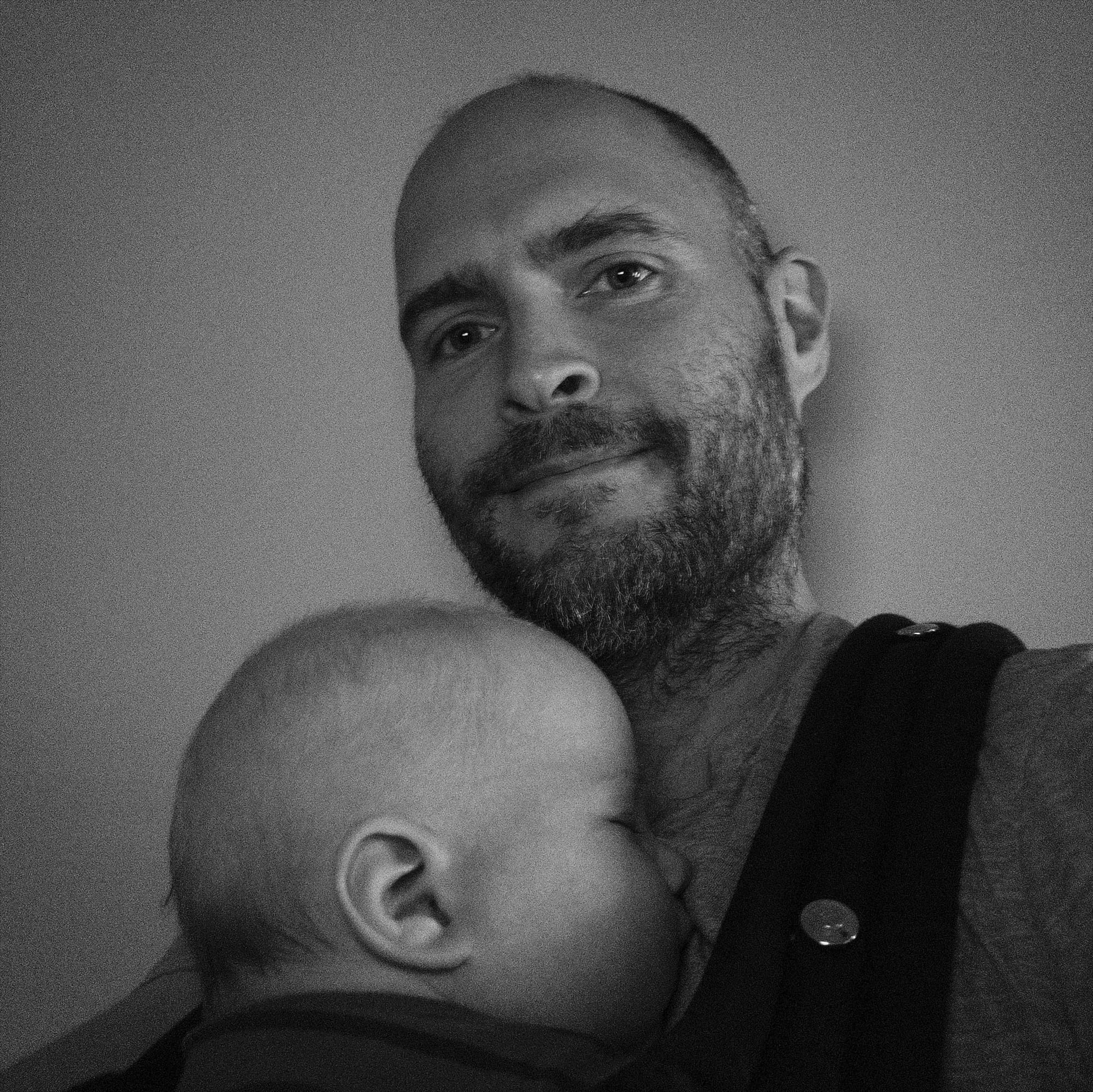
This is not going to work miracles, but if your subject is fairly close to the screen, you'll find that it provides softer, more even lighting.
Today's Halide Duo update is available now for all Mark III users.
I love the Duo. I'll find the tradeoffs worthwhile if I can be a little more productive on my phone. However, as someone who builds camera apps for a living, I'm far from giving up my iPhone Pro. Stay tuned for our 18 Pro review.